Time Electronics User Manual
5051 Plus and 7051 Plus Multifunction Calibrators v2.1
xx51+ Multifunction Calibrators Page 14 of 64
7. Operation
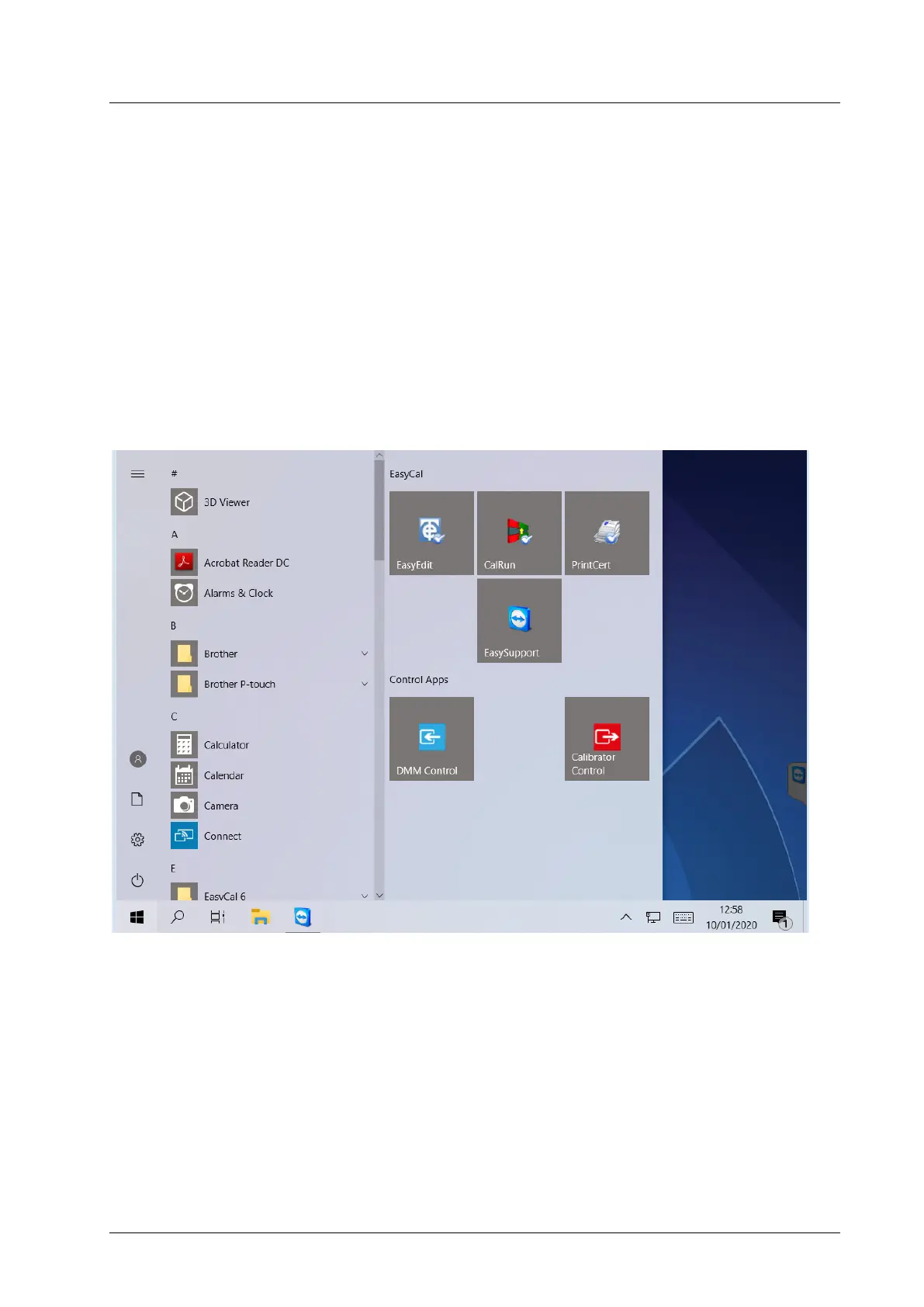
After completing the power-up initialisation the Control Centre will show the conventional Windows
desktop on the screen. The start menu is set up for the following applications:
EasyCal
• EasyEdit
• CalRun
• PrintCert
• EasySupport
Control Apps
• Calibrator Control (Source)
• DMM Control (Measure)



 To Next Page