Time Electronics User Manual
5051 Plus and 7051 Plus Multifunction Calibrators v2.1
xx51+ Multifunction Calibrators Page 38 of 64
7.8.1. PRT Simulation
Any temperature between -200ºC and 850ºC may be simulated.
7.8.1.1. Selecting the Output Value
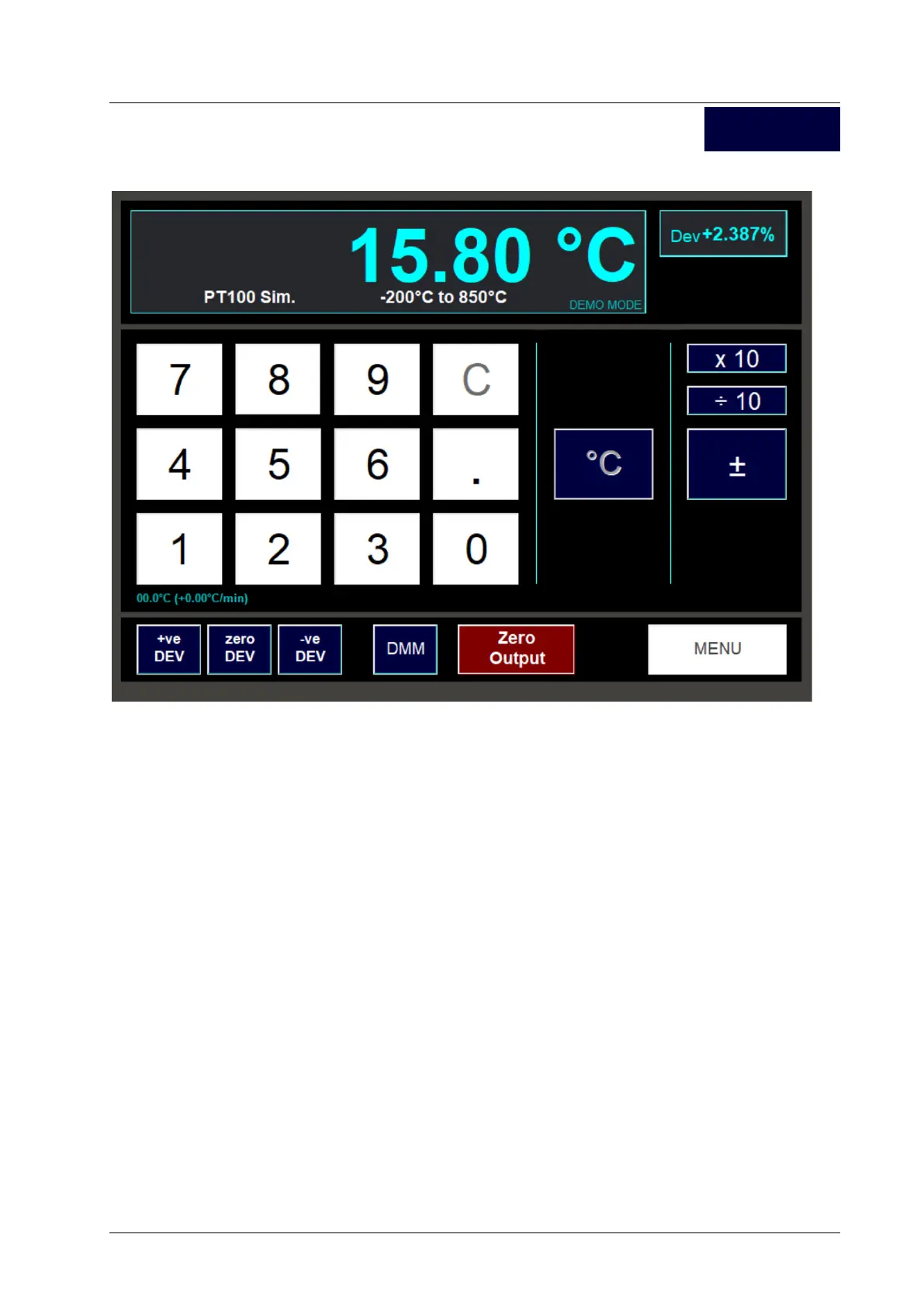
Enter the output required using the numeric keypad and then press the ºC button to set the output.
The +/- button can be used to toggle the simulated output temperature (if within the -200ºC to 850ºC
range).
The x10 and /10 allow the simulated output temperature to be multiplied and divided by ten.
Pressing the Zero Output button sets the simulated output temperature to zero degC.
The Dev buttons can be used to deviate the output in the usual way.
7.8.1.2. Exiting the PRT Simulation Screen
Pressing the Menu button returns to the Temperature function selection screen.
PRT



 To Next Page