Time Electronics User Manual
5051 Plus and 7051 Plus Multifunction Calibrators v2.1
xx51+ Multifunction Calibrators Page 23 of 64
7.3. DC Current
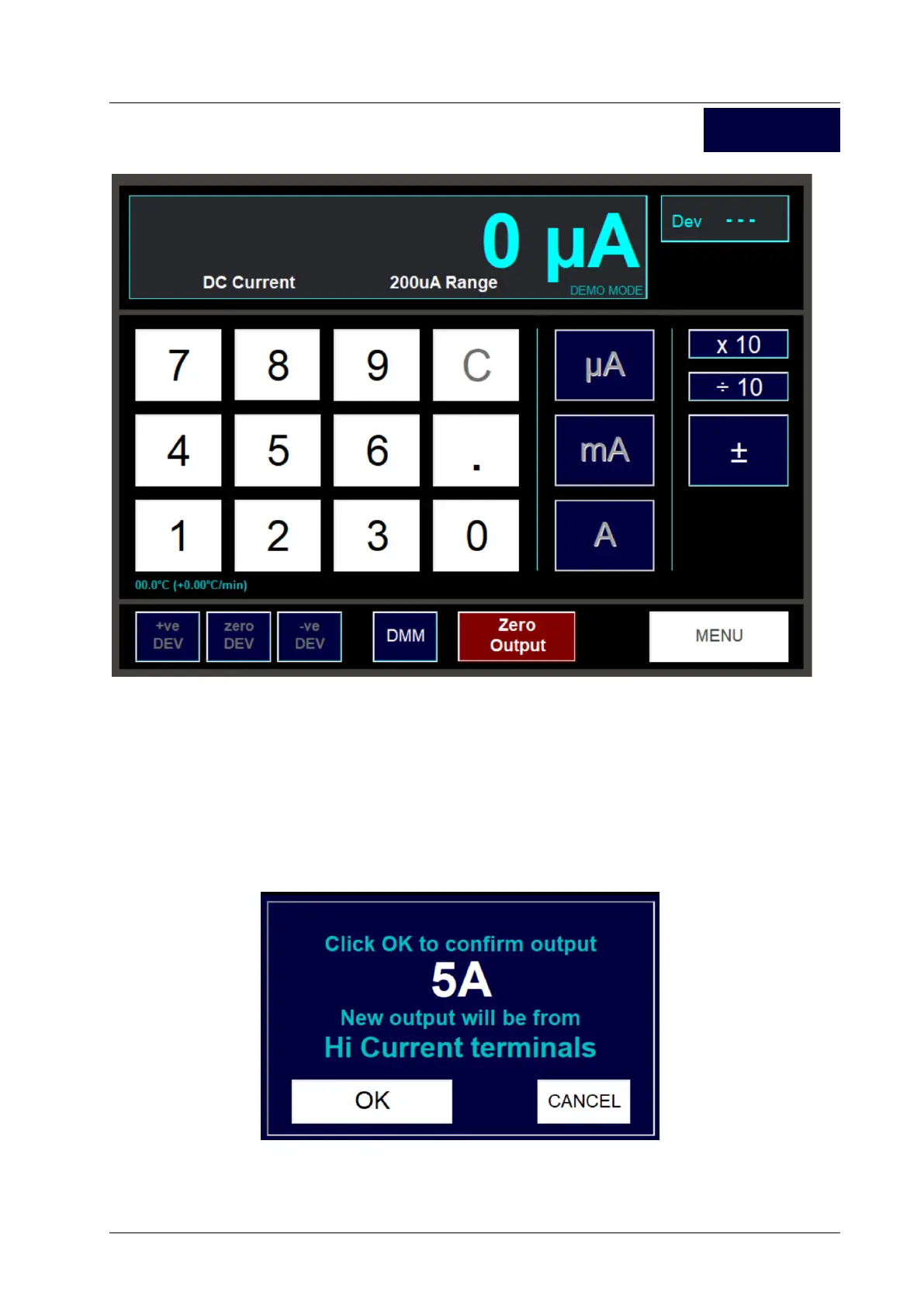
The layout and usage of this screen is almost identical to the screen used for setting DC V.
For common controls such as setting the output and using deviation, please refer to the DC V section.
Described in this section are features specific to the DC I control screen.
7.3.1. Current Output Terminals
For currents above 220mA, output will always be from the Hi Current terminals. Output levels below
this will be from the Main or Aux terminals (as specified on the Options screen – see later section).
When the output terminals change, a window will appear to inform you:
In addition, while the window is being displayed, the LED beside the output terminal in use will flash
to indicate that output is about to be connected to that terminal. It is safe to connect to the new
terminal at this stage.
DC I



 To Next Page