Time Electronics User Manual
5051 Plus and 7051 Plus Multifunction Calibrators v2.1
xx51+ Multifunction Calibrators Page 15 of 64
7.1. Operating the xx51 as a calibrator
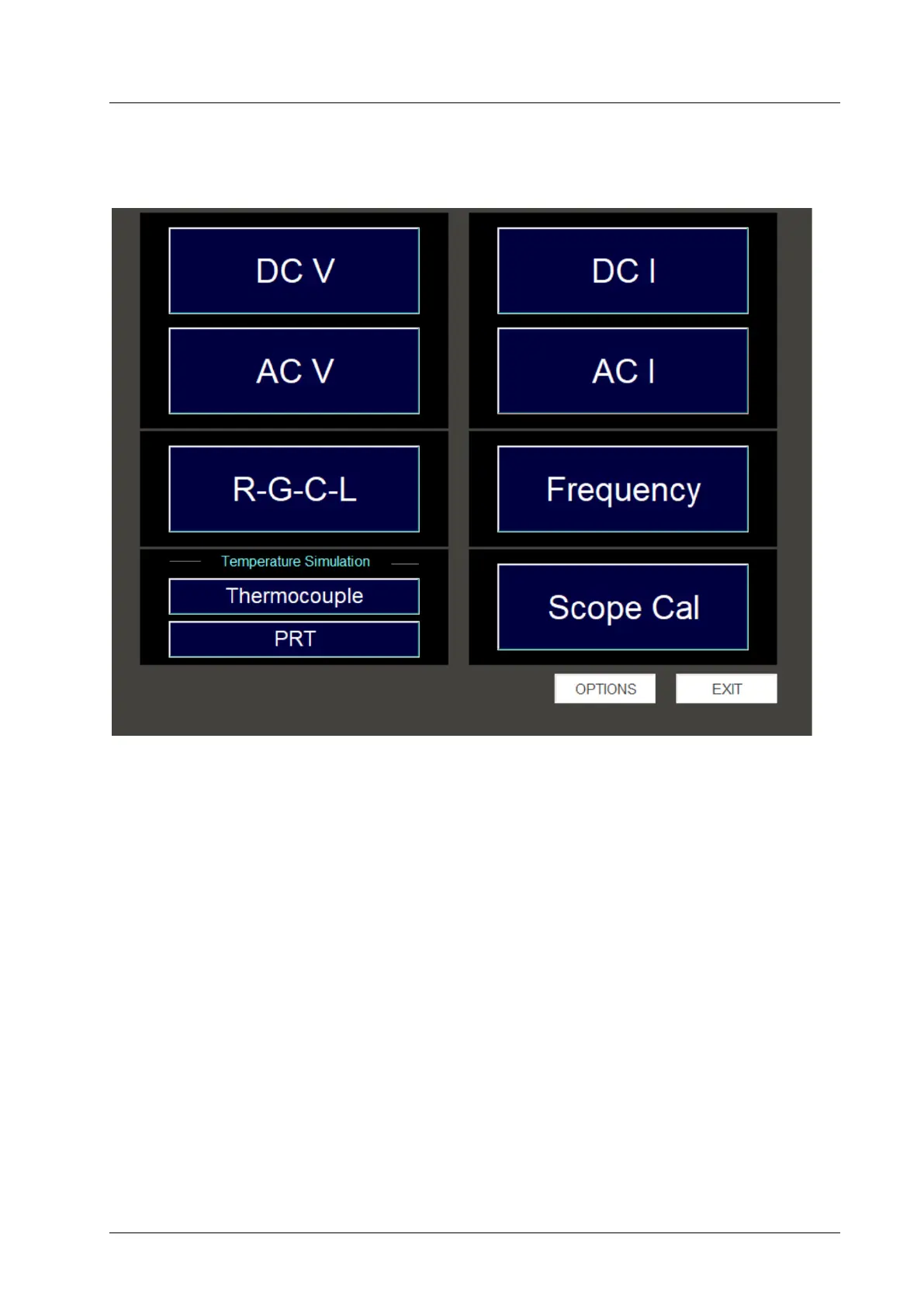
To use the xx51 as a high accuracy calibration source, click or touch the xx51 calibrator icon from the
start menu. The program will initialise the xx51 before entering the FUNCTION selection screen
which shows the main functions of the xx51:
The Options button provides access to various system set up parameters and general information
about the xx51.
The Exit Application button terminates the program and returns to Windows desktop



 To Next Page