Time Electronics User Manual
5051 Plus and 7051 Plus Multifunction Calibrators v2.1
xx51+ Multifunction Calibrators Page 56 of 64
9.1. Controls
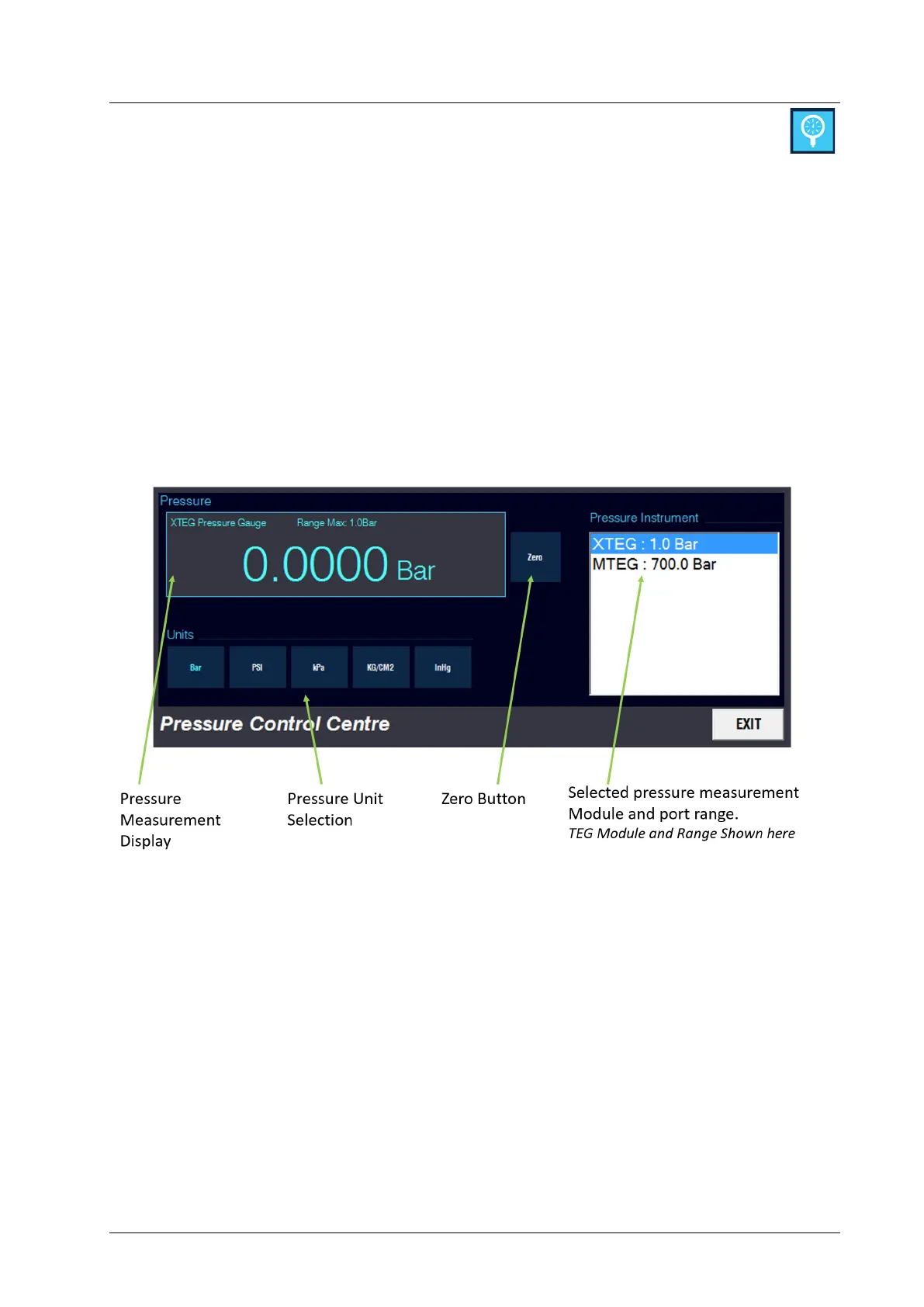
To view a pressure measurement; follow these steps:
1. Select the pressure module and port range from the Pressure Instrument list.
2. Touch the required units button for measurement.
For gauge measurements the reading should be zeroed before performing measurements:
1. Vent the input of the pressure port to atmospheric pressure.
2. Ensure the reading is settled to near zero.
3. Touch the zero button to reset the instrument to zero.
Note: RMTEG and MTEG modules have a primary display on the gauges. The Pressure Control
Centre provides an additional display, commonly utilised with pressure transmitter calibration.



 To Next Page