Time Electronics User Manual
5051 Plus and 7051 Plus Multifunction Calibrators v2.1
xx51+ Multifunction Calibrators Page 45 of 64
7.9.4. Frequency
This function allows selection of fixed frequency outputs between 0.1Hz and 100MHz.
7.9.4.1. Setting the Output
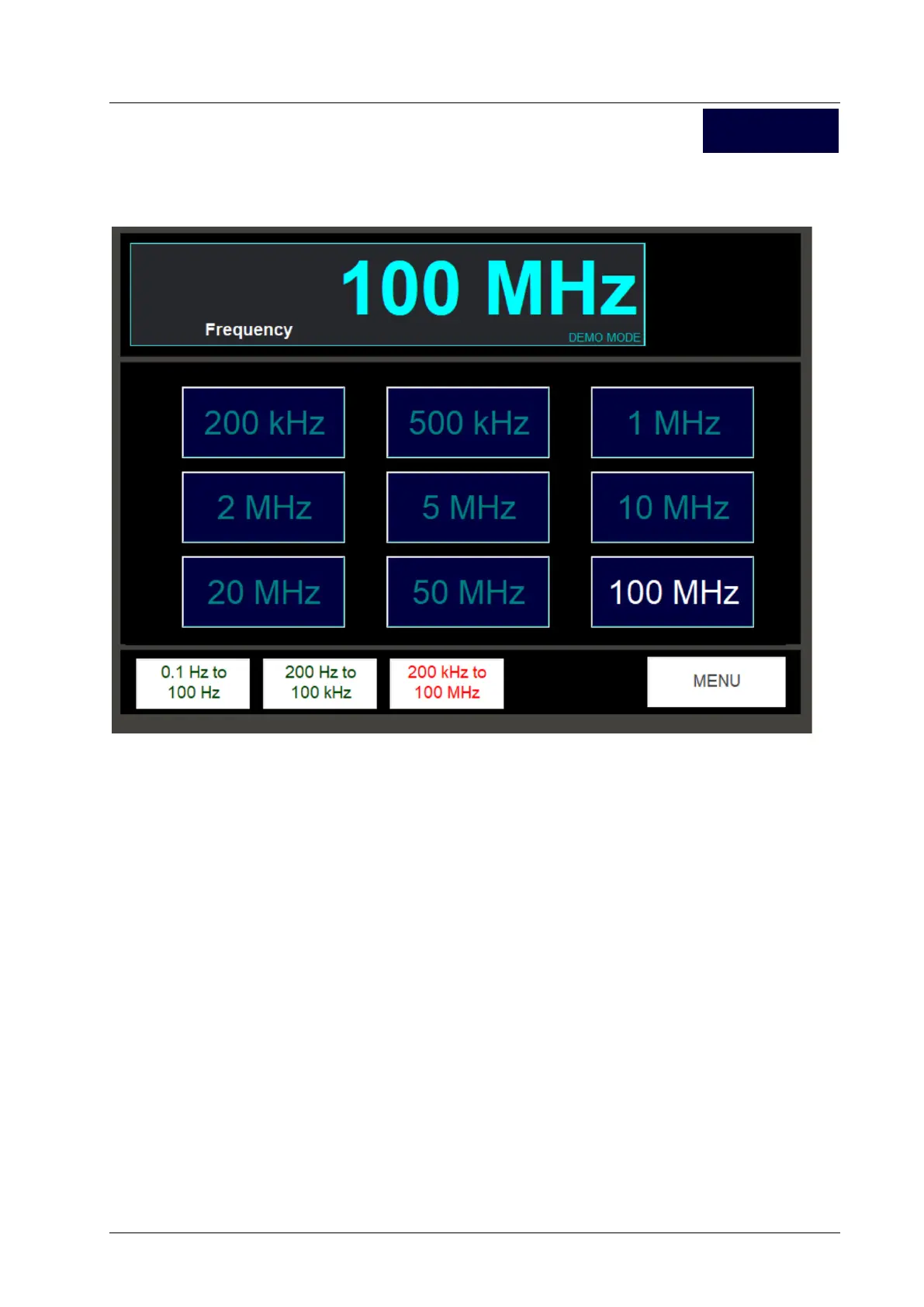
Because of the large number of spot frequencies available, they are split into 3 ranges for display
purposes:
0.1Hz to 100Hz
200Hz to 100kHz
200kHz to 100MHz
When setting a frequency output, first select the frequency range. The frequency buttons in the main
area of the screen will change to display the values within the range. Press the frequency button
required. This frequency signal will appear on the FREQ/SCOPE BNC connector on the front panel.
The readout at the top of the screen displays the frequency.
7.9.4.2. Output Levels
It should be noted that 100kHz frequency and below is 2V pk-pk square wave, and 200kHz and
above is 1V pk-pk. Above 20MHz, the rise time of the edges is apparent, and at 100MHz the output is
approximately sinusoidal, but still 1V pk-pk.
7.9.4.3. Exiting the Frequency Screen
Press the Menu screen to return to the Scope Cal function selection screen.
Frequency



 To Next Page