148
22. CHANGING THE SETTINGS
3. Select the new icon from <Starkey list>.
The icon is allocated in the selected icon position.
4. Repeat steps 2 to 3 to perform further icon
allocations.
5. Press {ENT} to finish allocating icons. The
allocated icons are stored in memory and
<Customize/Select screen> is restored. The
newly allocated icons appear in the Starkey
mode.
Items set and options (*: Factory setting)
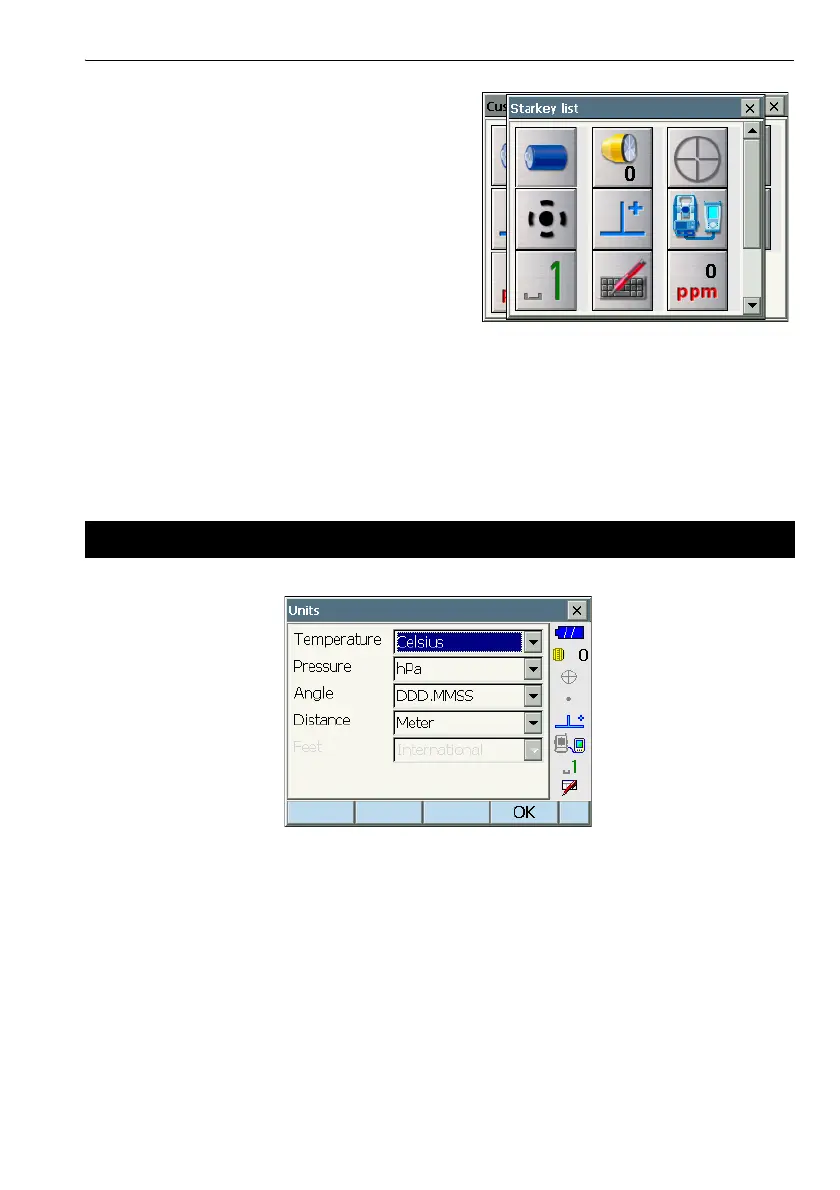
Temperature : Celsius*/Fahrenheit
Pressure : hPa*/mmHg/InchHg
Angle : Degree (DDD.MMSS)*/Gon/Mil
Distance : Meter*/Feet/Inch
Feet (only displayed when "Feet" or "Inch" selected above):
International*/US
22.8 Units



 To Next Page