Using the Camera and Compass
GMS-2 Operator’s Manual
4-4
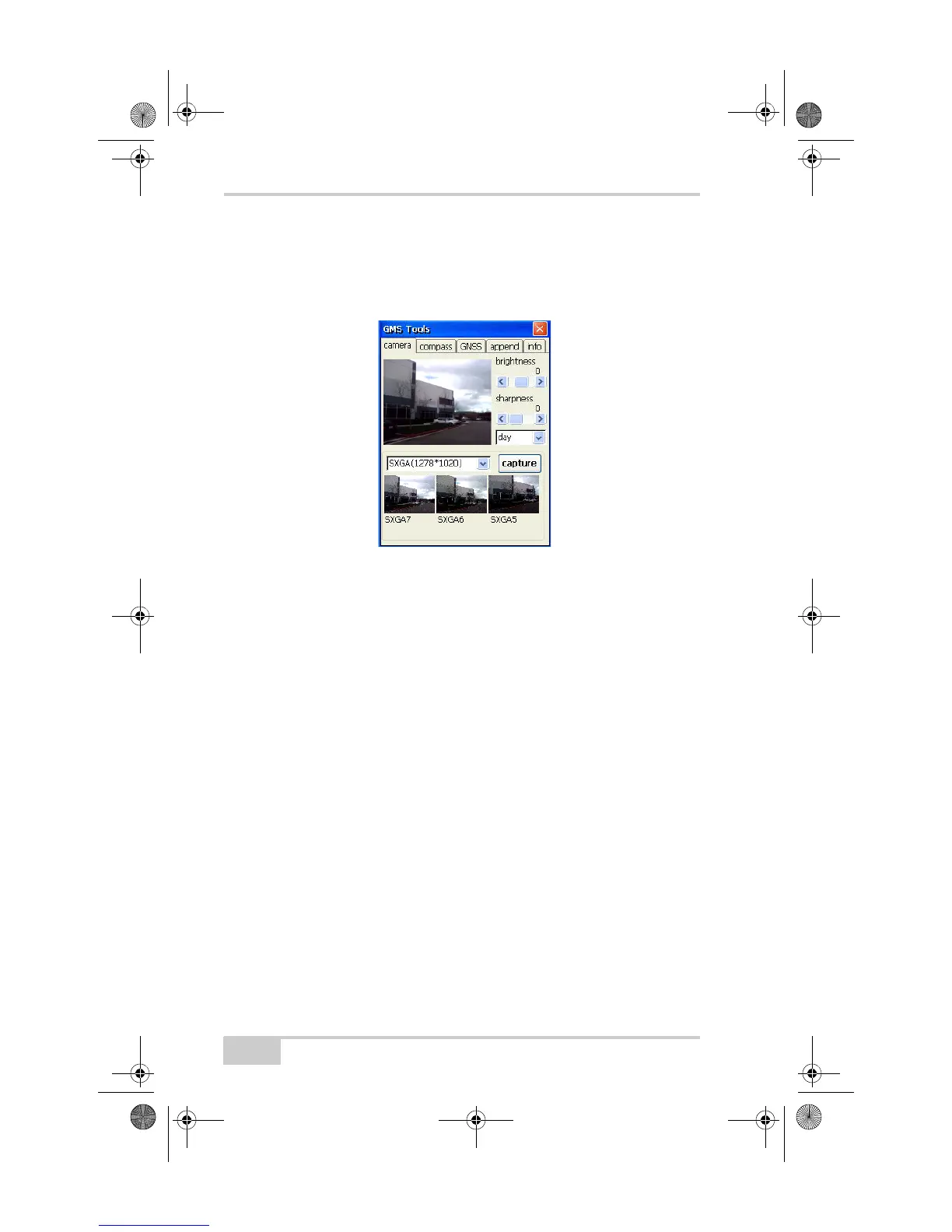
• Time of day – select “day” for images captured taken in bright
light, “night” for images captured in low light, or “auto” to have
the setting automatically detect the ambient light.
• Capture size – select the size of the image to capture, in bits.
Figure 4-1. Adjust Camera Settings
To take a picture:
1. Aim the camera at the desired object(s), using the finder/review
pane to frame the image.
2. Press Capture.
3. To save the picture, press Yes .
4. Enter a file name and navigate to the location in which to save the
picture. Press OK.
GMS-2_OM_Book.book Page 4 Friday, December 28, 2007 1:47 PM



 To Next Page