Troubleshooting
GMS-2 Operator’s Manual
6-8
Obtaining Technical Support
If the troubleshooting hints and tips in this Operator’s Manual fail to
remedy the problem, contact TPS Customer Support.
Before contacting TPS Customer support about any problems with
the unit, see “Check This First!” on page 6-1 for some solutions that
may fix the issue.
Phone
To contact TPS Customer Support by phone, call:
1-866-4TOPCON (1-866-486-7266)
Monday through Friday
5 am to 5 pm, Pacific Time
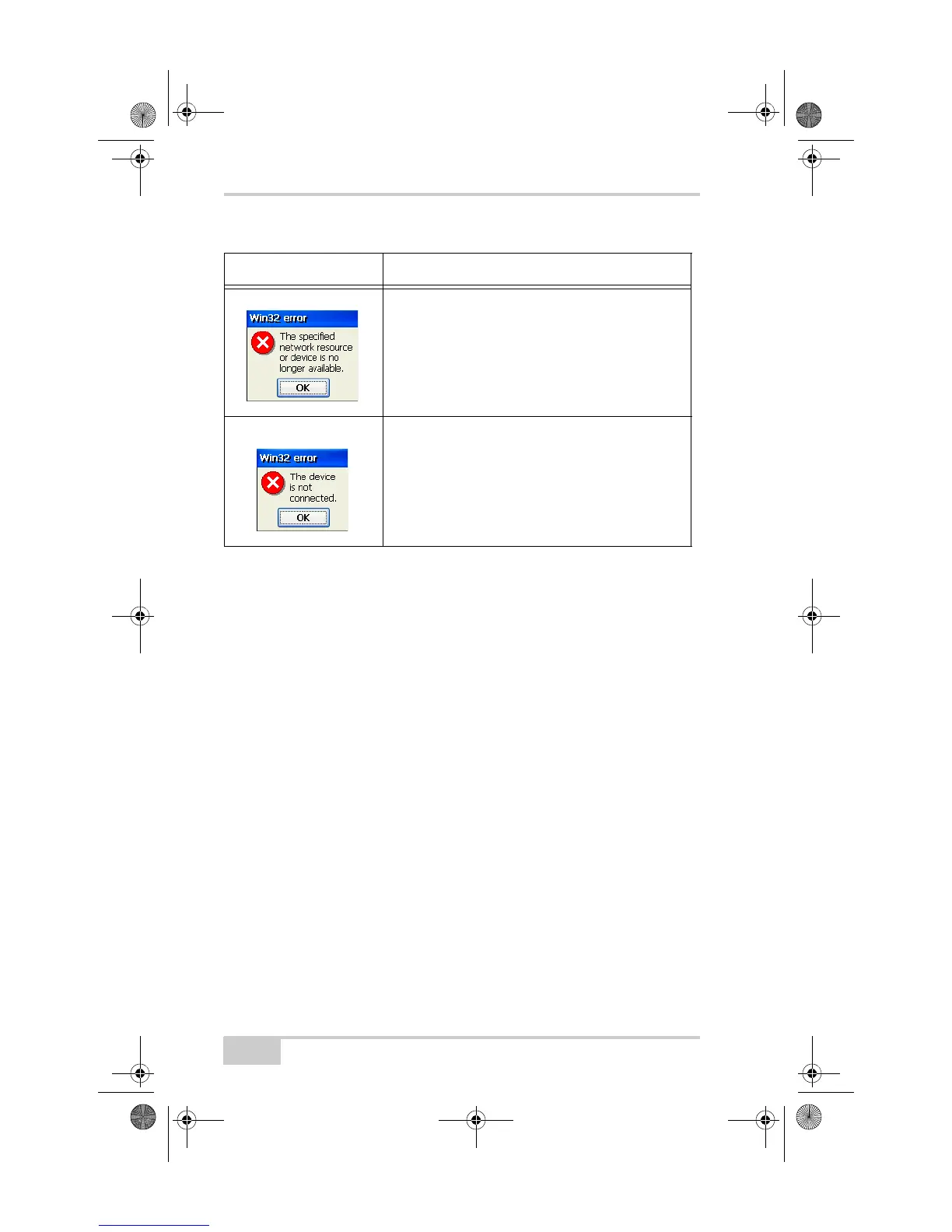
Another application is using the GMS-2 COM2
serial port. Close the application or release the port.
The COM2 serial port is reserved for the Bluetooth
Manager.
Port B of the GMS-2 GPS receiver, through which
the Bluetooth Manager connects to the Bluetooth
module, is not in command mode. Change Port B
input mode back to command mode or clear the
GMS-2 NVRAM. See the Operator’s Manual for
more information.
Table 6-1. Most Common Errors (Continued)
Error Message Action to Take
GMS-2_OM_Book.book Page 8 Friday, December 28, 2007 1:47 PM



 To Next Page