27
COMPONENT NAMES AND FUNCTIONS
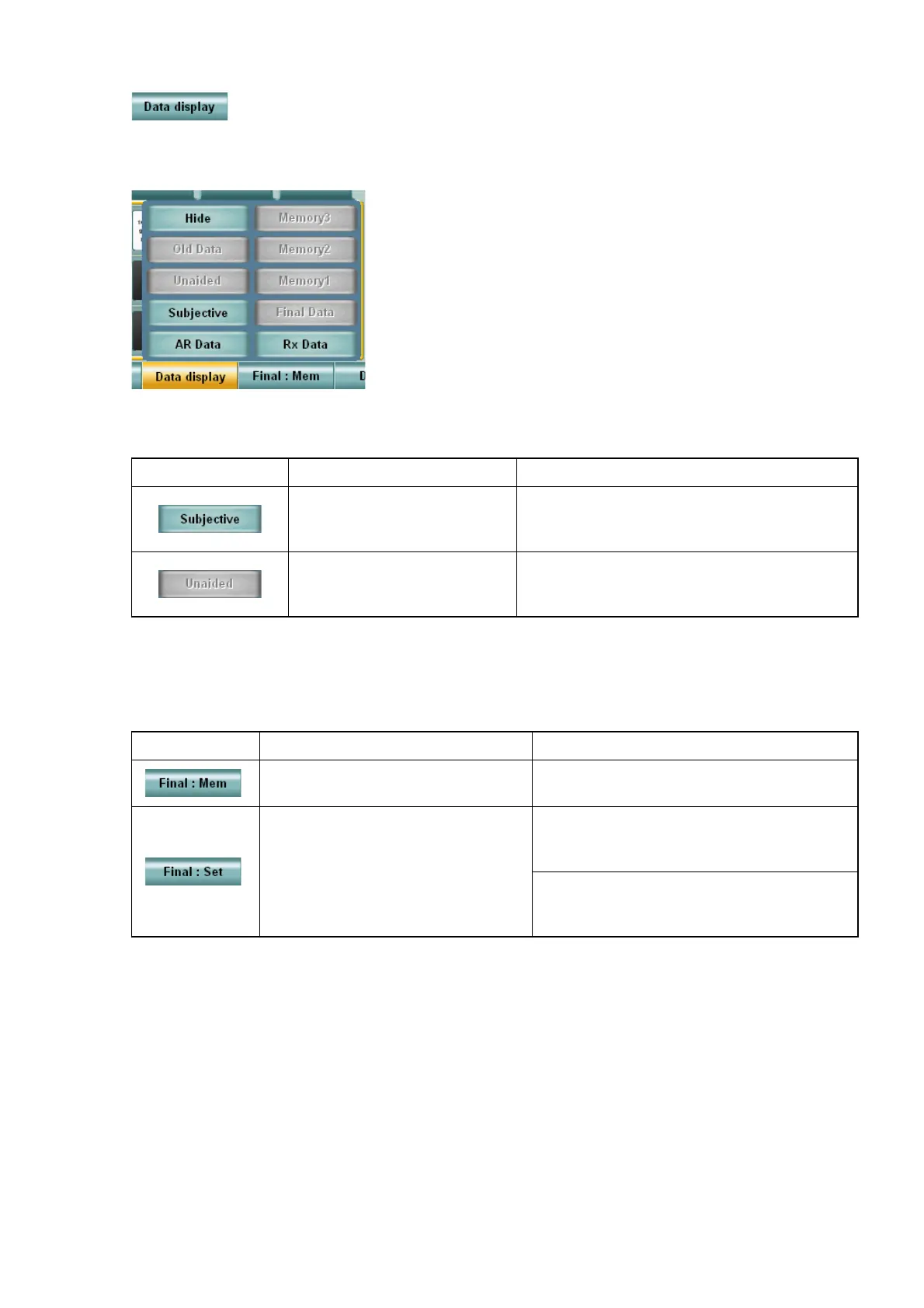
• Function 3: [Data display]
Displays the selected data on the data display unit.
Touch the [Data display] button, and the menu is displayed.
Touch the [Hide] button, and the displayed data disappears.
• Function 4: [Final: Mem]/[Final: Set]
The data being displayed in the main data area is recorded as the prescription data. The pre-
scription data is displayed in the main data area.
Example of display Meaning Operation by touching
This data exists and can be
displayed.
This data is displayed in the data reference
area instead of the data being displayed
when it is not displayed.
This data does not exist or
is displayed in the main
data area.
No operation
Display Status Operation by touching
The prescription data is not
recorded.
The main data is set as the prescription
data.
The prescription data is recorded.
The prescription data is set as the main
data. The data in the main data area is
moved to the data reference area.
By using the [Shift] switch together, the
prescription data is overwritten by the
main data being displayed.



 To Next Page