MC-X1 Connectivity and Configuration
Viewing General Information and Firmware
6
Excavator Indicate System P/N: 1022461-01
Viewing General Information and Firmware
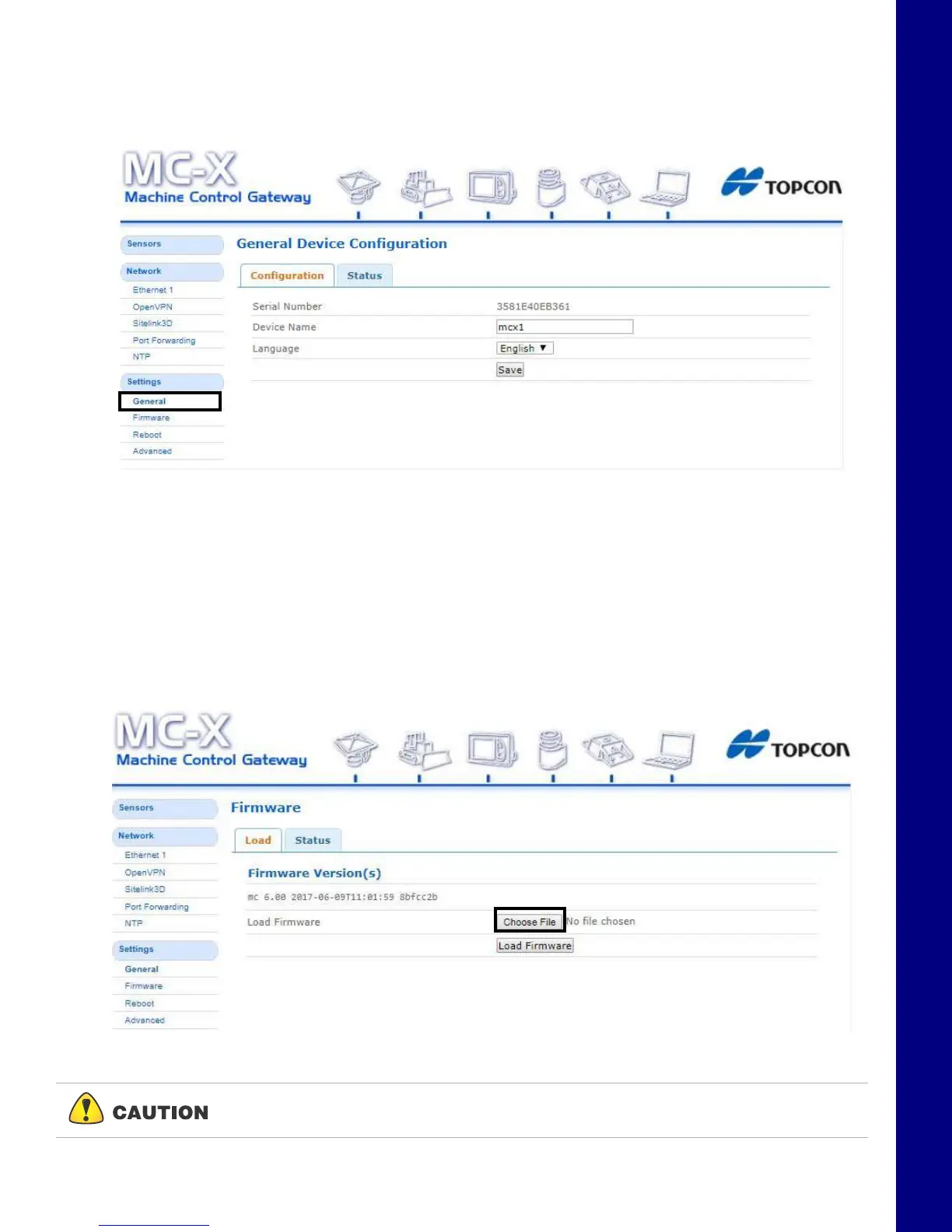
From the left menu on the screen, click Settings General. The device information is listed in the
General Device Configuration screen (
Figure 8).
Figure 8. General Device Information
Upgrading MC-X1 Firmware
1. To upgrade MC-X1 firmware, click SettingsFirmware.
2. Click the Choose File button. Windows
®
Explorer appears.
3. Locate and select the appropriate controller firmware for the MC-X1.
4. Click Load Firmware to begin.
Figure 9. Load Firmware - Choose File
Do not close the web browser or power off the system during the firmware upload
process.



 To Next Page