Installation
WiFi Antenna and Magnet Mount (If Purchased)
33
Excavator Indicate System P/N: 1022461-01
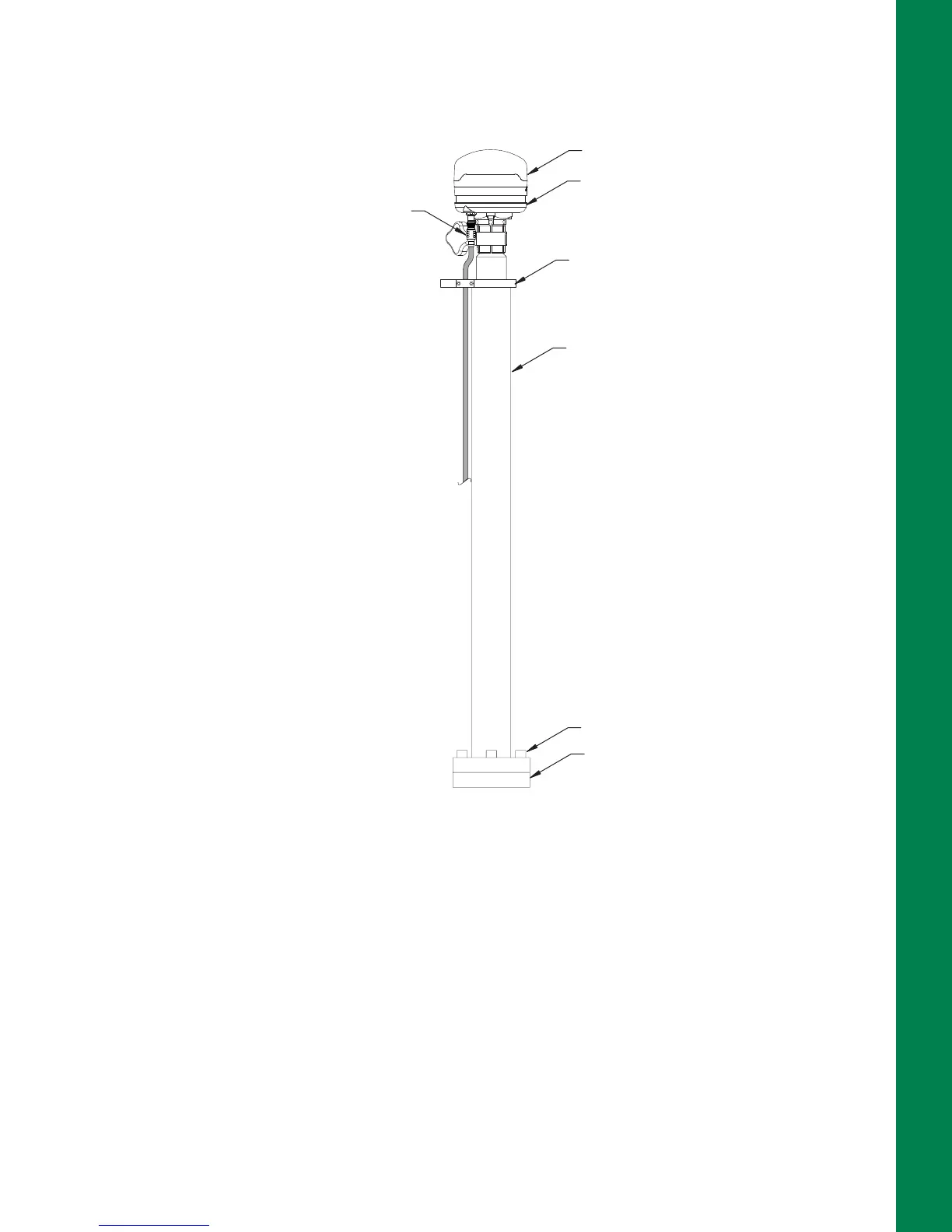
5. Install the GNSS antenna, align the strain relief bracket, and connect the cable (Figure 48 on
page 33).
Figure 48: GNSS Antenna Installed on Pole
WiFi Antenna and Magnet Mount (If Purchased)
1. Install the WiFi Antenna Magnet Mount onto the machine’s cab.
2. Install the WiFi Antenna onto the Magnet Mount.
3. Connect the WiFi Antenna cable to the MC-X1.
GR-I3 GNSS Antenna
Mast
Strain Relief Bracket
Cable
Antenna Vibration Mount
Weld Mount
Bolt 3X



 To Next Page