MC-X1 Connectivity and Configuration
Loading GR-i3 Firmware
9
Excavator Indicate System P/N: 1022461-01
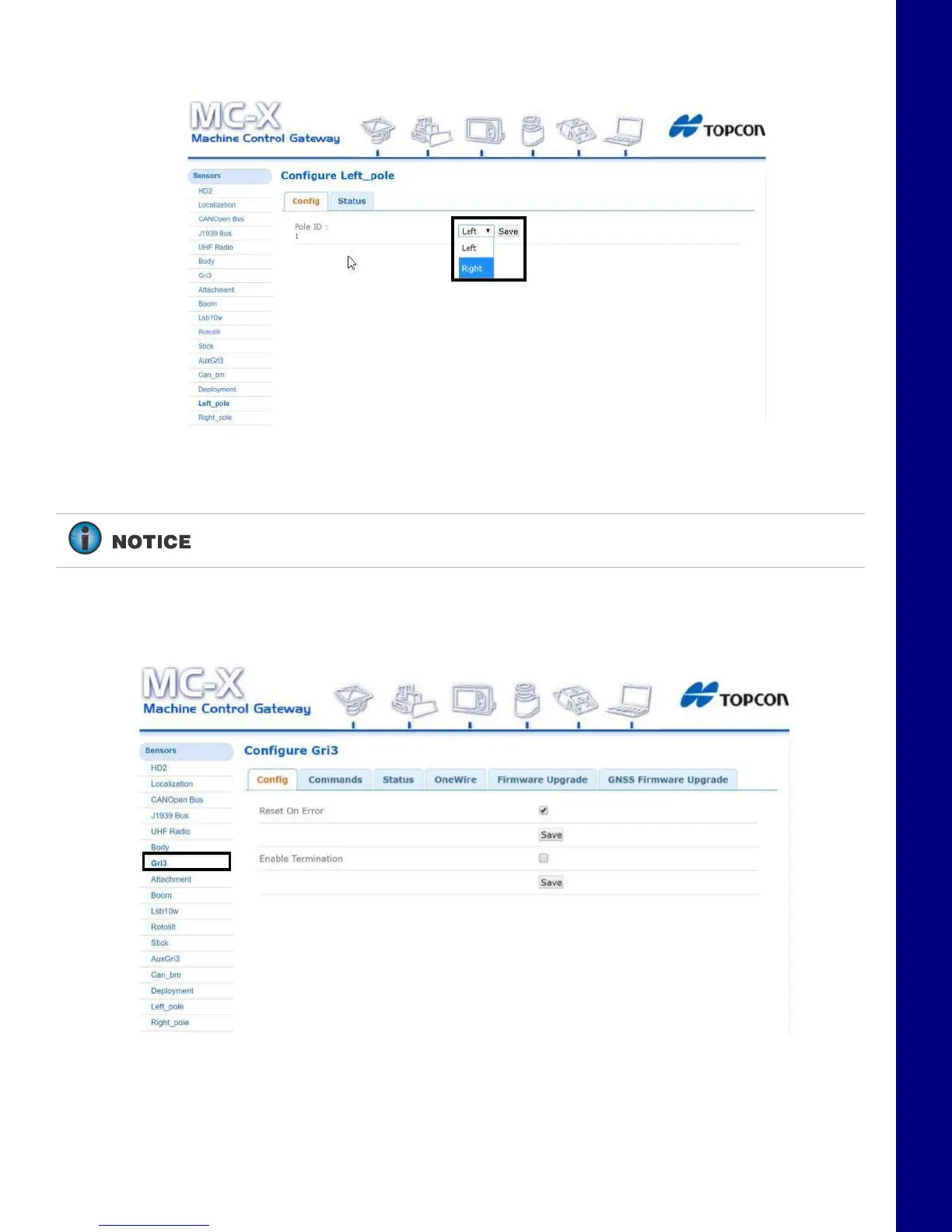
8. Tap Save. The GR-i3 Vibration Mount is set to AUX.
Figure 13. Right
9. Reconnect the CAN cable to the main GR-i3 Vibration Mount on the Left side of the machine.
Loading GR-i3 Firmware
1. Select the GR-i3 menu under Sensors.
Figure 14. Sensors - GR-i3
The GR-i3 units are not assigned Main or AUX. Only a Vibration Mount may be
assigned to be AUX. The GR-i3s remain interchangeable.



 To Next Page