Machine Measurements and Configuration
Entering Sensor Information
38
Excavator Indicate System P/N: 1022461-01
Entering Sensor Information
Power up the system and allow several minutes for the 3D-MC software to detect the sensors.
Before calibrating the sensors on the excavator systems, set up each sensor in 3D-MC. You will need
the following information:
• the last two digits of the sensor’s serial number
• the physical orientation of the sensor mounting
Step 1: Configure the Machine File and the excavator options.
1. In the GX Series display, tap the Power ButtonControlMachine setup.
2. Select a current machine file and tap Edit, or tap New to create a new machine file.
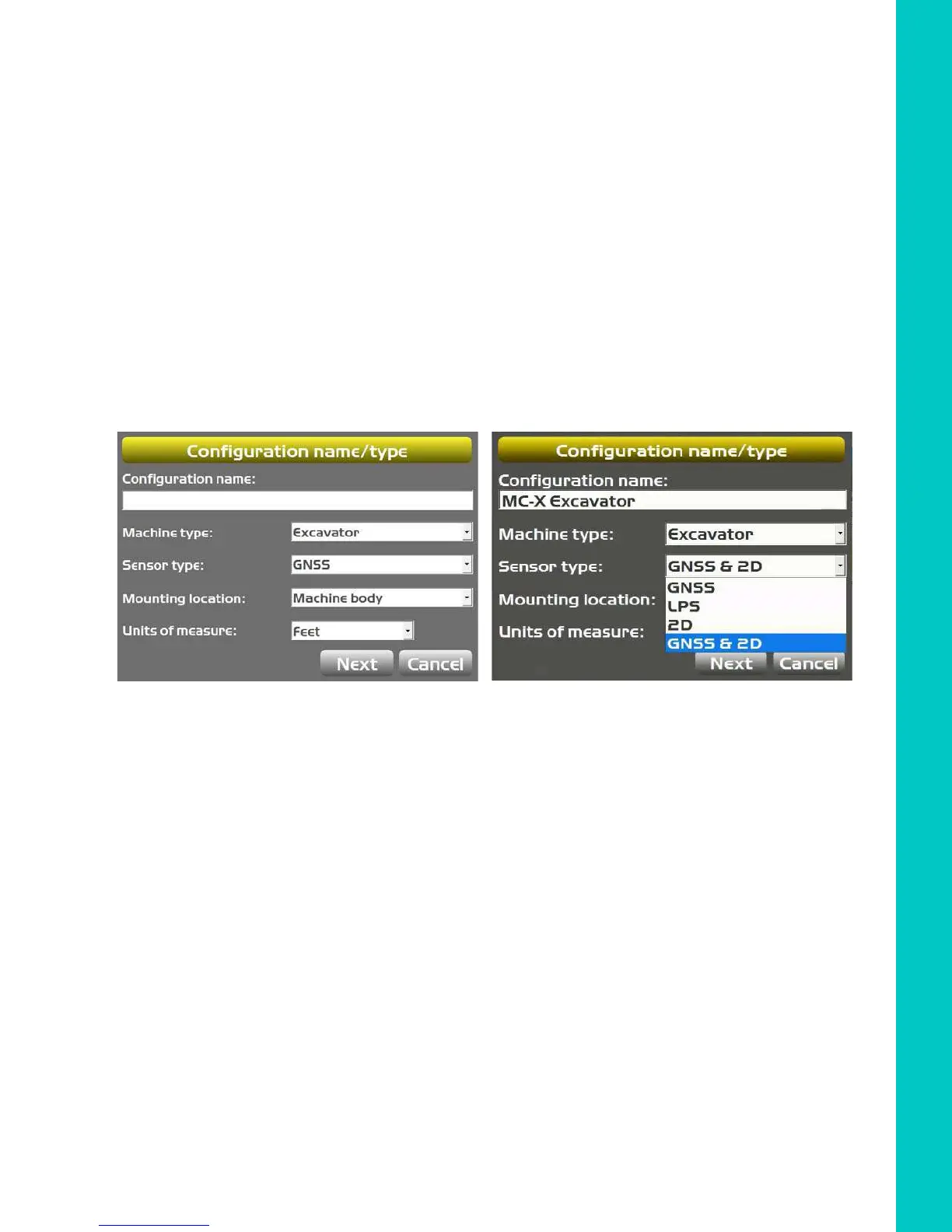
3. On the Configuration name/type screen, enter or select the appropriate data as needed
(
Figure 49).
Figure 49: Configuration name/type
4. Tap Next to navigate to the Excavator Options screen and select None as the Position
Input (
Figure 50 on page 39).
5. Enter 3D/2D excavator options:
a. For 3D systems, choose MC-X1 for Position Input and Sensor Input.
b. For 2D systems, select MC-X1 for Sensor Input.



 To Next Page