17
COMPONENTS
PHOTOGRAPHY SETTING SCREEN
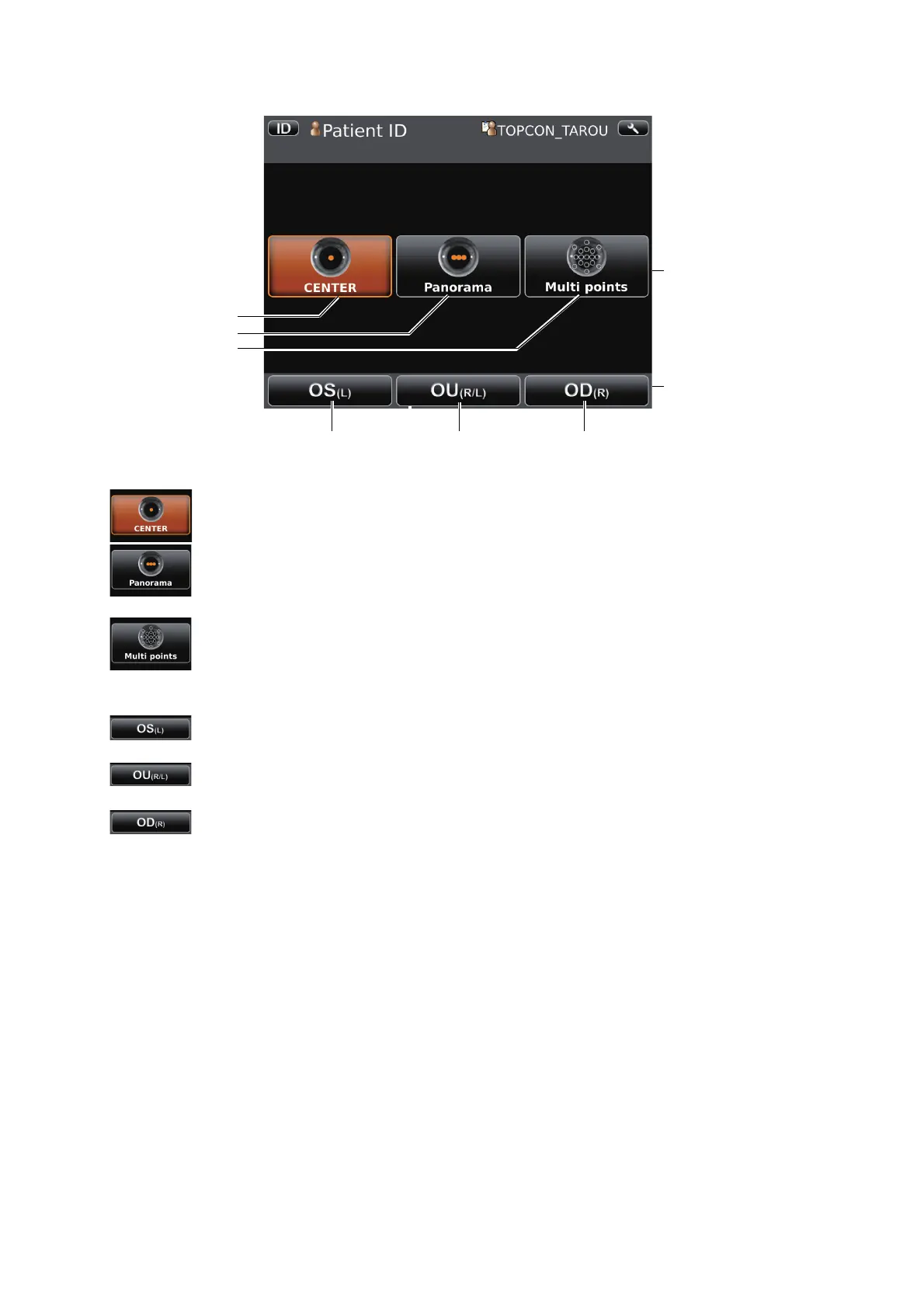
CENTER button ..............................Centering photography is set.
Panorama button.............................Panorama photography that is to photograph 3 points around
the center is set.
Multi points button...........................Multi points photography that is to photograph specified cir-
cumference position is set.
OD(R) button...................................Photographs right eye only in the selected photography
point. If selection is complete, moves to capture screen.
OU(R/L) button................................Photographs two eyes (R/L) in the selected photography
point. If selection is complete, moves to capture screen.
OS(L) button....................................Photographs left eye only in the selected photography point.
If selection is complete, moves to capture screen.
• When Multi points button is selected, selecting one of OD(R) button, OU(R/L) button or
OS(L) button moves to photographing position selecting screen.
OD(R) button
CENTER button
Panorama button
Multi points button
OU(R/L) button OS(L) button
Photography point
setting button
Button to select patient's
eye



 To Next Page