53
OPTIONAL OPERATIONS
OUTPUT TO IMAGEnet SYSTEM
• Set LAN output to ON.
1 Check the connection of IMAGEnet system.
For connection, refer to "CONNECTING EXTERNAL I/O TERMINALS" on page 29.
2 Photographing is performed at all position.
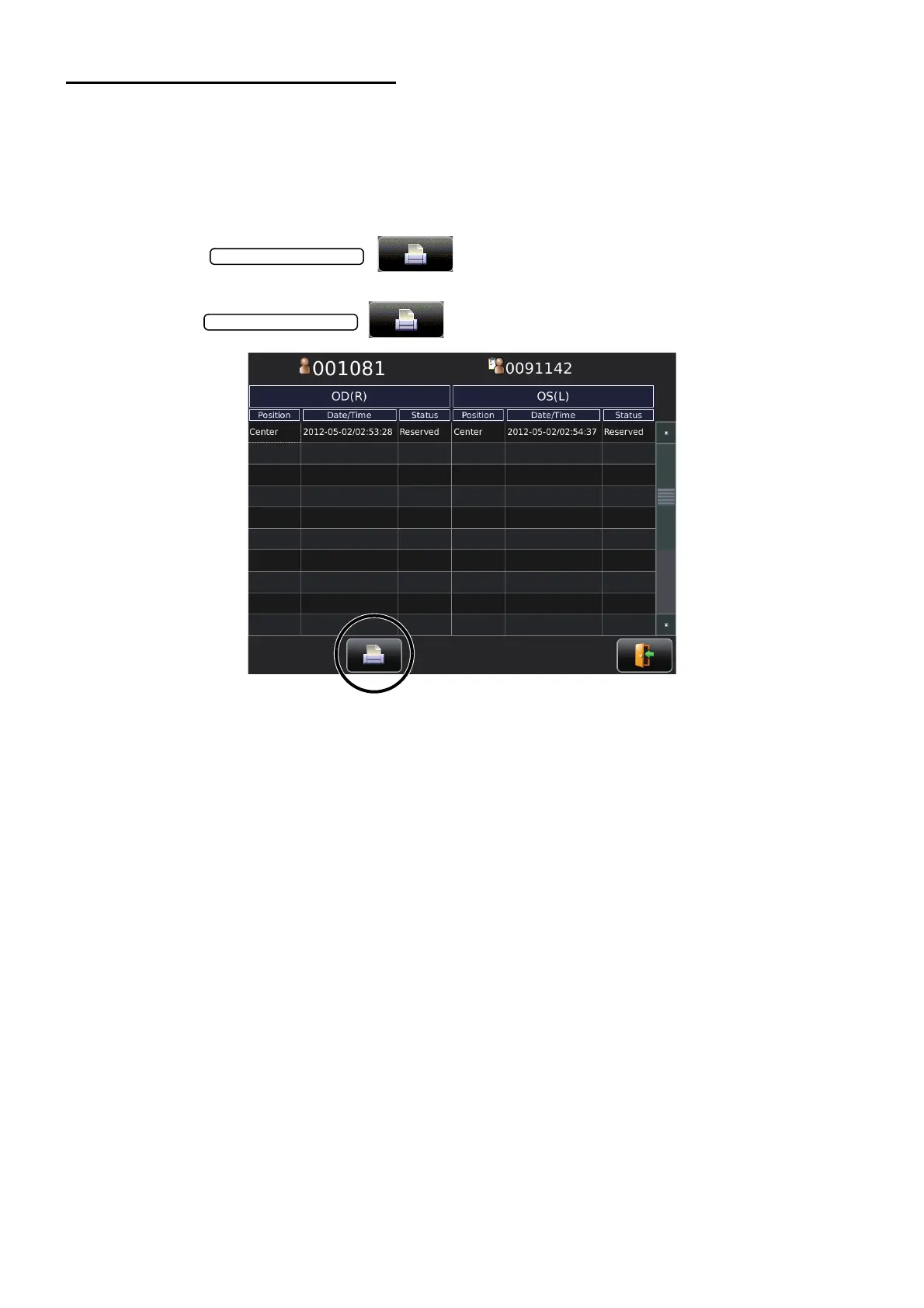
3 Tap the on the screen to display the List of printing items
screen.
4 Tap the on the List of printing items screen.
The image is automatically captured into IMAGEnet system.



 To Next Page