80
MAINTENANCE
PRINTER PAPER JAM
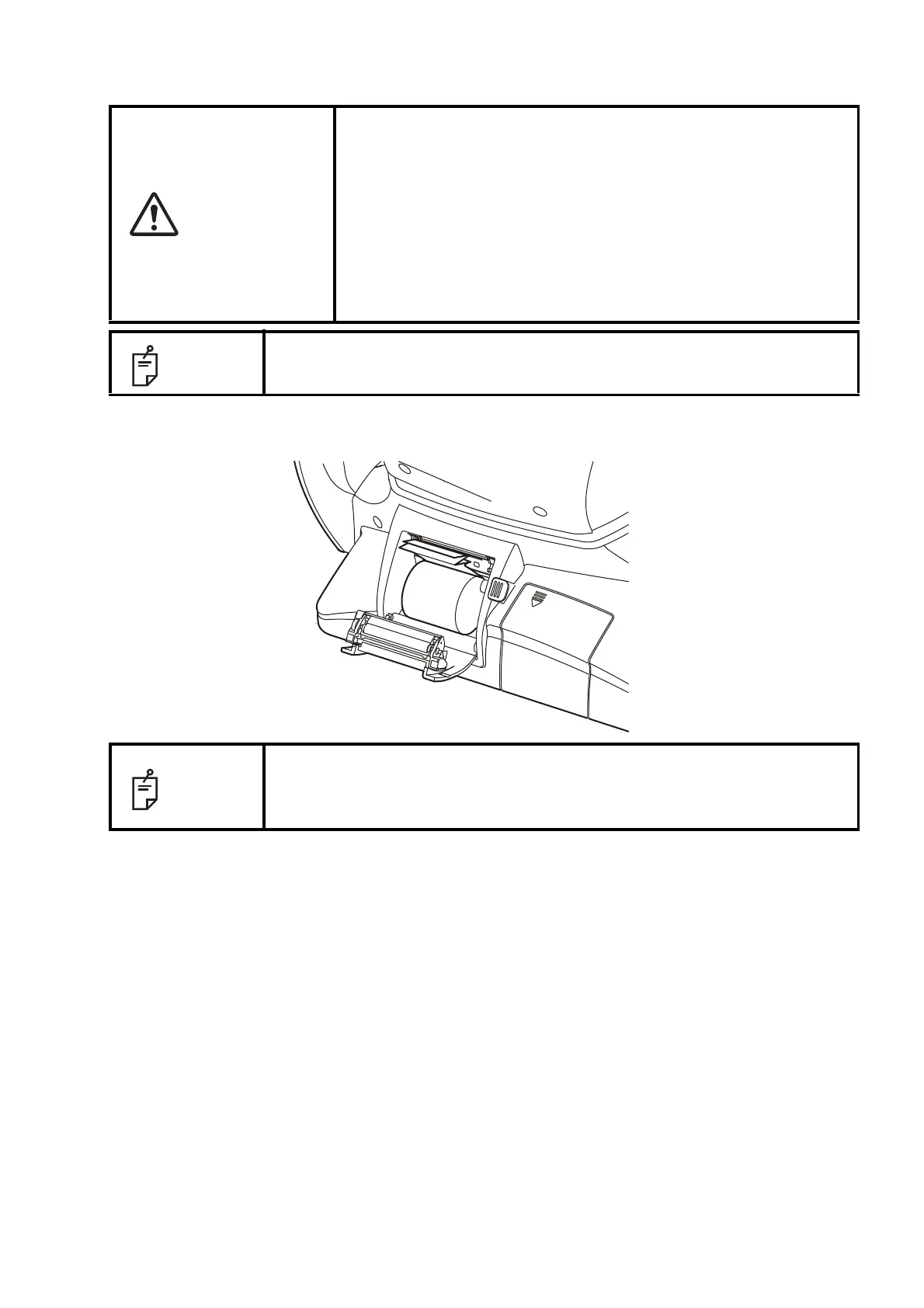
1 Open the printer cover, and take out the jammed paper pieces.
CAUTION
• To avoid failure or potential injury, do not open the printer cover
while the printer is in operation.
• To avoid potential injury in case of malfunction, including a paper
jam, be sure to shut off the power before attempting to repair it.
• To avoid potential injury, do not touch the printer body including
metal parts or the paper cutter, while the printer is in operation or
when replacing the printer paper.
• Pay much attention not to touch the internal printer's body when
the cover is open. If touched, it may result in trouble due to elec-
trostatic discharge.
NOTE
If the printer paper is jammed in the printer, printing will stop and the jam
should be cleared.
NOTE
After removing the jammed printer paper, tap the Print button to print out the
previous measurement data.
If no previous measurement data has saved, a blank sheet is printed out.



 To Next Page