45
BASIC OPERATIONS
OPERATION OF AFTER USE
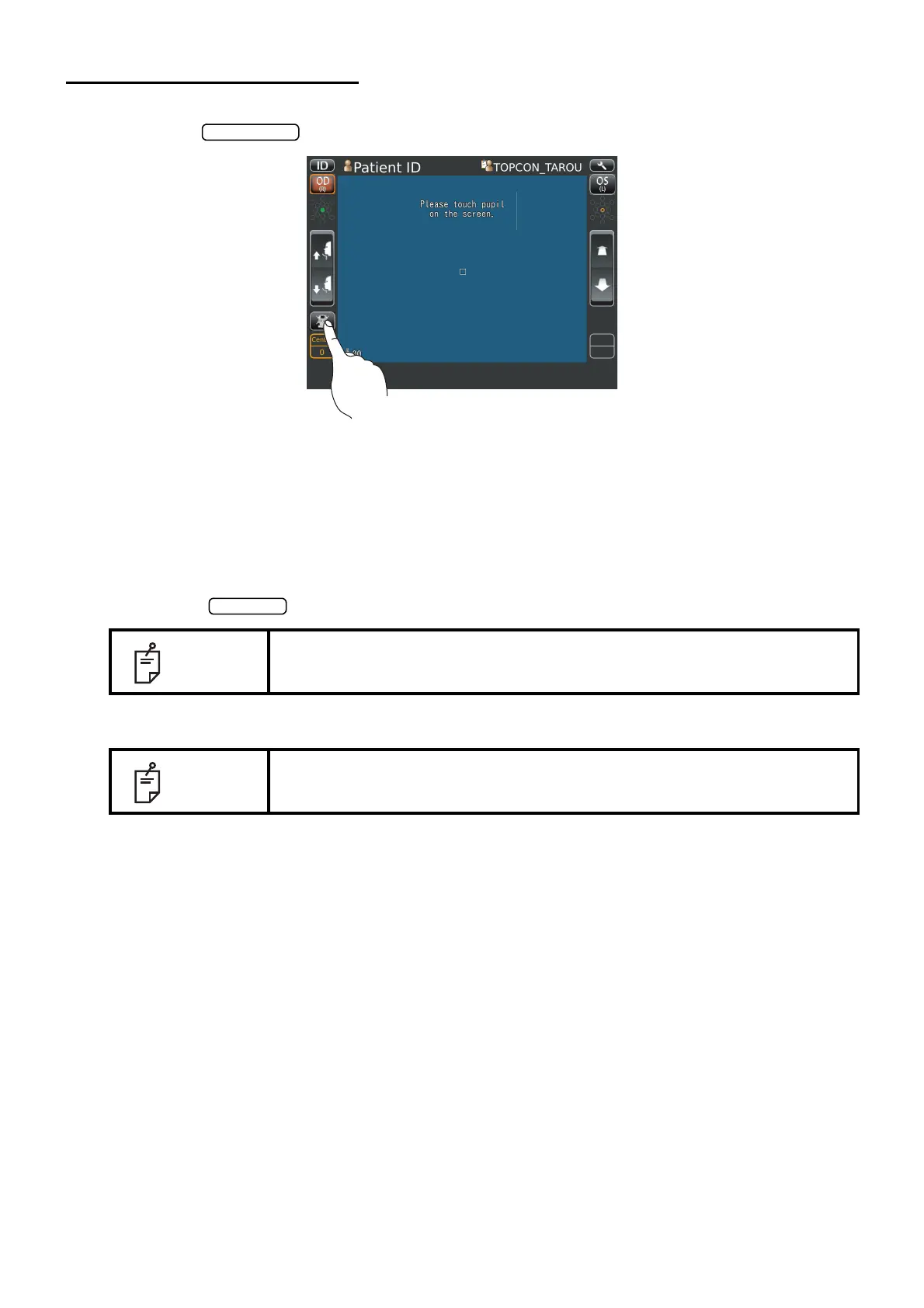
1 Tap the on the control panel.
The message of "Turn off the unit?" is displayed.
2 Tap the "YES". Return the chinrest and photographing head to the last position.
The message of "Please don't turn the main switch off until the unit stops." is displayed on the
control panel.
The operation is complete, then the message of "The unit stops completely. Please turn the
main switch off." is displayed.
3 Turn the switch to off.
4 Unplug the power cable from Commercial power (the 3-pin AC inlet with grounding.
NOTE
When external devices are connected to external I/O terminals, turn off the
power of these devices too. (If power switch is provided.)
NOTE
When the instrument is not used for a long period of time, unplug the power
supply cable, and detach the cable connected to the external I/O terminal.



 To Next Page