22
COMPONENTS
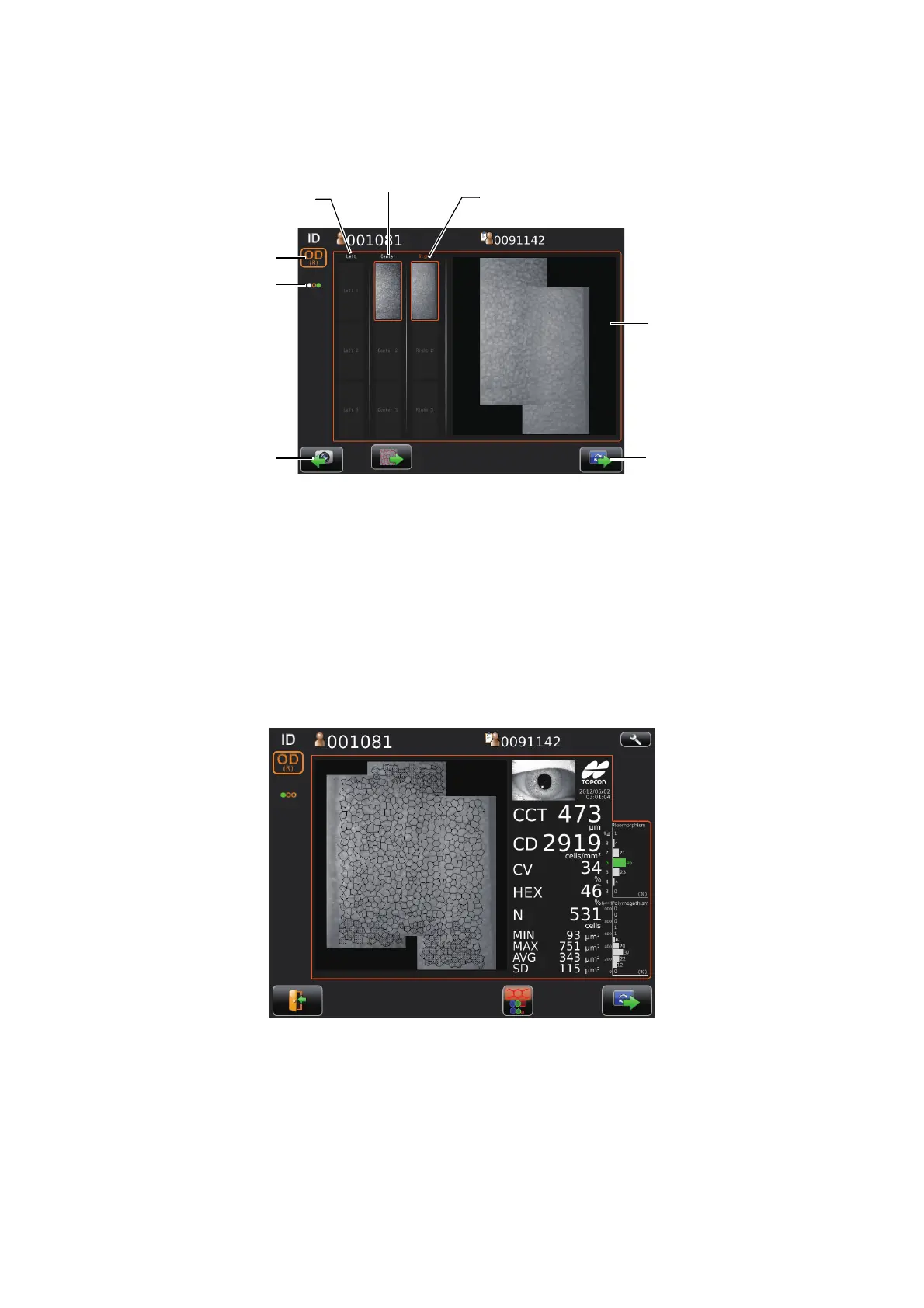
THE CHECKING SCREEN IN THE MIDDLE OF PANORAMA PHOTOGRAPHY
This screen appears when panorama photography is carried out, where 3 images are combined and
photographing result of each position is checked.
RESULT SCREEN FOR PANORAMA PHOTOGRAPHY
Result screen after photographing 3 images in Panorama photography.
Button layout is same as that of normal photography result screen.
Rephotographing button
Next button
Photographing result
Left side Right side
Center
Photographing point display
OD button/OS button



 To Next Page