59
SETTING FUNCTIONS ON SETUP SCREEN
LIST OF SETUP ITEMS
Setup items are categorized into 6 large indexes.
"Initial Settings" .........................items related to the initial status after power on
"Internal Printer" ........................items related to output from the internal print
"External Printer".......................items related to output from the external print
"Network Settings".....................items related to output using the LAN
"Operator Settings"....................items related to Operator ID
INITIAL SETTINGS
Initial contains settings related to the initial status after power on, clearing all measurement values,
etc.
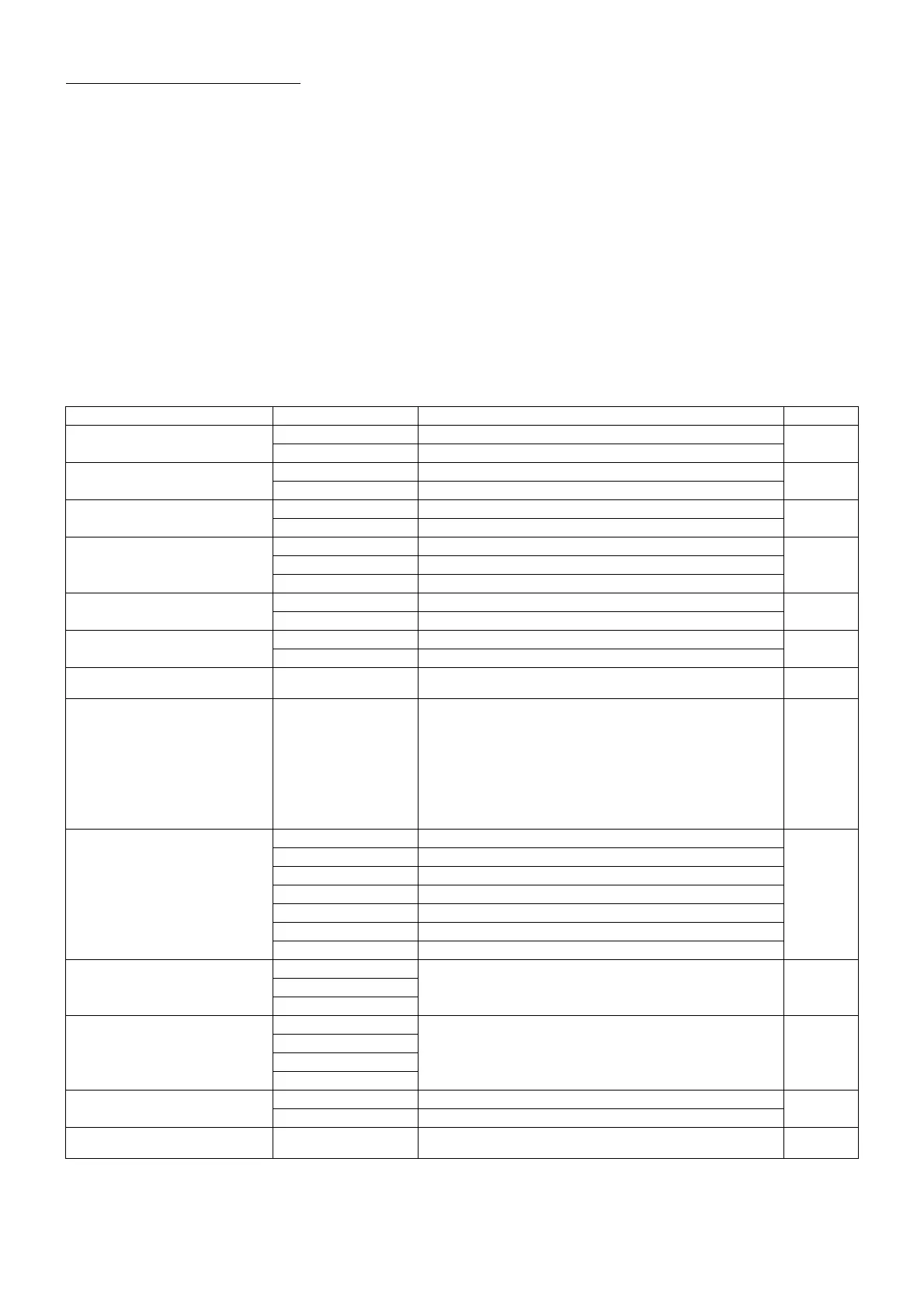
Descriptions Options Details Initial value
Capture mode
Sequence Operation flow is set as sequence course.
Sequence
Free style Operation flow is set as free style course.
Free style start screen
Capture Screen Free style start screen is set to capture screen.
Capture
Screen
Patient Screen Free style start screen is set to patient screen.
Buzzer
ON Buzzer does not sound.
ON
OFF Buzzer sounds.
Stand by mode
Right Waiting at the initial position for right eye measurement.
RightLeft Waiting at the initial position for left eye measurement.
Last Waiting at the last position of the measured eye.
Patient IDreset
ON Patient No. is reset upon power on.
OFF
OFF Patient No. is not reset upon power on.
Show device ID number
ON Device ID is displayed.
OFF
OFF Device ID is not displayed.
Device ID number
1-99
Set by ten-key display.
Sets the Device ID number. 01
Pupil distance
58mm
60mm
62mm
64mm
66mm
68mm
70mm
72mm
74mm
Set by pull-down menu
Sets the pupil distance between right and left eyes.
(Setting is required when R/L move mode is "Full auto"
or "Auto(RL)".)
64mm
Auto power save
OFF Power save function is not used.
10min
1min Power save status in 1min after last operation.
5min Power save status in 5min after last operation.
10min Power save status in 10min after last operation.
20min Power save status in 20min after last operation.
30min Power save status in 30min after last operation.
60min Power save status in 60min after last operation.
Chinrest height
HIGH
Default chinrest height. LOWCENTER
LOW
Control panel brightness
(Setup of the brightness of
control panel)
Level 1 (dark)
The brightness of control panel is set up. Level 4
Level 2
Level 3
Level 4 (bright)
Language
Japanese Displayed control panel screen in Japanese.
English
English Displayed control panel screen in English.
Date/Time Set by ten-key display. Sets year, month, day, time (24hrs), minute and second
Installation
date/time



 To Next Page