56
SETTING FUNCTIONS ON SETUP SCREEN
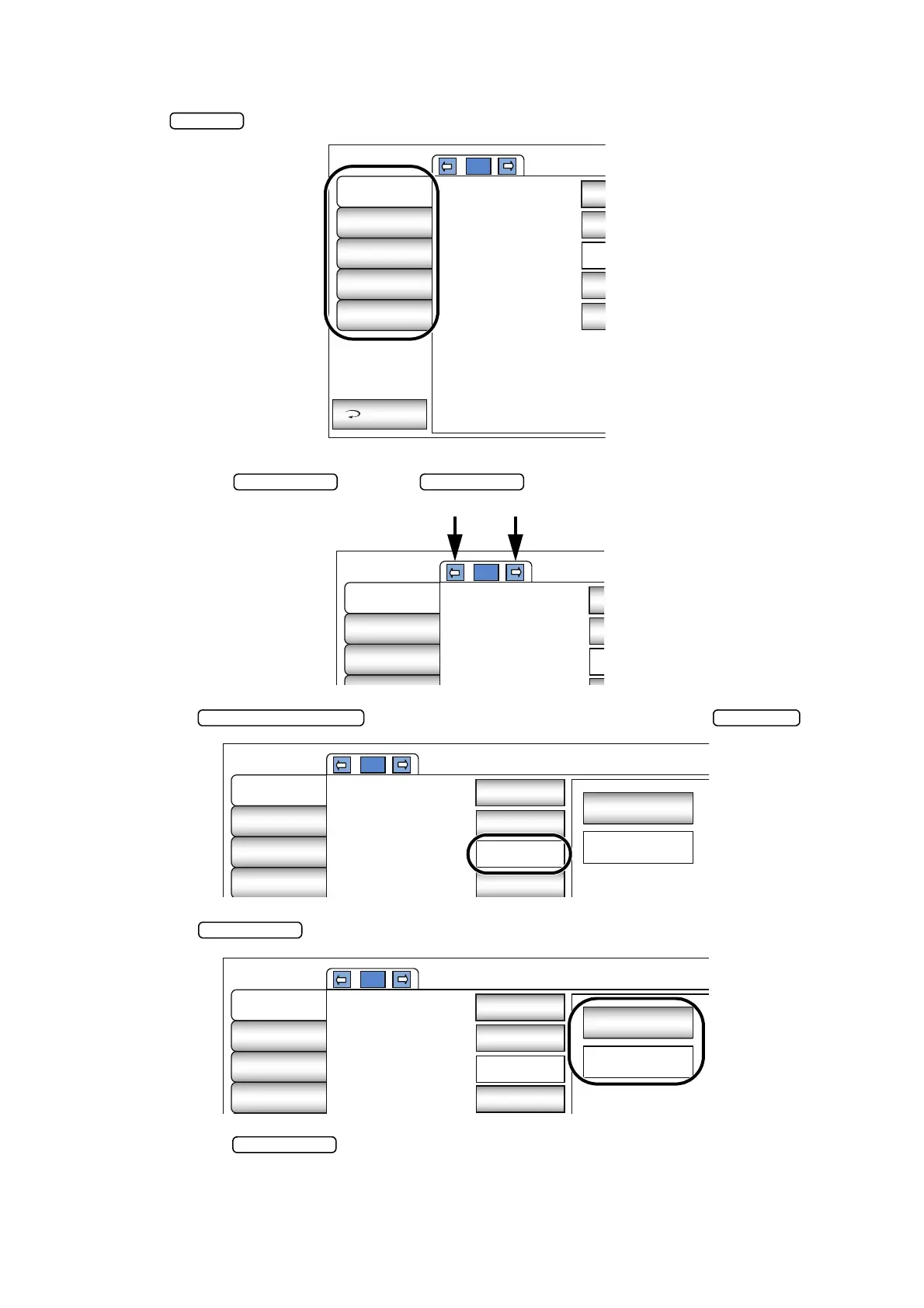
OUTLINE OF SETUP SCREEN OPERATIONS
1 Tap and select the subject of setting.
2 Operate the button or button, as necessary, and display the page
to confirm/change.
3 Tap the button of the item to be changed and find the button.
4 Tap the button and change the setting.
• Instead of the button, pull-down menu and ten-key would be displayed.
Initial
Settings
Internal
Printer
External
Printer
Network
Settings
Operator
Settings
Exit
1/3
Capture mode
Free style start
screen
Buzzer
Stand by mode
Patient IDreset
S
Cap
Initial
Settings
Internal
Printer
External
Printer
Network
1/3
Capture mode
Free style start
screen
Buzzer
C
Initial
Settings
Internal
Printer
External
Printer
Network
Settings
1/3
OFF
Capture mode
Free style start
screen
Buzzer
Stand by mode
Sequence
Capture Screen
ON
Right
ON
Initial
Settings
Internal
Printer
External
Printer
Network
Settings
1/3
OFF
Capture mode
Free style start
screen
Buzzer
Stand by mode
Sequence
Capture Screen
ON
Right
ON



 To Next Page