57
SETTING FUNCTIONS ON SETUP SCREEN
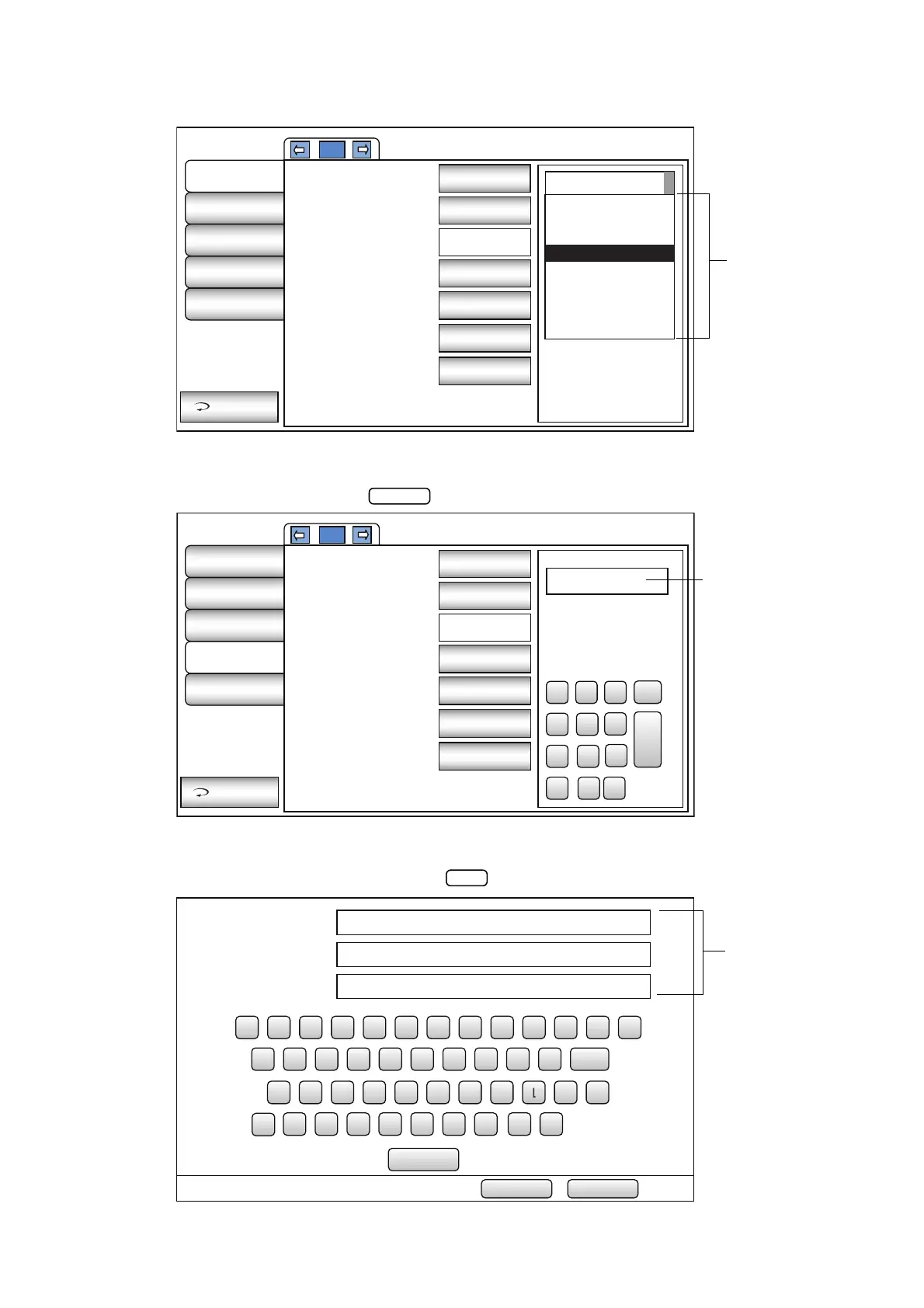
PULL-DOWN MENU:
Tap the options button to show a pull-down menu.
Select a figure and value etc. to be changed in menu items.
TEN-KEY:
Tap ten-key on the screen and enter the figure. If there are several windows to enter, tap the window
to enter the figure by ten-key. Tap and fix the input value.
KEYBOARD:
Tap keyboard on the screen and enter characters. If there are several windows to enter, tap the
window to enter the figure by keyboard. Tap and fix the input value.
2/3
Initial
Settings
Internal
Printer
External
Printer
Network
Settings
Operator
Settings
Exit
64
58
60
62
64
66
68
70
72
74
Show device ID
number
Device ID number
Pupil distance
Auto power save
Chinrest height
Control panel
brightness
Language
OFF
01
64(mm)
OFF
English
Middle
Level 4
1/3
Initial
Settings
Internal
Printer
External
Printer
Network
Settings
Operator
Settings
Exit
0 㸬
1 2 3
4 5
6
7 8 9 BS
Enter
192.168.0.1
Use LAN
IP address setting
IP address
Subnet mask
Default gateway
Primary DNS server
Secondary DNS
server
ON
Fixed
address
0.0.0.0
-None-
-None-
-None-
-None-
Public Folder㧔32㧕
User㧔32㧕
Password㧔16㧕
1 7
ψ
23 4 56 890
φ
BS
z mx c v b n 㧚
q uw e r t y i o p
DEL
ajs d f g h k _ -
\
SPACE
CAPS
OK Cancel



 To Next Page