61
SETTING FUNCTIONS ON SETUP SCREEN
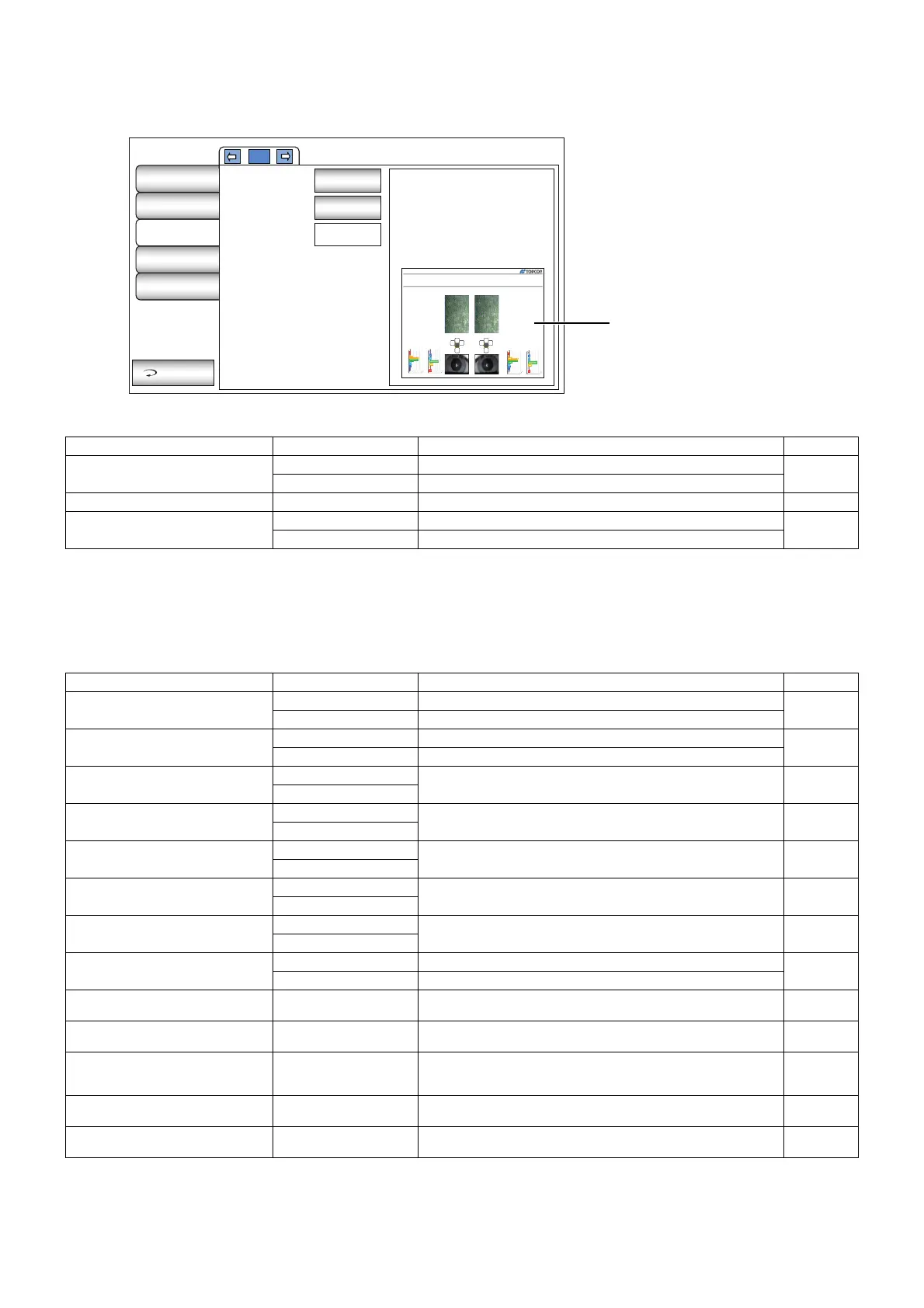
EXTERNAL PRINTER
Print contains settings related to output from the external printer.
NETWORK SETTINGS
Network contains settings related to data output via LAN.
Description Options Details Initial value
Printer
None External printer is not used.
None
CANON CP900 External printer is set to CANON CP900.
Paper size L Paper size is set as L. L
Layout
Landscape Paper orientation is set as landscape (horizontal).
Landscape
Portrait Paper orientation is set as portrait (vertical).
Description Options Details Initial value
Use LAN
ON LAN connection is on.
ON
OFF LAN connection is off.
IP address setting
Fixed address Assign IP address manually.
Fixed
address
DHCP AUTO Assign IP address automatically.
IP address
-None-
IP address of PC to output data. -None-
IP address
Subnet mask
-None-
Subnet mask address of SP-1P. -None-
IP address
Default gateway
-None-
Default gateway address of SP-1P. -None-
IP address
Primary DNS server
-None-
Primary DNS Server number. -None-
IP address
Secondary DNS server
-None-
Secondary DNS Server number. -None-
IP address
Use DICOM
ON Output to DICOM.
OFF
OFF Do not Output to DICOM.
SP-1P port
0-65535
Set by ten-key display.
Port number of using to transmission between
SP-1P and DICOM server.
0
SP-1P AE Title
Character string
keyboard
AE (Application Entity) name of DICOM transmission.
TOPCON_
SP1P_01
Worklist server
Server name or
IP address
(32 characters)
Host name or IP address of the work list server. -None-
Worklist server port
0-65535
Set by ten-key display.
Access port number of the work list server. 0
Worklist server AE title
Character string
Floating keyboard
AE name of work list server. (32 characters) -None-
SP-1P
Specular Microscope
Patient ID: 14 1421356
Operator ID: 7919
Sex: Male
R - 1/3
2011/10/31 10:25: 03
2011/10/31 10:25:04
2/2 - L
P
h
:
m
P
h
: 2
m
I
C
S
N T
I
C
S
1,000 µm
2
Polymegathism Graph
750 µm
2
0 µm
2
500 µm
2
250 µm
2
9 or more
8
7
6
5
4
3 or less
60%
0%
5%
5%
25%
0%
5%
Pleomorphism Graph
1,000 µm
2
Polymegathism Graph
750 µm
2
0 µm
2
500 µm
2
250 µm
2
9 or more
8
7
6
5
4
3 or less
60%
0%
5%
5%
25%
0%
5%
Pleomorphism Graph
1/1
Printer
Paper size
Layout
None
L
Landscape
Initial
Settings
Internal
Printer
External
Printer
Network
Settings
Operator
Settings
Exit
Preview of the
set up details



 To Next Page