50
OPTIONAL OPERATIONS
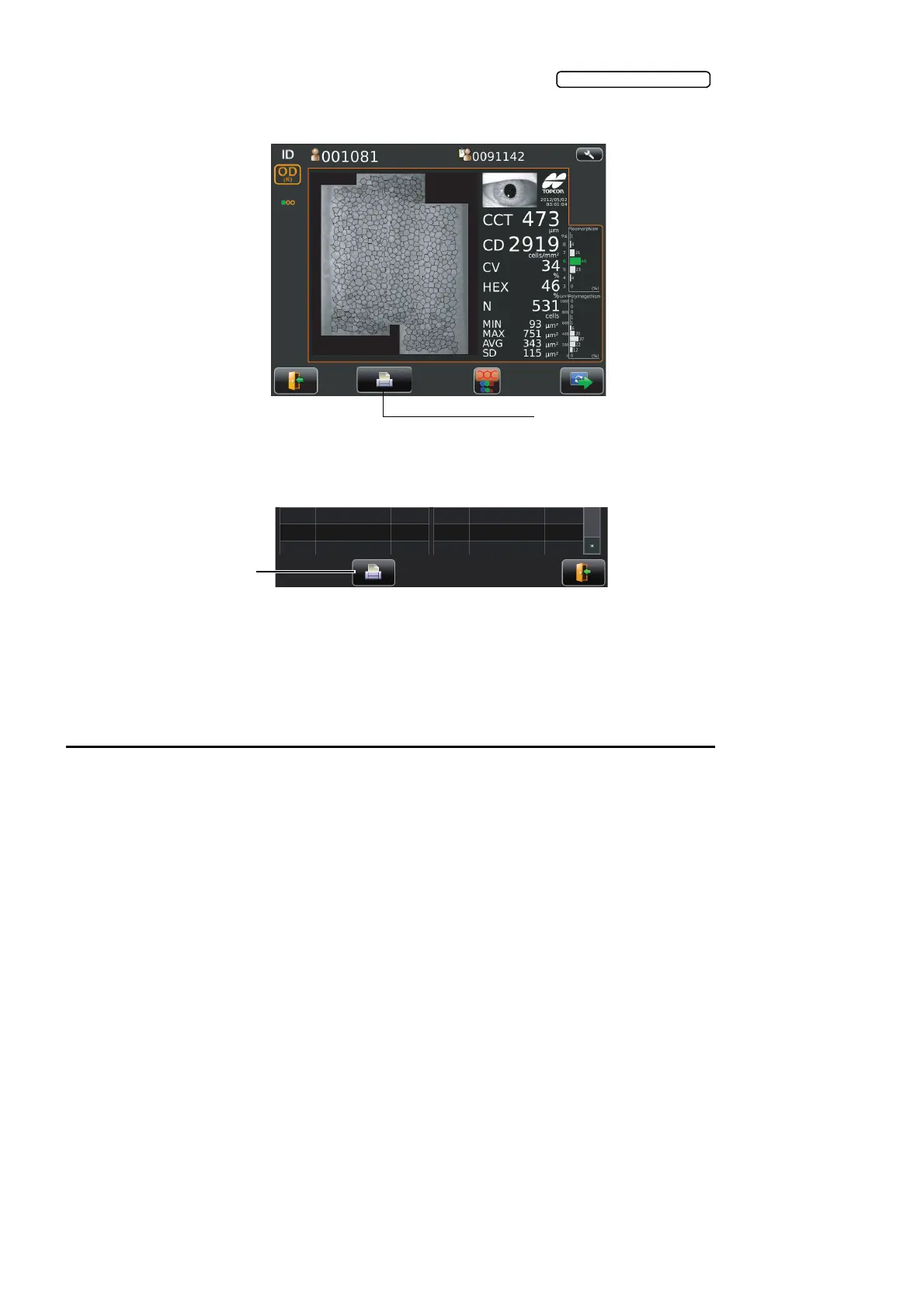
11 Check the analyzing result and if required tap the to print/output the
result.
12 The List of printing items screen is displayed, then tap the print/output button. The analyzing
result is printed.
13 The message of "Are you sure to start next measurement? Please select whether to input new
patient ID or not." is displayed.
• If "New ID" is selected, moves to work list or ID input screen.
• If "Same ID" is selected, the measurement is continued under same patient.
DISPLAYING THE PATIENT ID (PATIENT No.) OR OPERATOR ID
A patient ID or operator ID of up to 13 characters can be input and displayed on the control panel
and printout.
If no patient ID is registered, a "patient No." is assigned automatically in order of examination.
FOR DICOM WORK LIST
1 Select a specified patient from the list. If there is no patient in the list, please tap the list update
button to update information.
2 Tap the photography settings changeover button so that the selection is complete.
• In ID input method, patient ID changeover button can be used to change to work list
method.
FOR ID INPUT
1 Tap the keyboard on the display to enter the ID.
2 Tap the photography settings changeover button so that the selection is complete.
• In work list method, patient ID change over button can be used to change to ID input
method.
• Keyboard layout can be changed qwerty/ten key by means of keyboard changeover button.
Analyzing screen of combined image
Print/Output button



 To Next Page