82
MAINTENANCE
MAINTENANCE
CLEANING THE INSTRUMENT
• Dust on photographing window glass.....Blow off dust with a blower.
• Fingerprints and oil spots on photographing window glass
Blow off dust with a blower and wipe the surface gently with a
camera lens cleaner using clean gauze.
• Dirty instrument cover...................... Wipe the surface with the attached silicon cloth or a dry soft
cloth. Never use solvents or a chemical duster.
CLEANING THE PHOTOGRAPHING WINDOW GLASS
• To secure auto alignment and correct photographing values, clean the photographing window
glass after each day's work.
• Clean the glass when "CLEAN THE PHOTOGRAPHING WINDOW GLASS" is displayed on the
control panel screen.
1 Prepare a lens cleaner.
2 Using a blower, blow off any dust from the surface of the lens or glass.
3 Moisten an applicator with the lens cleaner.
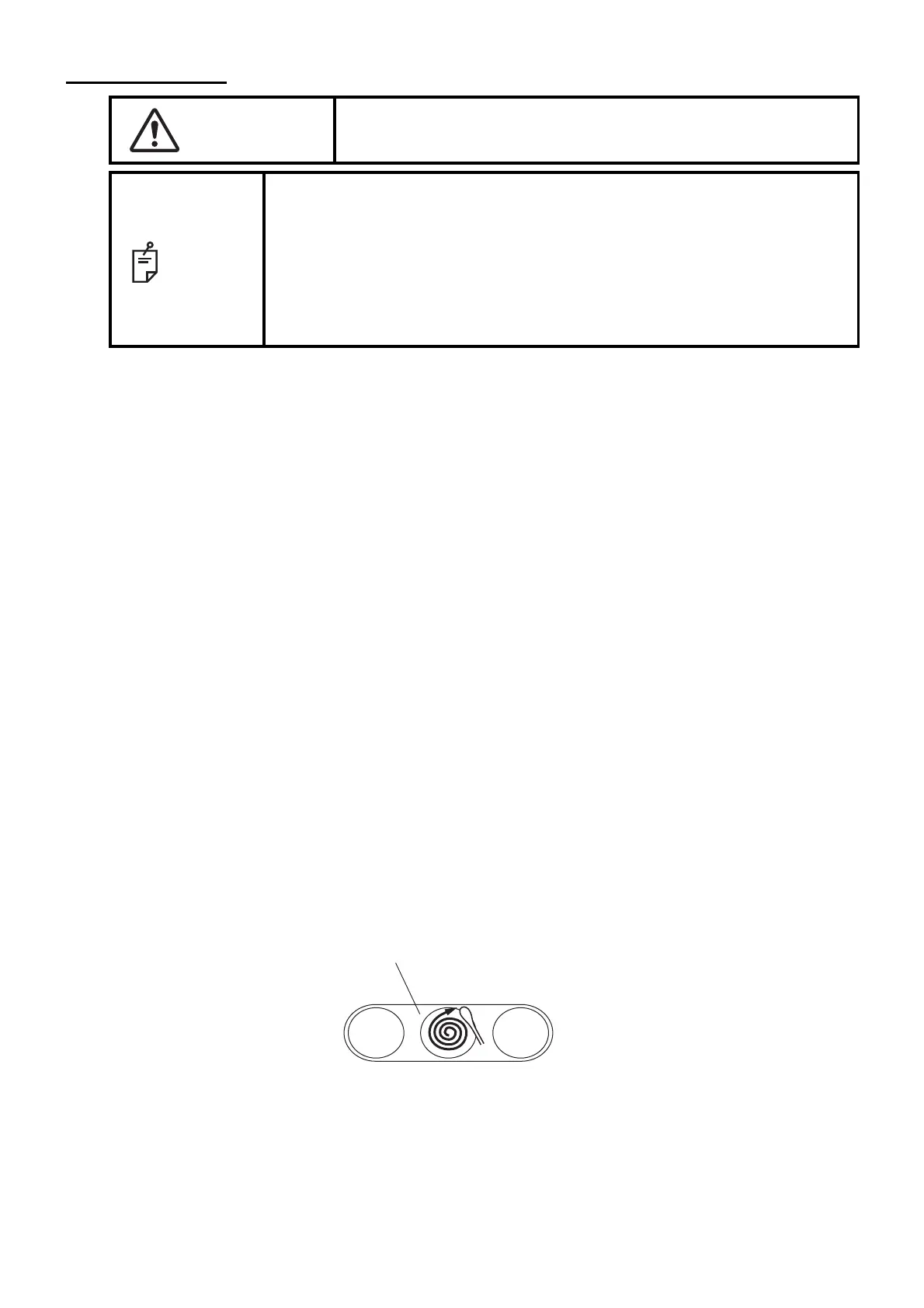
4 Lightly wipe the lens from its center point toward the outside in a swirl, using the applicator.
CAUTION
To avoid electric shocks, make sure the power is off and the power
cable is unplugged before maintenance.
NOTE
• To avoid damage to the instrument or electric shock, turn the power switch
OFF and unplug the power cord before maintenance.
• Avoid spraying a cleaner directly onto the instrument. In such a case,
detergent or any other fluid may permeate through the vent hole, etc.
which can cause mechanical problems with the instrument.
• When not in use, turn off the power switch.
• Do not clean plastic parts with solvents. Benzine, thinner, ether and gaso-
line may cause discoloring and decomposition.
How to move the applicator
How to wipe the lens or glass



 To Next Page