78
MAINTENANCE
MAINTENANCE
MAINTAINING ACCURACY
PHOTOGRAPHING WINDOW
When the lens of the photographing window is dirty, the control panel may be hard to view or a clear
image may not be obtained. Make sure that the photographing window is not dirty before using thei-
nstrument. If the photographing window is dirty, clean it.
(See page 82 "CLEANING THE PHOTOGRAPHING WINDOW GLASS".)
BRIGHTNESS ADJUSTMENT OF CONTROL PANEL
• The control panel is optimally adjusted when shipped.
• For control panel brightness adjustment, see "INITIAL SETTINGS," "Control panel brightness"
(page 59).
DAILY CHECKUPS
DAILY MAINTENANCE
• For this instrument, dust may cause errors. When not in use, replace the measuring lens cap and
dust cover.
• When not in use, turn off the POWER switch.
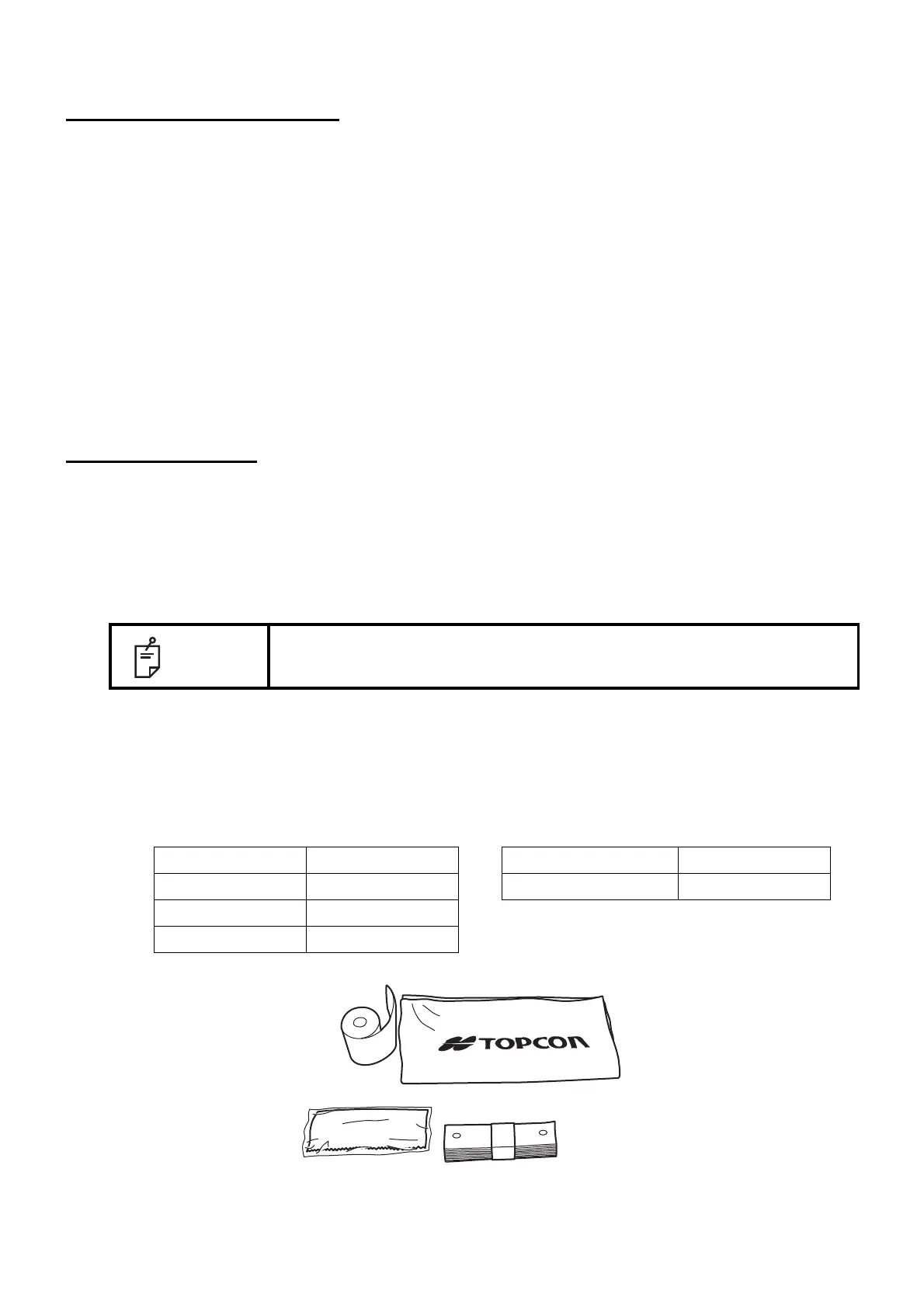
ORDERING CONSUMABLE ITEMS
• When ordering consumable items, tell the product name, product code and quantity to your dealer
or TOPCON at the address of back cover.
NOTE
When using the dust cover, tap the Reset button and return the chinrest and
measuring head to their initial positions.
Product name Product code Product name Product code
Chinrest tissue 40310 4082 Printer paper 44800 4001
Silicon cloth 44800 1001
Dust cover 42360 9002



 To Next Page