62
SETTING FUNCTIONS ON SETUP SCREEN
Description Options Details Initial value
Storage server
Character string
Floating keyboard
Host name or IP address of the work list server. -None-
Storage server port
0-65535
Set by ten-key display.
Access port number of the work list server. 0
Storage server AE title
Character string
Floating keyboard
AE name of the storage server. -None-
Query/Retrieve server
Character string
Floating keyboard
Host name or IP address of Query/Retrieve saver. -None-
Query/Retrieve server port
0-65535
Set by ten-key display.
Access port number of Query/Retrieve saver. 0
Query/Retrieve server AE title
Character string
Floating keyboard
AE name of Query/Retrieve saver (32 characters) -None-
Tranfer syntax Set by pull-down menu Selects data encoding method in DICOM. InplicitVR
Modality Set by pull-down menu Selects a type of modality SC
MWMFilter-AETitle
ON AE-title is used for MWM filter.
OFF
OFF AE-title is not used for MWM filter.
MWMFilter-Modality
ON Modality is used for MWM filter.
OFF
OFF Modality is not used for MWM filter.
Institution Name
Character string
Floating keyboard
Sets the institute name. -None-
Station Name
Character string
Floating keyboard
Sets the station name. -None-
Institutional Department Name
Character string
Floating keyboard
Sets the institutional department name. -None-
Instance Number Set by ten-key display. Sets the instance number. 0
Export image
ON Report image is exported.
OFF
OFF Report image is not exported.
Shared folder setting
None (String 32char)
Path and permission to shared folder is set. -None-
Folder name
User name
Password
Show network information
-
MAC address is shown.
-
ON
OFF
1/3
Initial
Settings
Internal
Printer
External
Printer
Network
Settings
Operator
Settings
Exit
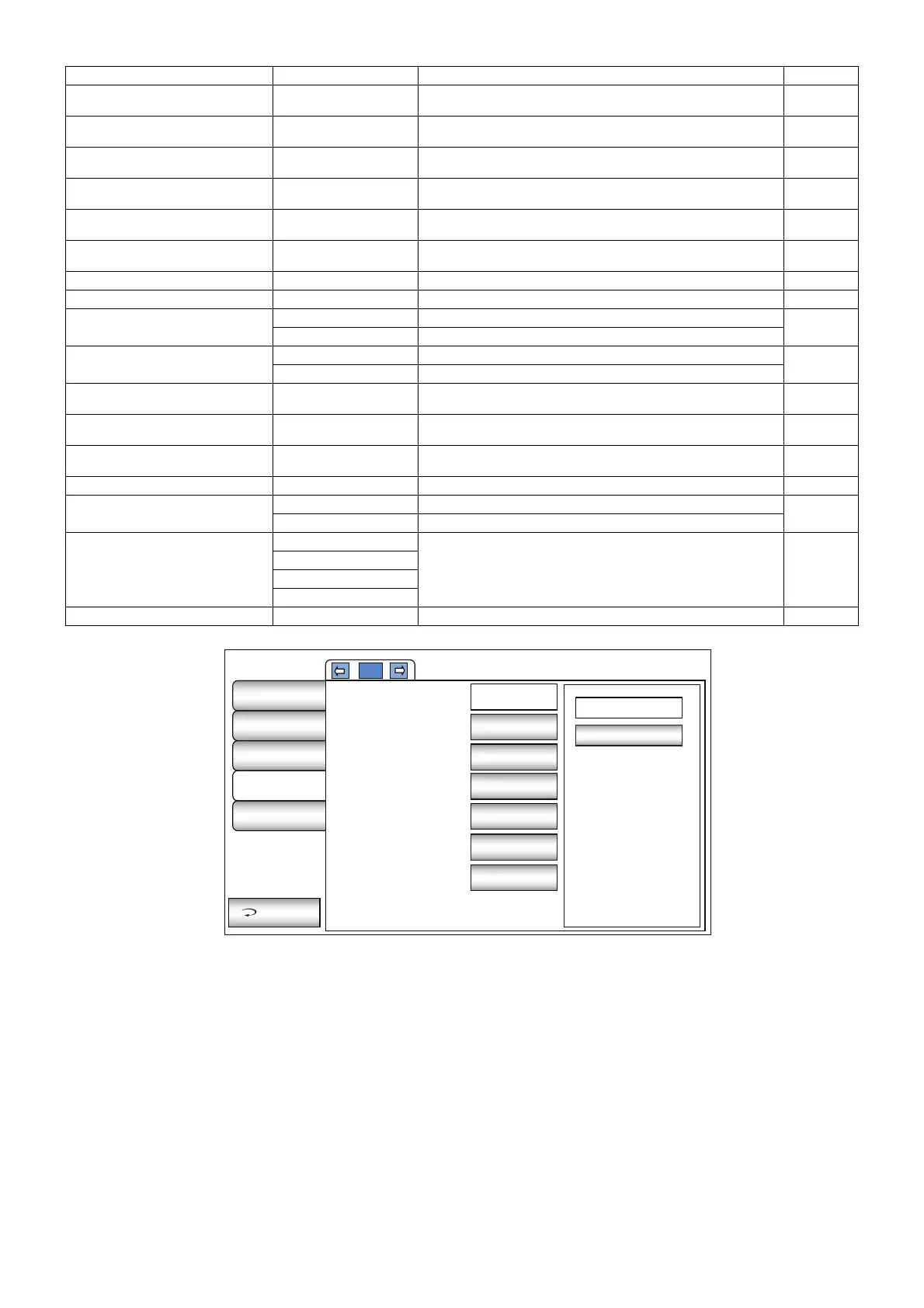
Use LAN
IP address setting
IP address
Subnet mask
Default gateway
Primary DNS server
Secondary DNS
server
ON
Fixed
address
0.0.0.0
-None-
-None-
-None-
-None-



 To Next Page