Machine Calibration
X63/X62 Installation and Calibration Manual
3-6
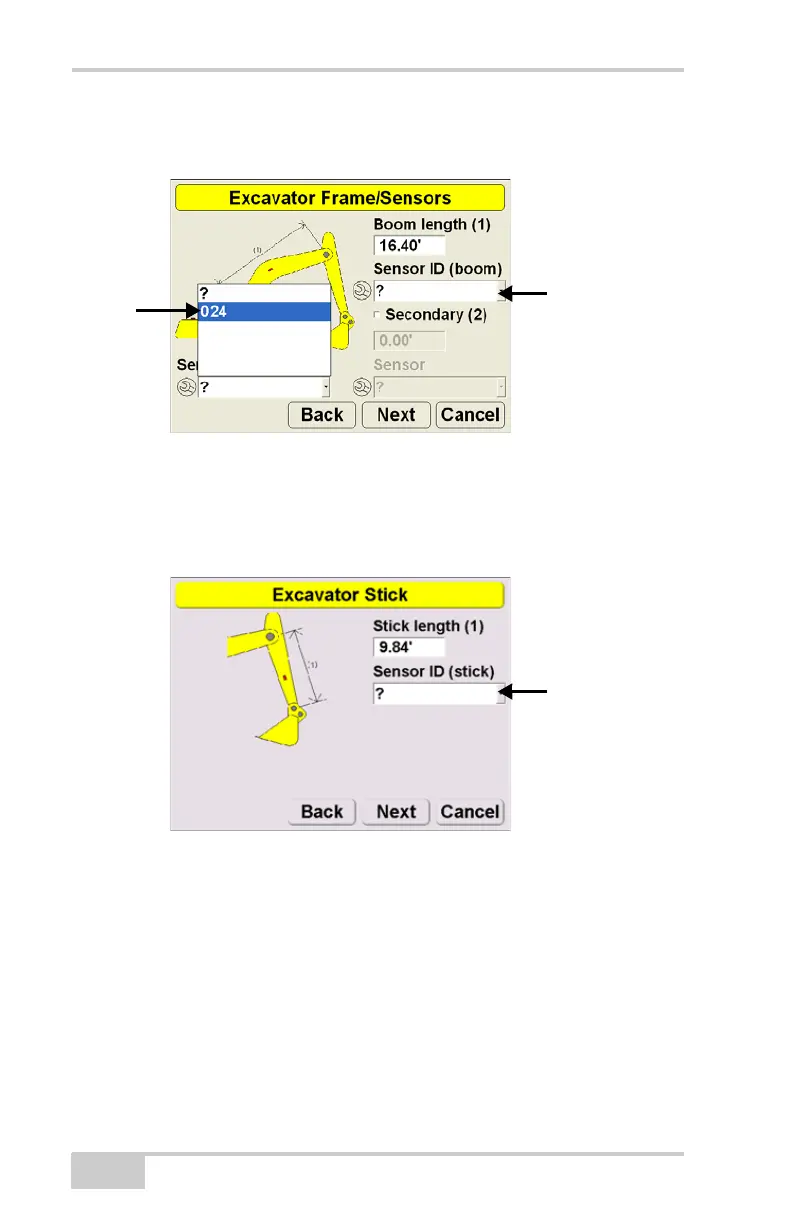
5. Choose the number that correspond with the last three digits of
the serial number on the sensor.
Figure 3-1. Select Body and Boom Sensor ID
6. Return to the Excavator Frame/Sensors screen and select
another sensor. Repeat steps 4 and 5 for the remaining sensors.
7. Press Next to access the Stick Sensor screen.
Figure 3-2. Select Stick Sensor ID
8. Repeat steps 4 and 5 for the stick sensor.



 To Next Page