6.1 START THE MACHINE
Power on the machine and the PathPilot controller.
1. Turn the Main Disconnect switch to ONon the side of
the electrical cabinet.
2. Twist out the Emergency Stop button on the operator
box, which enables movement to the machine axes and
the spindle.
3. Press the Reset button on the operator box.
6.2 BRING THE MACHINE OUT OF RESET
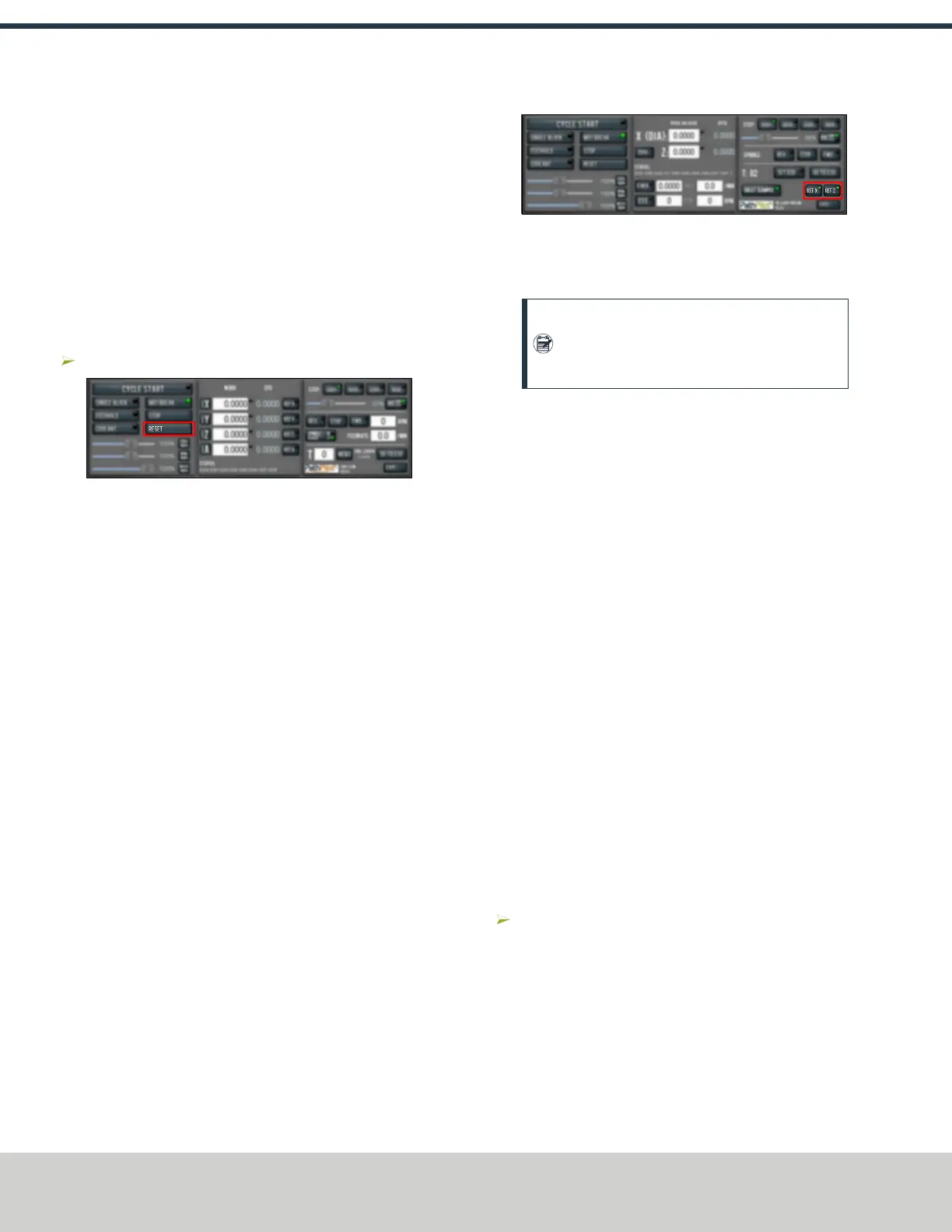
Select Reset.
Figure 6-1: Reset button.
For more information on reset mode, see "About Reset Mode"
(below).
6.2.1 About Reset Mode
When the machine is first powered on, or after an emergency
stop, the Reset button flashes. When you select the flashing
Reset button, PathPilot verifies communication to the machine
and does the following activities:
l Brings the machine out of an emergency stop condition
l Clears alarms
l Clears the tool path backplot
l Resets all modal G-codes to their normal state
l Rewinds the currently loaded G-code program
l Stops machine motion, but is not a replacement for the
Emergency Stop button
You can select the Reset button any time while the machine is
on.
6.3 REFERENCE THE MACHINE
1. Verify that the machine can freely move to its reference
position (at the ends of travel).
2. To verify that the tooling is clear of any possible
obstructions, reference the Z-axis before referencing the
other axes:from the PathPilot interface, select Ref Z.
Figure 6-2: Reference buttons.
3. Once the spindle is clear of any possible obstructions,
continue referencing all axes.
Note: You can select the buttons one after
another. Once the machine references one axis,
it'll move on to the next.
After each axis is referenced, its button light comes on.
For more information on referencing the machine, see "About
Referencing" (below).
6.3.1 About Referencing
You must reference the machine to establish a known position
for PathPilot. The position that's set while referencing the
machine is the origin of the machine coordinate system.
Without referencing the machine, PathPilot won't know the
current position of the machine axes.
You must reference the machine at the following times:
l After you power on the machine
l After you push in the Emergency Stop button
l Before running a G-code program
l Before using MDI commands
l Before setting work or tool offsets
l After a collision or an axis stall/fault
When referencing, the machine moves each axis to the end of
its travel. The machine stops at the limit switch, which sets
the axis’ reference position.
6.4 JOG THE MACHINE
To switch between jogging modes:
From the Manual Control area, in the Jog group, select
Jog.
PathPilot toggles between continuous velocity mode and
step mode.
©Tormach® 2021
Specifications subject to change without notice.
Page 44 UM10753: 8L Operator's Manual (Version 0321B)
For the most recent version, see tormach.com/support
6: BASIC OPERATIONS



 To Next Page