6: BASIC OPERATIONS
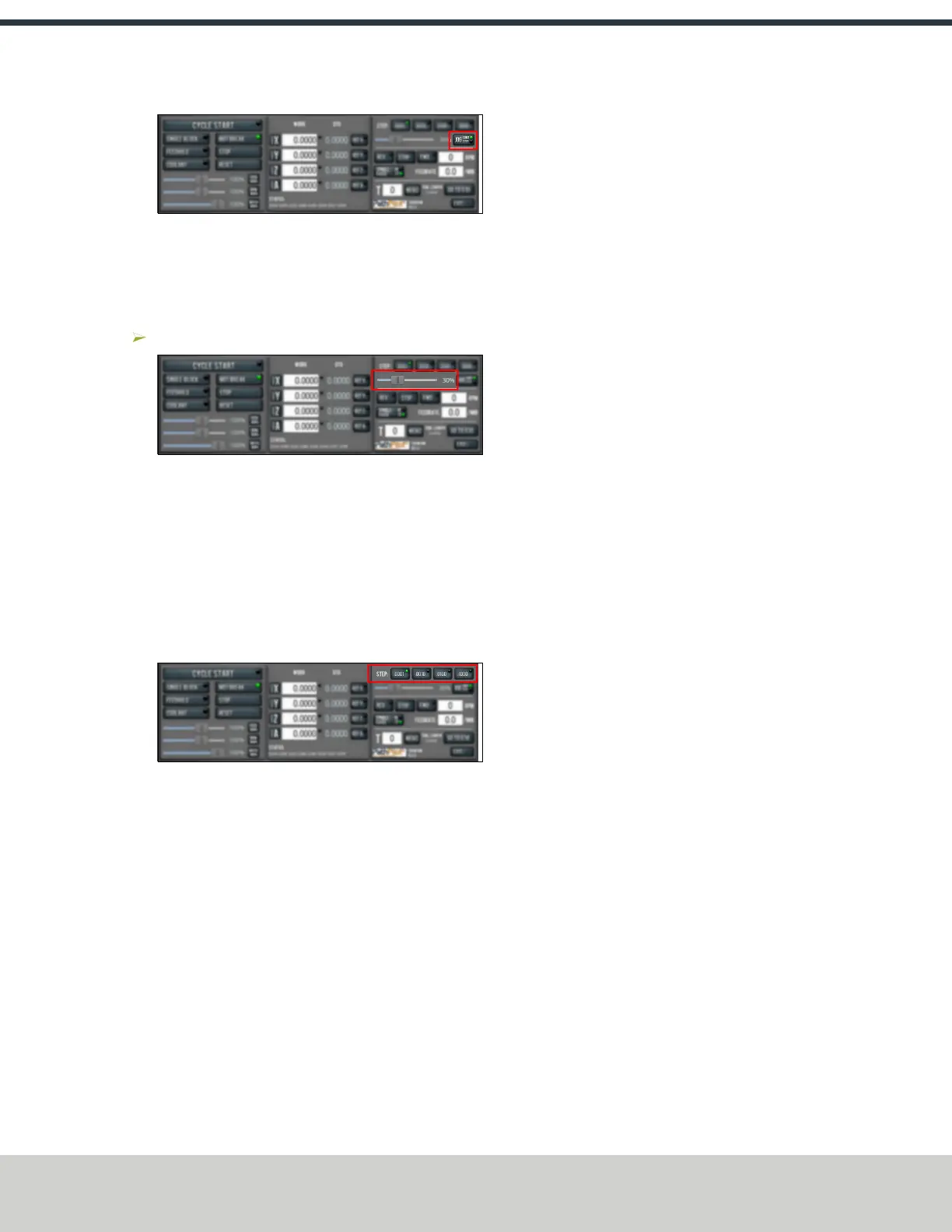
Figure 6-3: Jog button.
When the Cont green light is on, continuous velocity
mode is selected.
When the Step green light is on, step mode is selected.
To use continuous velocity mode:
Set the velocity: drag the Jog Speed slider.
Figure 6-4: Jog Speed slider.
For more information on continuous velocity mode, see "About
Continuous Velocity Jogging" (below).
To use step mode, select the step size. Do one of the
following, depending on your accessories:
l In the Manual Control Area, in the Jog group, select the
step size.
The Step button's light comes on, indicating which step
size is active.
Figure 6-5: Step buttons (in G20 mode).
l On the (optional) JogShuttle, press the Step button to
toggle the currently selected step size.
In the PathPilot interface, the Step button's light comes
on, indicating which step size is active.
For more information on step mode, see "About Step Jogging"
(below).
6.4.1 About Jogging
Jogging is the operation of manually moving an axis in various
directions (like to set up and indicate fixtures or workpieces).
You can't manually jog the machine while it's performing
automatic operations (like running a G-code program or an
MDI command).
Jog the machine using the keyboard or the optional JogShuttle.
Whether you're jogging with the keyboard or with the
JogShuttle, you can either:
l Jog the machine at a consistent velocity(for information,
see "About Continuous Velocity Jogging" (below)).
l Jog the machine in steps (for information, see "About
Step Jogging" (below)).
For more information, see "Jog Controls Reference" (below).
About Continuous Velocity Jogging
While jogging in continuous velocity mode, the machine moves
at a constant speed for as long as:
l A keyboard key is pressed
l The JogShuttle outer ring is twisted away from the
neutral position
This is useful when you're doing things like:
l Roughly positioning the machine (for example, to move
the spindle head away from the workpiece).
l Moving the machine a certain distance at a constant
speed.
About Step Jogging
While jogging in step mode, the machine moves one step each
time you either press a jog key on the keyboard or click the
inner wheel of the JogShuttle. The jog step sizes range
depending on the programming mode you are using:
l
Imperial (G20) Mode 0.0001 in. to 0.1000 in.
l
Metric (G21)Mode 0.01 mm to 10 mm
Step jogging mode is useful to finely move the machine, like
when you're indicating a workpiece or manually setting tool
lengths.
The jog keys on the keyboard only move the machine in steps
when step mode is indicated in PathPilot. The inner wheel on
the jog shuttle always moves the machine in steps, regardless
of which mode is indicated in PathPilot.
6.4.2 Jog Controls Reference
The machine’s jogging functions are controlled by the
following:
l The Jog group of the Manual Control area in the
PathPilot interface
l The keyboard
l The (optional) JogShuttle
©Tormach® 2021
Specifications subject to change without notice.
Page 45 UM10753: 8L Operator's Manual (Version 0321B)
For the most recent version, see tormach.com/support



 To Next Page