2. PRINTER SETUP ENGLISH VERSION EO1-33094
2.3 Loading Supplies
E2-11
2.3.2 Loading the Ribbon
(Cont.)
3. Push Ribbon along the Ribbon Shafts to a position where the
ribbon is fully to the Left against the stoppers when fitted.
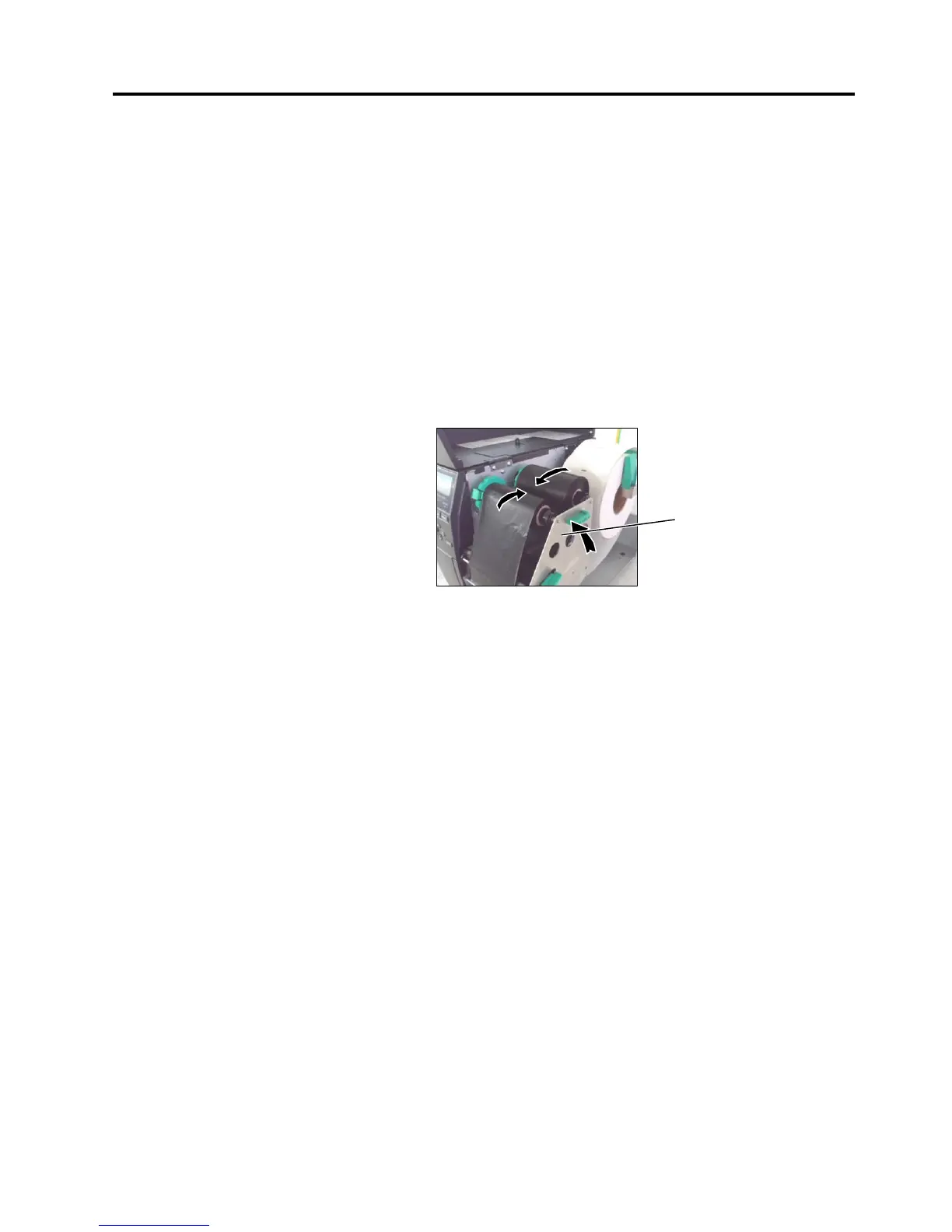
4. Lower the Print Head Block and set the Ribbon Shaft Holder
Plate aligning its holes with the Ribbon Shafts.
5. Take up any slack in the ribbon. Wind the leading tape onto the
ribbon take-up roll until the ink ribbon can be seen from the
front of the printer.
6. Turn the Head Lever to Lock position to close the Print Head.
7. Close the Top Cover.
Ribbon Shaft Holder Plate



 To Next Page
 Loading...











