E6582175
F-32
6
6.7 Terminal function selection
6.7.1 Keeping an input terminal function always active (ON)
f104 : Always active function selection 1
f108 : Always active function selection 2
f110 : Always active function selection 3
Function
This parameter specifies an input terminal function that is always to be kept active (ON).
[Parameter setting]
Title Function Adjustment range Default setting
f104
Always active function selection 1
0-7, 10-153: Refer to section 11.6.
8,9: -
0 (No function)
f108
Always active function selection 2
0-7, 10-153: Refer to section 11.6.
8,9: -
0 (No function)
f110
Always active function selection 3
0-7, 10-153: Refer to section 11.6.
8,9: -
6 (ST)
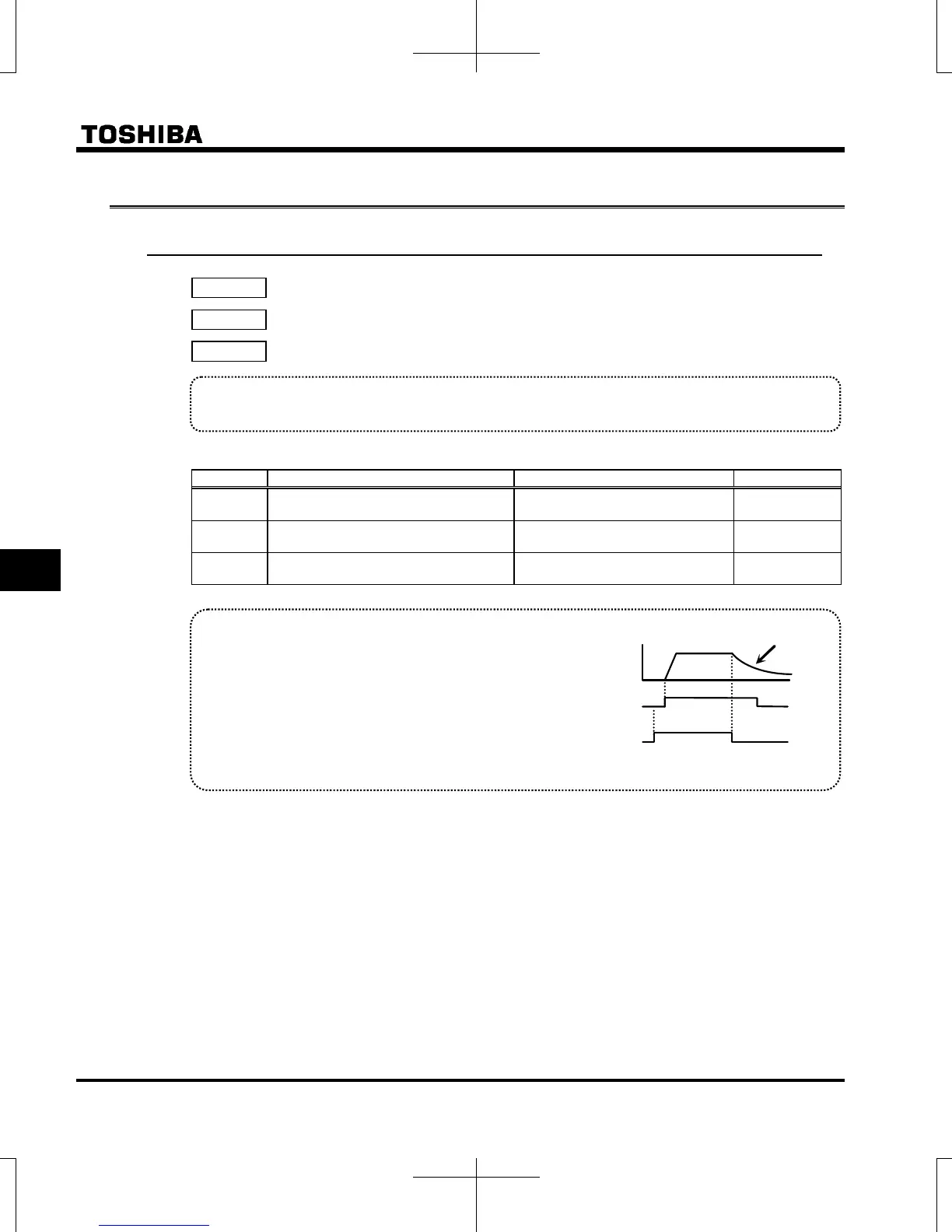
Explanation of the coast stop function
When ST (Standby) is OFF, coast stops.
The default setting for ST (Standby) is ON. Please
change the following settings:
(no function)
Assign open input terminal 6: ST (Standby).
Coast stops if terminal set for ST (Standby) is set to
OFF. The monitor on the inverter at this time displays
Motor
speed
ON
OFF
ON
OFF
F-CC
ST-CC
Coast stop



 To Next Page
 Loading...











