TPT Wirebonder www.tpt.de Page 14 of 53 September 2016
13. Bonding Mode
1. Full Automatic : After press and hold Bond Button
Bond Tool is moving to 1
st
Bond Search Height.
After release Bond Button wire Bond is automatic made.
No possibility to correct position on 2
nd
Bond
2. Semi Automatic : After press and hold Bond Button
Bond Tool is moving to 1
st
Bond Search Height.
After release Bond Button 1
st
Bond is made and tool is moving
To Loop Height and Y-Distance .
After press and hold Bond Button
Bond Tool is moving to 2
nd
Bond Search Height
After release Bond Button 2
nd
Bond is made and Tool is moving
To Start Position ( Work Height )
3. Step – Mode: With Bond Button Tool will be Step thru Tail Sequence
and Loop Sequence if any programmed
4. Manual Mode: Only with Option H51 Manual Z-Control
The Operator using Manual Z-Control to move Bond Tool to Bond surface.
After touching Bond surface 1
st
Bond is made automatically and Tool is rising 100 Microns.
Then Operator is moving Bond Tool by using Manual Z control
and X-Y Manipulator to 2
nd
Bond Position.
After touching Bond Surface 2
nd
Bond is Made and Tool is move back to Start Position
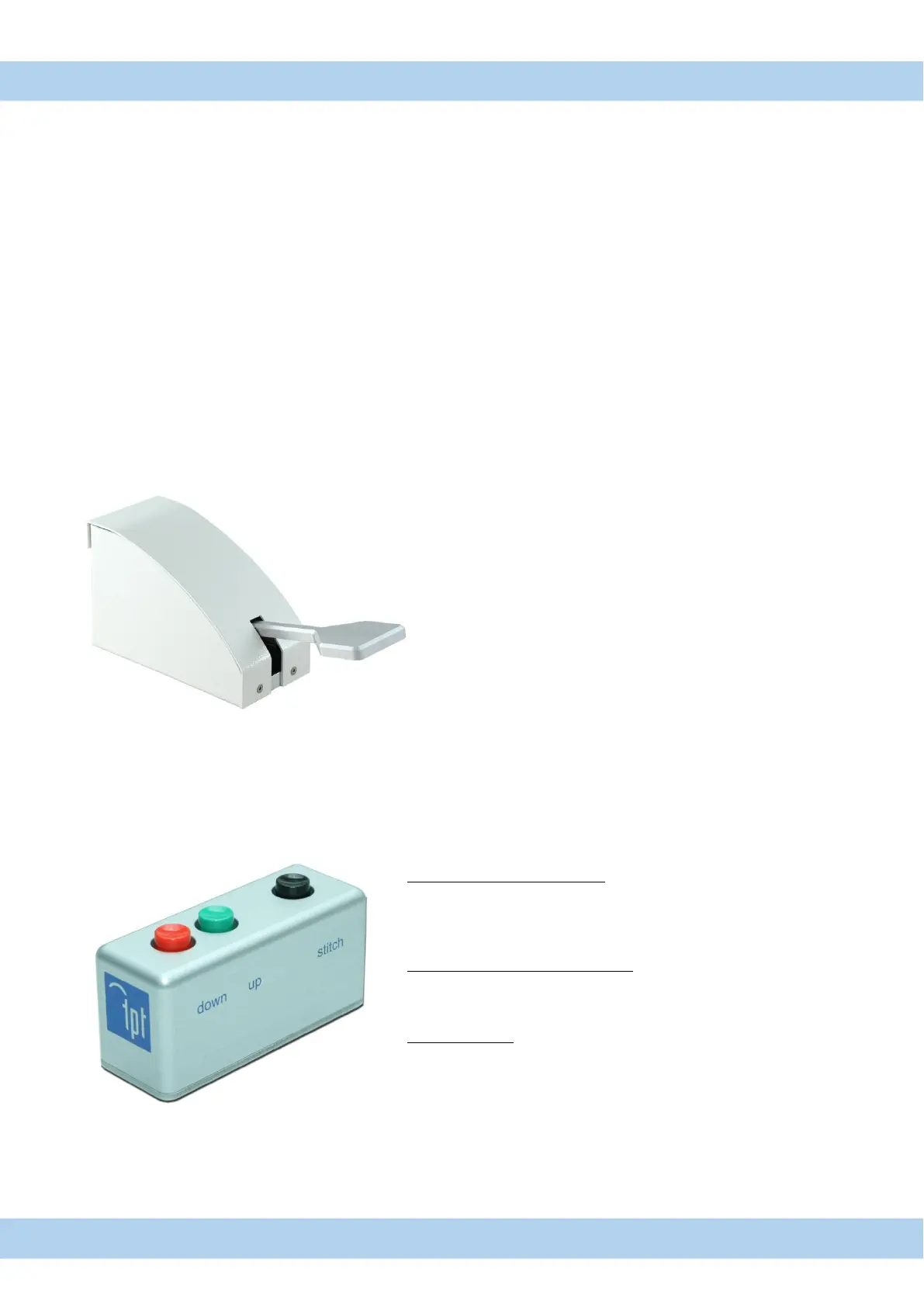
13.1. Dynamic Search and Stitch function (Option H52)
Dynamic Search adjustment:
Function only in Semiautomatic Mode
if Bonder is in search height position ,
Search height can be changed with button down/up
Dynamic bond length adjustment:
if Bonder is in Loop height position , Bond length (Y-Way) can be
changed with button down/up
Stitch function:
Stitch button has same function like foot switch



 To Next Page