TPT Wirebonder www.tpt.de Page 30 of 53 September 2016
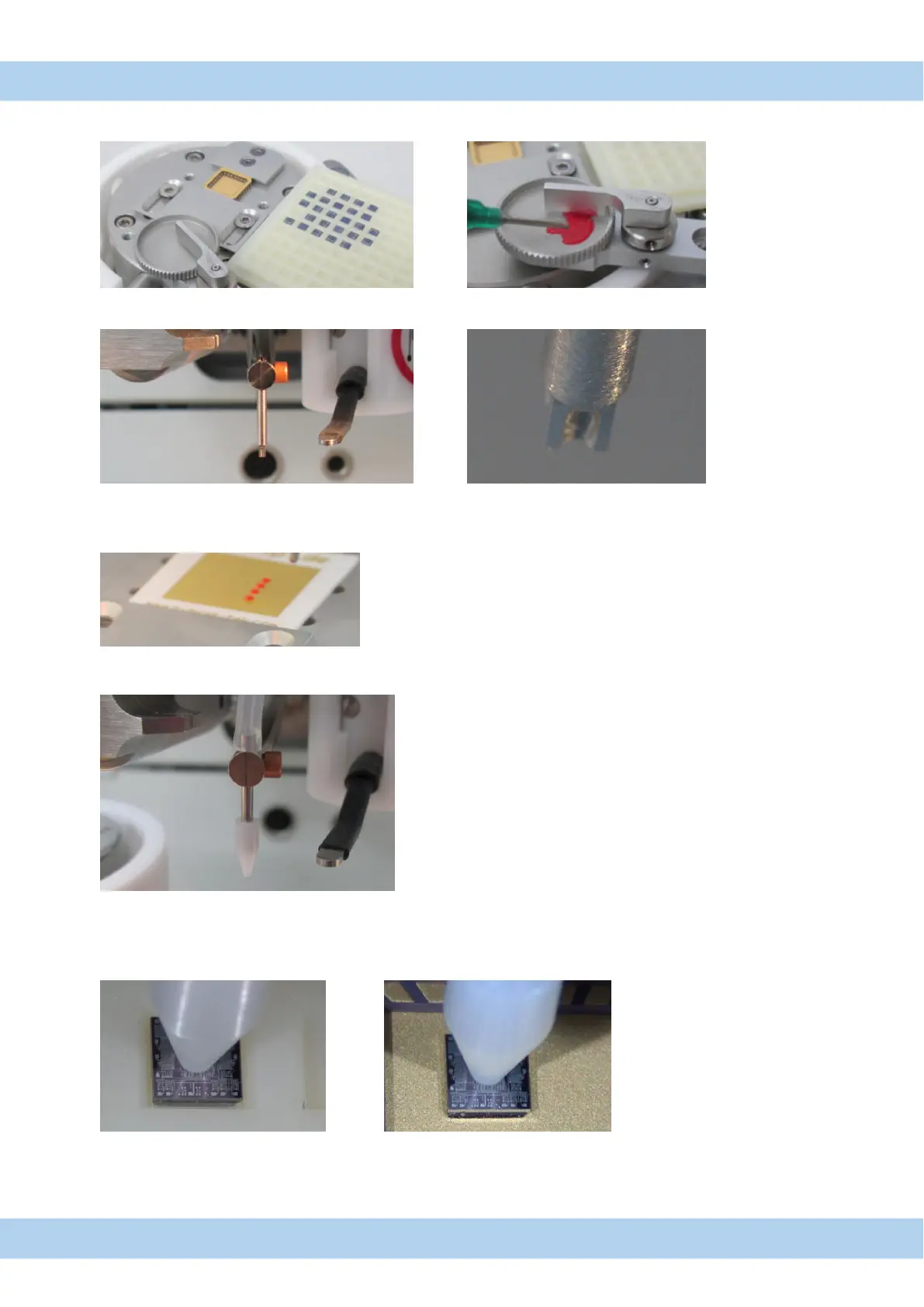
28. Pick and Place sequence
1. Prepare holder and fill glue to epoxy pod.
2. Install Stamping tool
3. Make Height setup from epoxy to surface.
4. Stamp epoxy to your surface. Stamping is with "semiautomatic" and "manual" mode possible.
5. Install Pick and Place tool and connect vacuum tube
6. Check parameters: .
Important: loop height have to be high enough (4000µm) and Y-way is "0"
7. Make Height setup from chip to surface. Important: add chip height to surface height.
8. Pick and Place is with "semiautomatic" and "manual" mode possible
Important: "Full Automatic" mode is not working



 To Next Page