32
TK 61009-12-OP-EN
Journey Ticket Graph
This function enables to print the recorded temperature
measurements over a period of time in a graph format. The same
time periods as per the journey ticket tabular are available.
Regarding the graph scale and the graph boundaries, refer to
“Service Menu,” p. 37.
NNoottee:: In case the user wants to STOP the printout (i.e. because of
wrong ticket selection), it is possible to do so by pressing the
Down arrow key. Then the user will be prompted with a
choice asking to confirm the request to STOP the printout.
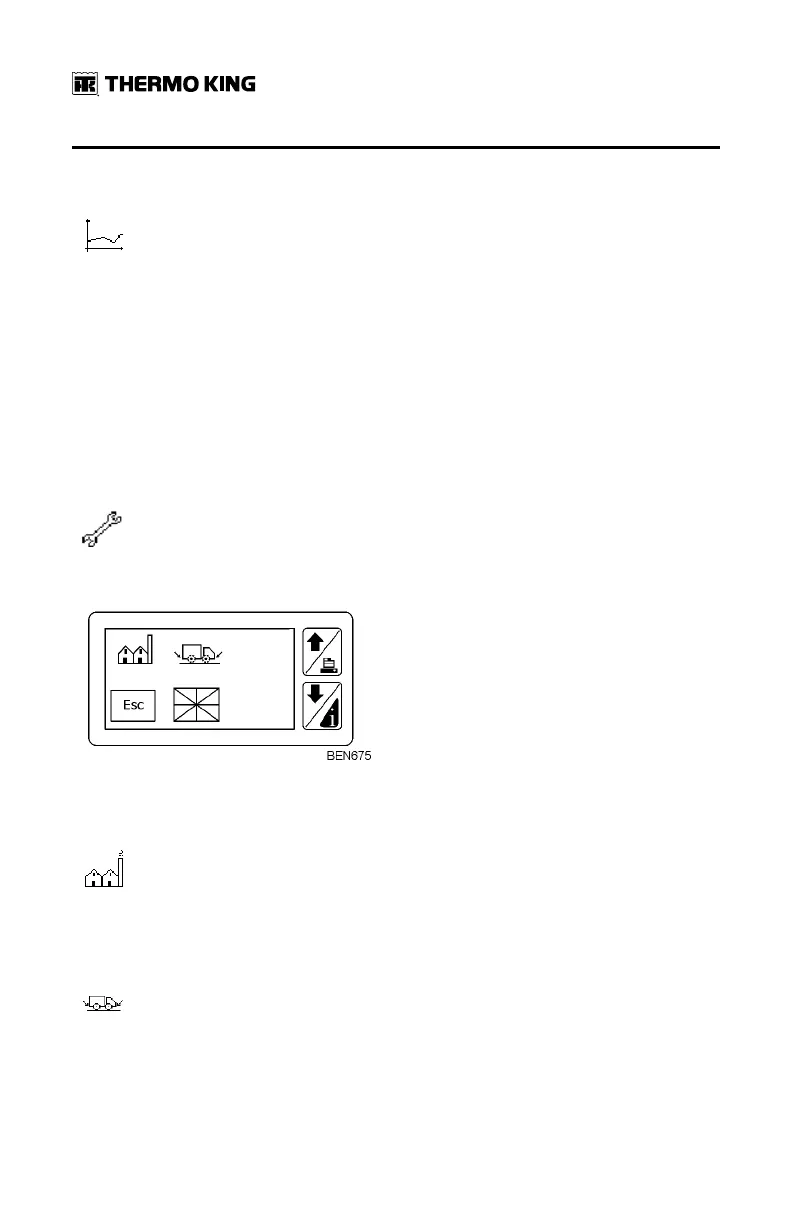
User Menu
When pressing this key for less than 2 seconds, the user will be
directed to the configuration menu.
The different options are as follows:
Company Reference
This menu enables to enter 3 lines of 20 characters each to
personalize the TouchLog with customer information (name,
address, driver/operator name, … etc)
Trailer ID
It allows to enter the trailer plate or serial number to couple the
TouchLog with the vehicle. The limit is 10 characters.
BBaassiicc OOppeerraattiioonnss


 To Next Page