TK 61009-12-OP-EN
59
TouchLog Communication to Wintrac
Installing the Drivers
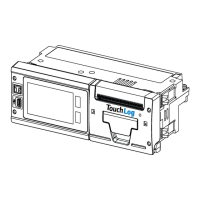
1. Power the TouchLog (12 or 24V) and connect from a USB port in the to
the mini USB port in TouchLog (Long Cable 420970, does not come with
the TouchLog).
2. Unzip and copy the drivers (Infocentral/Technical Documentation/
Telematics/Downloads/TouchLog) in a location in your hard disk
(Desktop for example).
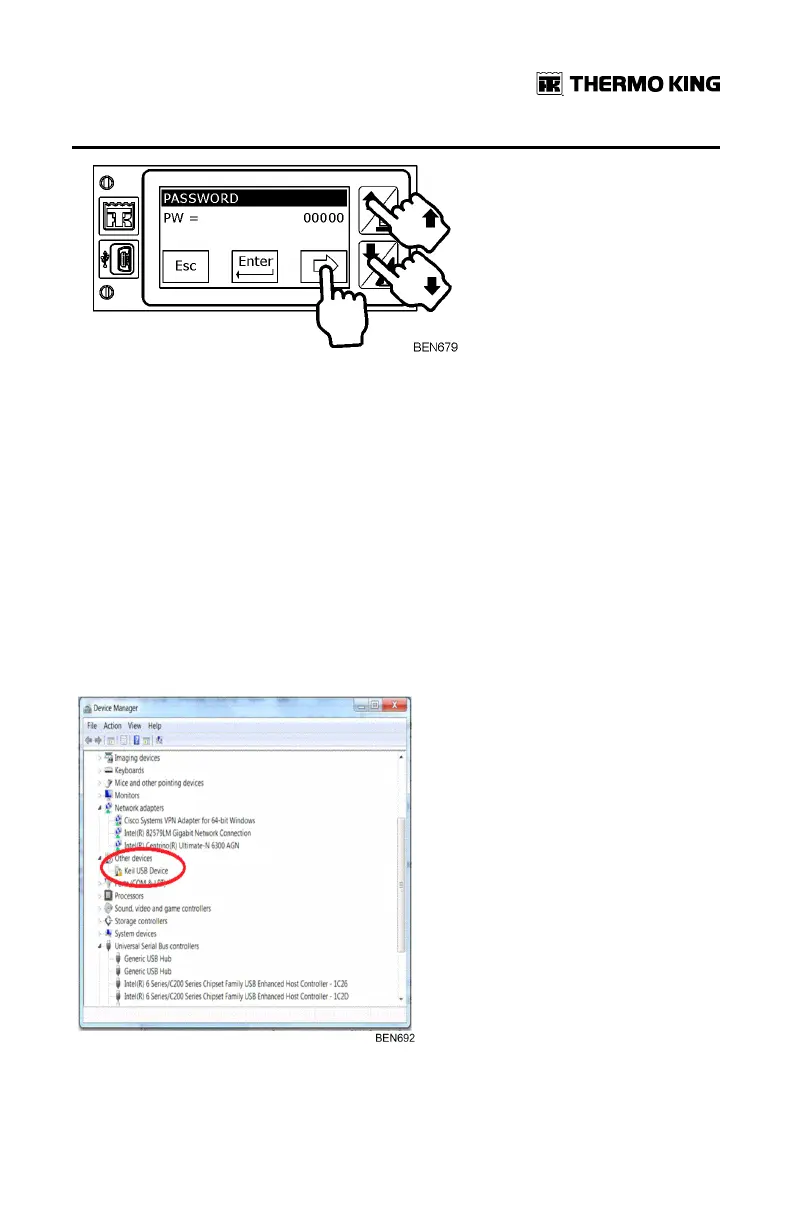
3. In MMyy CCoommppuutteerr – Right Click, MMaannaaggee- Right click, under DDeevviiccee
MMaannaaggeerr if all is connected well and the cable is OK it will show KKeeiill
UUSSBB DDeevviiccee. If not – please check another cable.
FFrreeqquueennttllyy AAsskkeedd QQuueessttiioonnss


 To Next Page