TK 61009-12-OP-EN
39
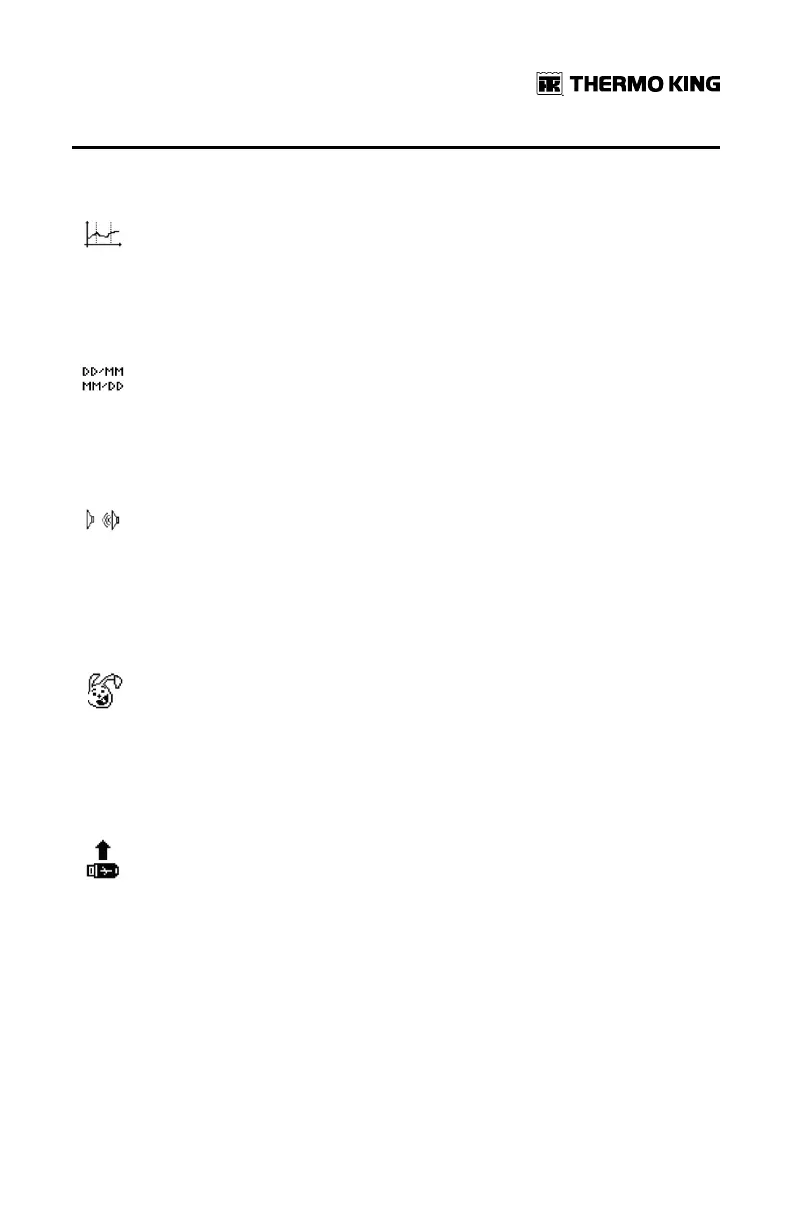
Time Scale for Graph Printing
This menu enables to define the graph scale based on time vs cm
ratio. By default the scale is 3h/cm, In order to have a more detailed
graph, you can reduce this time scale.
Adjusting Date Format
This function enables to swap from the European standard date
format (DD/MM/YY) to the North American standard date format
(MM/DD/ YY).
Buzzer Sound
The user can decide to activate or de-activate the buzzer by
pressing on that icon. The logo will change indicating if the
loudspeaker is ON or OFF. When ON, a sound will be produced at
each touch on the screen.
Short Logging Interval
This function allows to reduce the logging interval to a much
shorter period than 1 minute as proposed in the user menu. This
feature is mainly for the benefit of laboratory and testing entity that
can reproduce a complete test in a much shorter time scale.
Firmware Update
This menu enables to update the software of the TouchLog. The
TouchLog firmware has been setup in 2 section, the user interface
and bootlogger version on 1 side, and the metrological data (temp
records) on the other side. It is possible to update both version via
this functionality, in most case it is only the user interface section
that will require some upgrade.
On top of the .bin file please put the latest .glo files on the USB memory stick
when upgrading the firmware. The .glo files would have new menus that
have been upgraded.
The process to load a new firmware is as follows:
AAddvvaanncceedd OOppeerraattiioonn


 To Next Page