40
TK 61009-12-OP-EN
1. Via a PC and no specific application, the user will copy the new firmware
version onto a USB memory key. The firmware file is of the extension .
bin and will start with 515_x_x_x if it is the user interface part or 530_x_x_
x if it is related to the metrological portion.
2. By using the provided cable (spn 420969), the user connect the USB
memory key to the TouchLog front USB port.
3. Then after tapping once on the screen, the user will enter the main menu
and will press more than 2 seconds on the service icon.
4. The user will be prompted with a password request and after scrolling
through the number select the password 10320, and then press ENTER.
5. Going through the menu icon, the user will enter the firmware update by
pressing this icon.
6. The menu will display the files present on the USB memory key, i.e.
“515_x_x_x”, and to select it press ENTER.
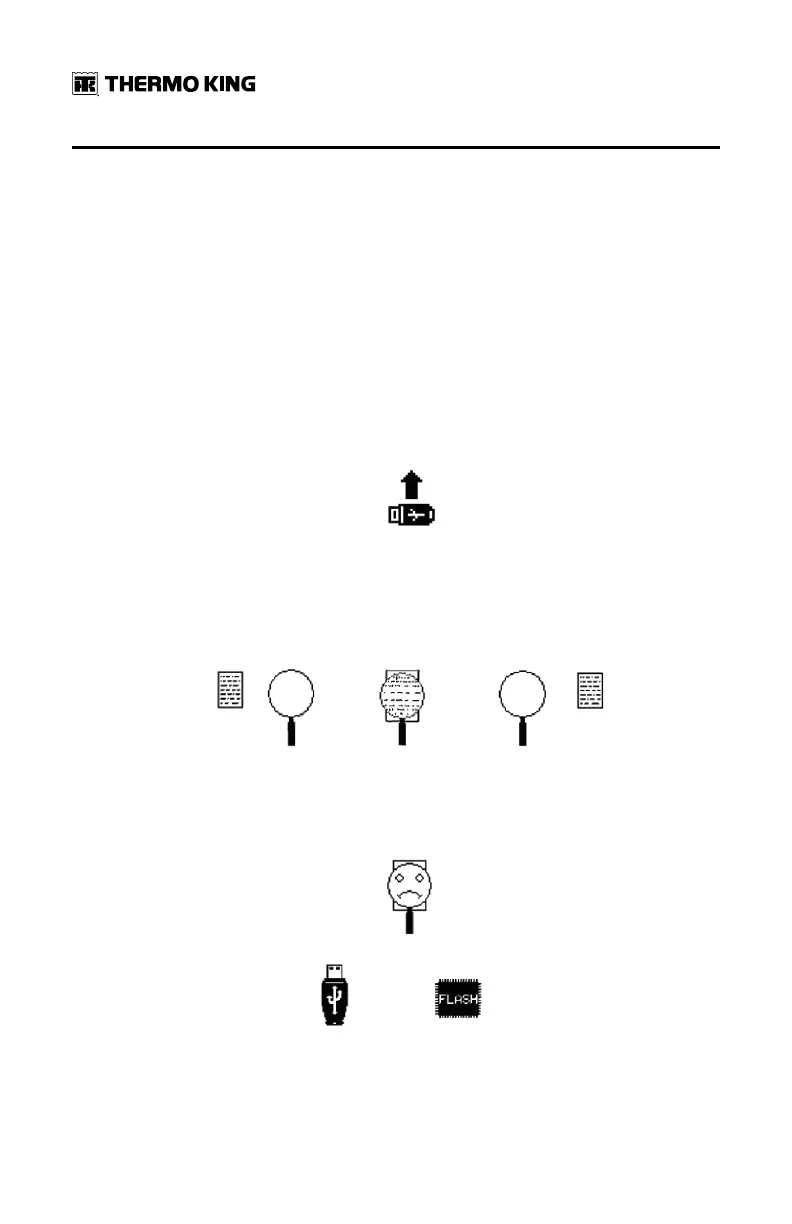
7. The file will be checked and the user will be informed during the check-in
phase with this animation.
If the CRC file test won’t pass the check, the wrong file icon will appear.
8. If the file is considered valid and up to date, the firmware update will
start.
9. After a short period, the TouchLog decrypts the file and copies it into the
external flash then reset the CPU and the boot-loader will start. When all
AAddvvaanncceedd OOppeerraattiioonn


 To Next Page