TK 61009-12-OP-EN
33
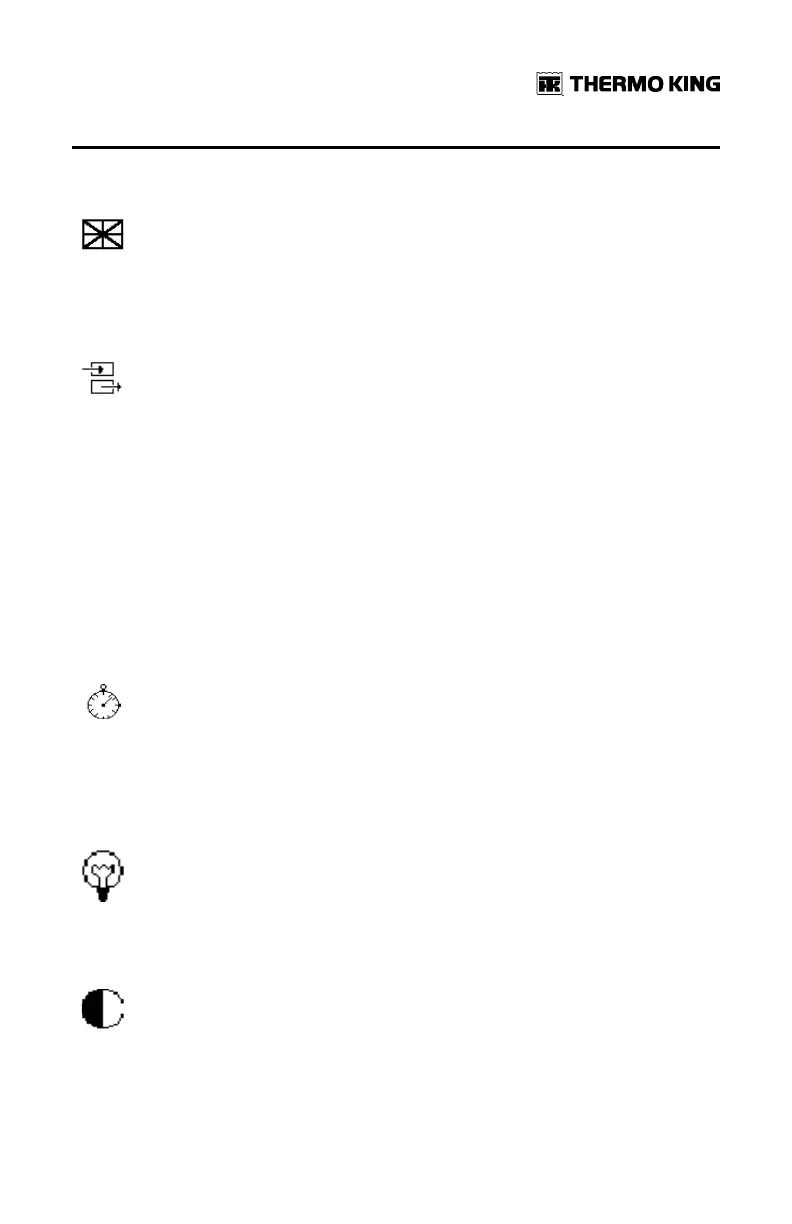
Language
This menu enables to select the language in which the user menu
is displayed and the ticket is printed among the 15 languages
available.
Input Setting
This menu enables to determine which input is active.
It also enables to determine if it is an analog input (temperature
sensor) or a digital input (switch with open/close contact, or an
ignition/defrost state) and to validate the polarity.
Finally it enables to select the label for each input (front, rear, side,
…) and to determine for which zone this input is applicable. This
label name will appear in the ticket header.
NNoottee:: I4 cannot be configured as NTC sensor in the display, it can
be done using Wintrac. (See “Wintrac Communication and
Data Export,” p. 46).
Logging Interval
This menu enables to program the logging interval per customer
need from every 1 minute to every 1 hour, considering that by
default the logging interval will be setup at every 5 minutes to be
compliant with the EN 12830 norm.
Brightness
This function allows adjusting the display brightness based on
light and darkness exposure.
Contrast
Similarly to brightness, this function allows to adjust the display
background for easier reading.
BBaassiicc OOppeerraattiioonnss


 To Next Page