TK 61009-12-OP-EN
37
Advanced Operation
Advanced operation covers the less commonly used functionalities such as
selecting the graph scale, checking the date and time, changing the date
format, updating the firmware and setting up the serial ports. For basic
operational information see “Basic Operations,” p. 26.
Service Menu
By pressing this key for more than 2 seconds, the user will be
directed to the service menu.
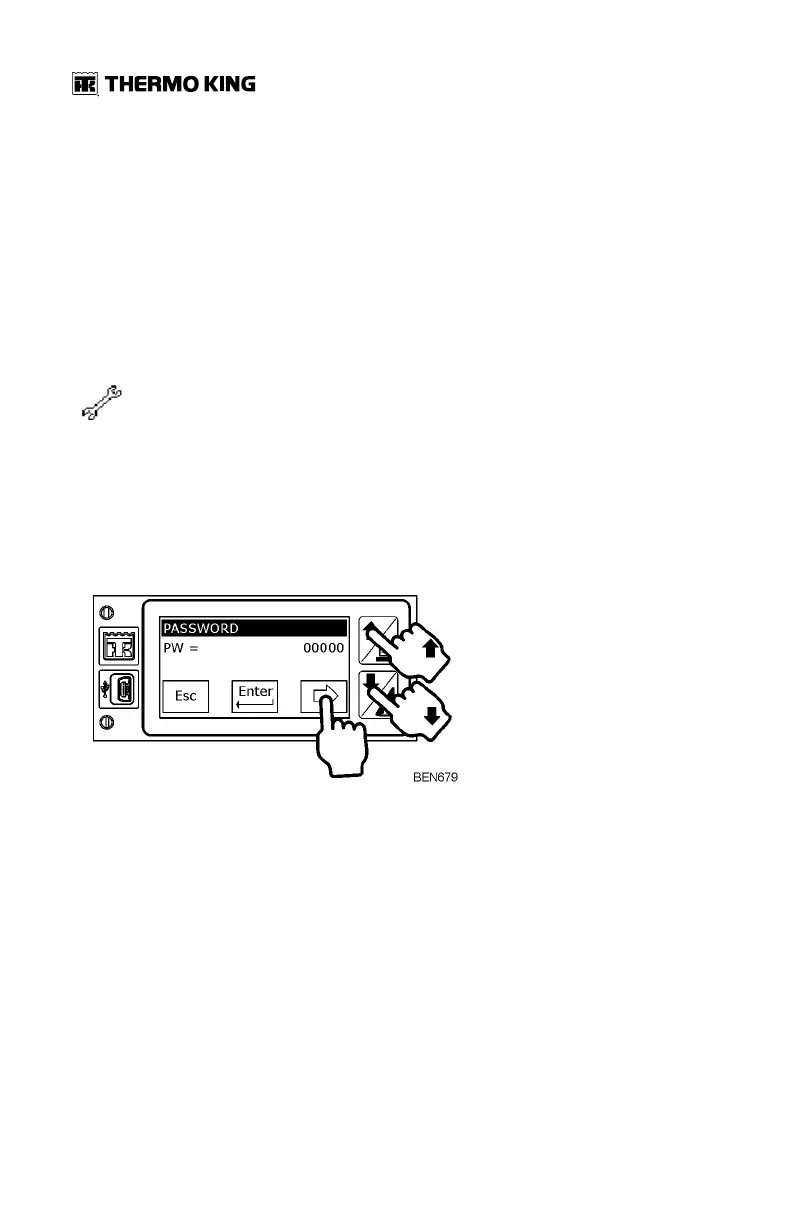
This menu is password protected. By default the password is 10320.
1. Press the right hand facing arrow to start to insert password.
2. Press the Up and Down arrows to enter each number, and pressing the
right hand facing arrow to move from one digit to the next.
3. Press Enter key to finish.
Once the password is validated, you will be prompted with these icons over
three screens - pressing the Up and Down arrows to move between the
screens.


 To Next Page