Instruments
39
Fuel
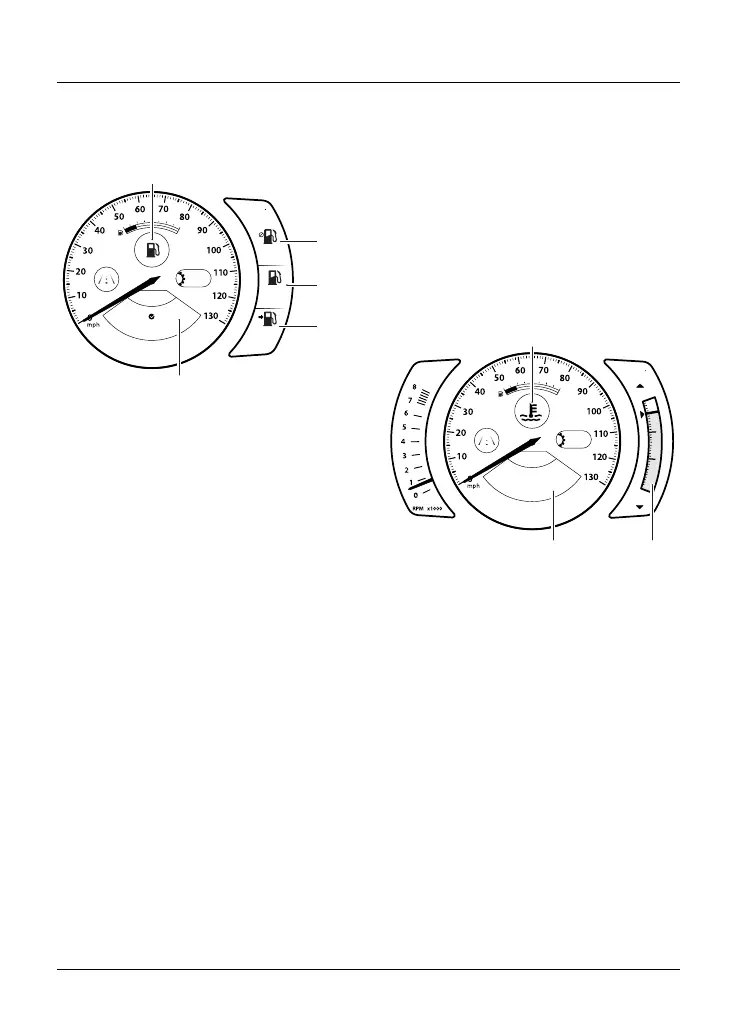
The Fuel status information tray shows
fuel consumption information.
A
15:53
+
+
Fuel
HOLD TO RESET
mi
35.8
mpg
42.2
mpg
RANGE
22.8
N
1
2
3
4
5
1. Fuel symbol
2. Average fuel consumption
3. Instantaneous fuel consumption
4. Range to empty
5. Fuel information tray
Average Fuel Consumption
This is an indication of the average
fuel consumption. After being reset the
display will show dashes until 0.1 miles/
km has been covered.
Instantaneous Fuel Consumption
An indication of the fuel consumption
at an instant in time. If the motorcycle
is stationary, --.- will be shown in the
display area.
Range to Empty
This is an indication of the predicted
distance that can be traveled on the
remaining fuel in the tank.
Reset
To reset the average fuel consumption,
press and hold the joystick center.
Note
After refueling, the fuel gage and range
to empty information will be updated
only while riding the motorcycle.
Depending on the riding style, updating
could take up to five minutes.
Coolant
The coolant information tray menu
indicates the temperature of the engine
coolant.
A
15:53
12.4
°
C
H
C
Coolant
Temperature OK
68°C
N
1
3
2
1. Coolant symbol
2. Coolant information tray
3. Coolant temperature gage
The coolant temperature is shown
in the information tray with a status
message. The coolant temperature is
also shown in a gage in the right hand
side display section. The gage ranges
between C (cold) and H (hot). When the
engine is started from cold the gage
will show gray bars. As the temperature
increases more bars in the gage will be
shown illuminated. When the engine
is started from hot the gage will show
the relevant number of illuminated bars,
dependent on engine temperature.










 To Next Page