Instruments
41
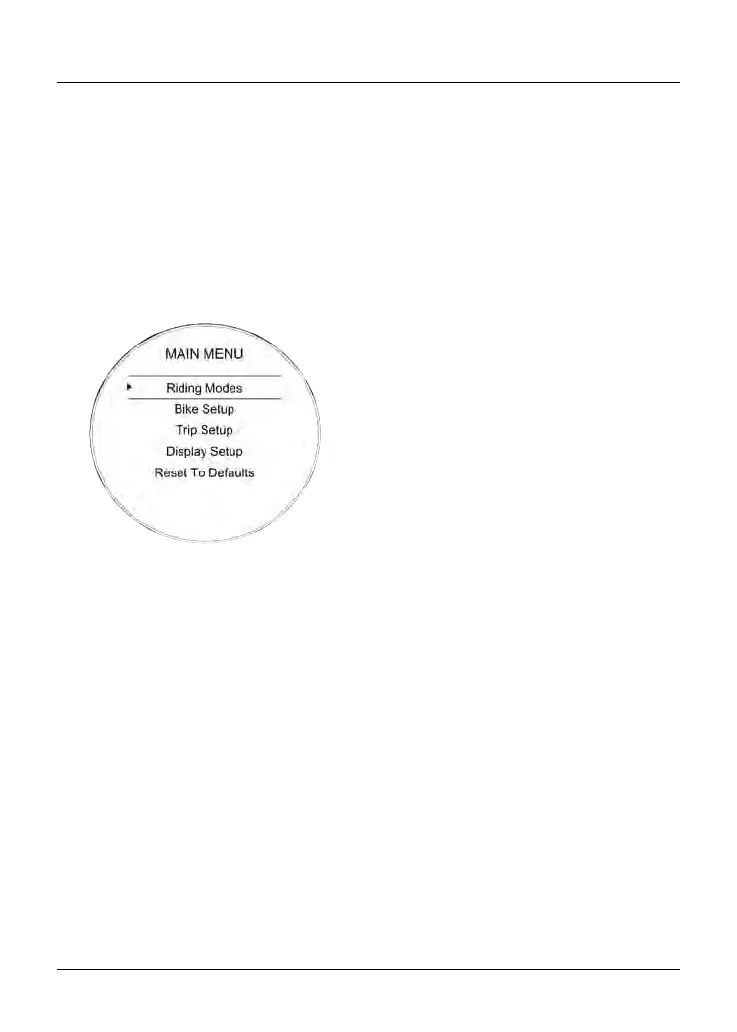
Main Menu
To access the Main Menu:
•
The motorcycle must be stationary
with the ignition switched on.
•
Press the HOME button on the right
handlebar switch housing.
•
Scroll the Main Menu by pushing the
joystick down/up until the required
option is selected and then press
the joystick center to confirm.
The Main Menu allows access to the
following options:
Riding Modes
This menu allows configuration of the
riding modes. For more information, see
page 42.
Bike Setup
This menu allows configuration of the
different features of the motorcycle. For
more information, see
page 45.
Trip Setup
This menu allows configuration of Trip 1
and Trip 2 meters. For more information,
see page 48.
Display Setup
This menu allows configuration of the
display options. For more information,
see
page 50.
Reset to Defaults
This menu allows all instrument settings
to be returned to the default setting.
For more information, see page 57.










 To Next Page