Instruments
36
• Push the joystick left/right to return
to the information tray.
Low Battery Warning
If items such as heated grips are
installed and are on with the engine
at idle, over a period of time, the
battery voltage may drop below
a predetermined voltage and a
warning message will be shown in the
information tray.
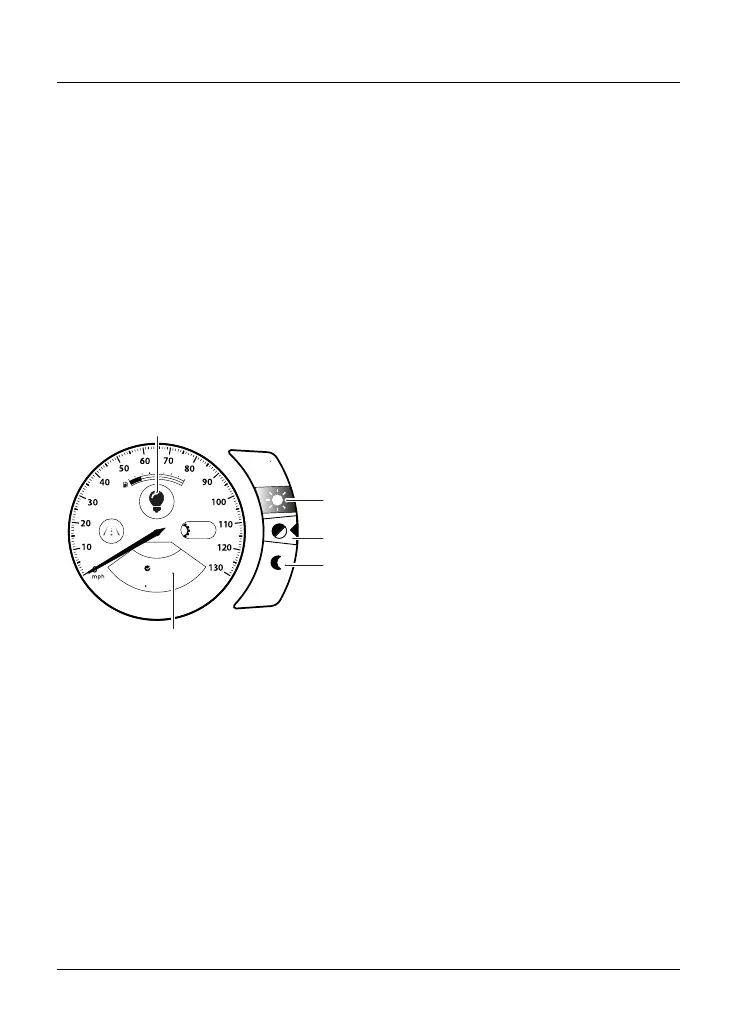
Contrast
The Contrast information tray menu
allows the display screen contrast to be
adjusted.
A
15:53
Contrast
SELECT
H I G H
A U T O
L O W
N
1
2
3
4
5
1. Contrast symbol
2. HIGH contrast
3. AUTO contrast
4. LOW contrast
5. Contrast information tray
There are three options available:
•
HIGH - This option locks the display
screen to the white background
version of each display screen style
for maximum visibility.
•
AUTO - This option uses the
instrument light sensor to adjust
the contrast to the most suitable
setting. In bright sunlight, low
brightness settings will be
overridden to make sure that the
instruments can be viewed at all
times.
•
LOW - This option locks the display
screen to the dark background
version of each display screen for
night time visibility.
To select an option:
•
Push the joystick down/up to
select either the HIGH, AUTO or
LOW contrast option and press the
joystick center to confirm.
•
If the rider defined brightness
setting is suitable this will be used,
see page 51.
Note
Do not cover the light sensor in the left
hand panel on the display screen as
this will stop the screen contrast from
working correctly.










 To Next Page