MODEL 3587 - 14 -
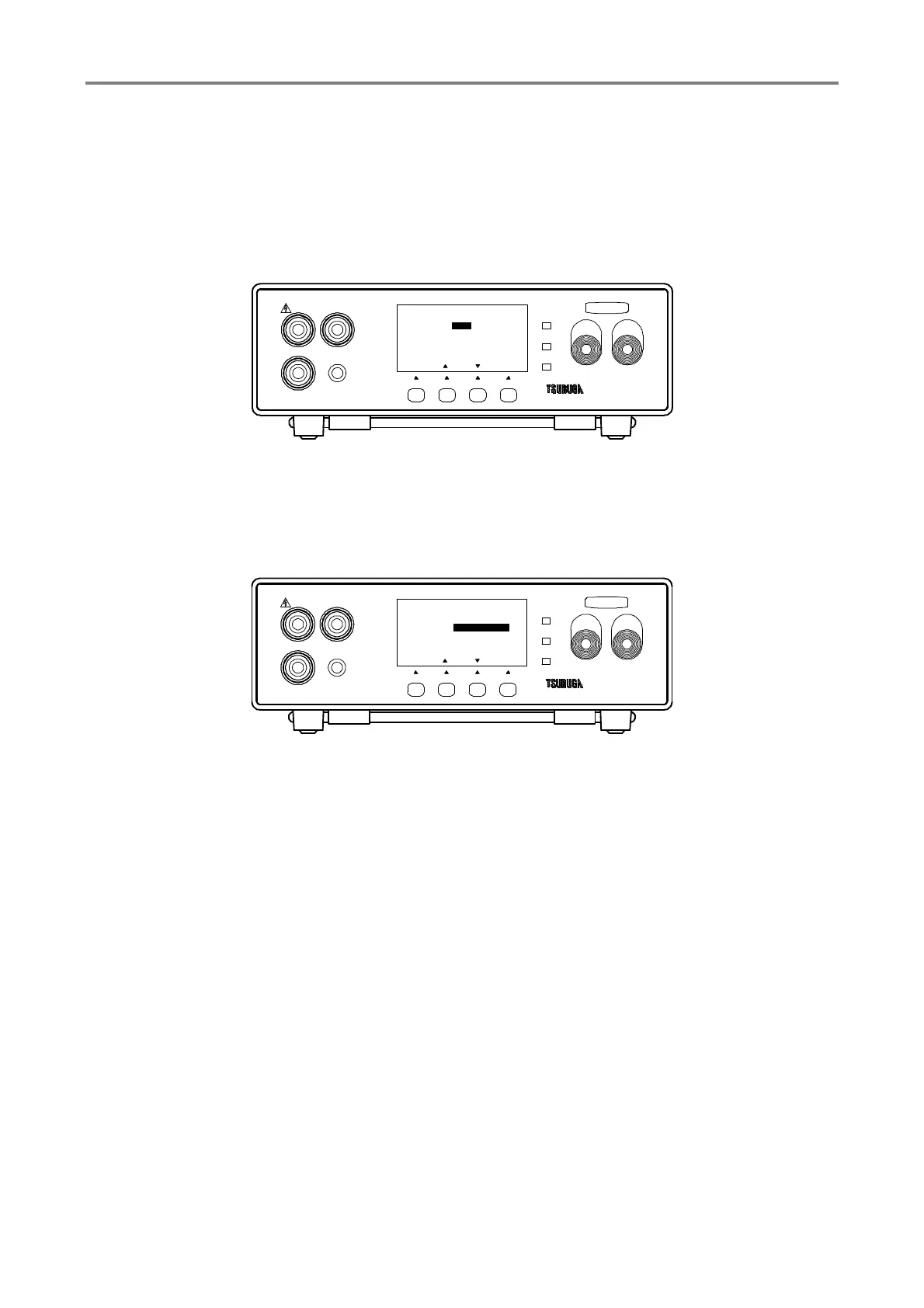
3.7.1 Selection of memory
① Press F1 [SEL] key to select the MEMORY No.
② Select the Memory No.by F2 [▲], F3 [▼] key.
③ Press F4 [ENT] to memorize the setting and the display returns to measurement
standby state.
To continue the other setting, select the items that you want to change by pressing
F1 [SEL]
3.7.2 Setting of measurement mode
CONTINUE mode to undertake the measurement continuously and timer which measures
the time can be selected by AUTO mode.
① Press F1 [SEL] key to select the MEMEORY SET and press F4 [ENT] key to enter it.
Select TEST MODE by F1 [SEL] key.
② Press F2 [▲], F3 [▼] key.to select AUTO/CONTINUE.
③ Press F4 [ENT] to memorize the setting and the display returns to measurement
standby state.
To continue the other setting, select the items that you want to change by pressing
F1 [SEL]
HIGH
GOOD
LOW
START STOP
3587MODEL
LOW
REMOTE
GUARD
HIGH
F3F2F1
[ ENT ]
MEMORY SET
MEMORY No
TEST M ODE
VOLTAG E
RANGE
1
1000V
2000MΩ
1/3
[][]
AUTO
TEST
[SEL]
F4
HIGH
GOOD
LOW
START STOP
3587MODEL
LOW
REMOTE
GUARD
HIGH
F3F2F1
[ ENT ]
MEMORY SET
MEMORY No
TEST M ODE
VOLTAG E
RANGE
AUTO
1000V
2000MΩ
1/3
[][]
1
TEST
[SEL]
F4



 To Next Page