- 21 - MODEL 3587
3.8.1 Start input setting
Measurement start methods are explained here.
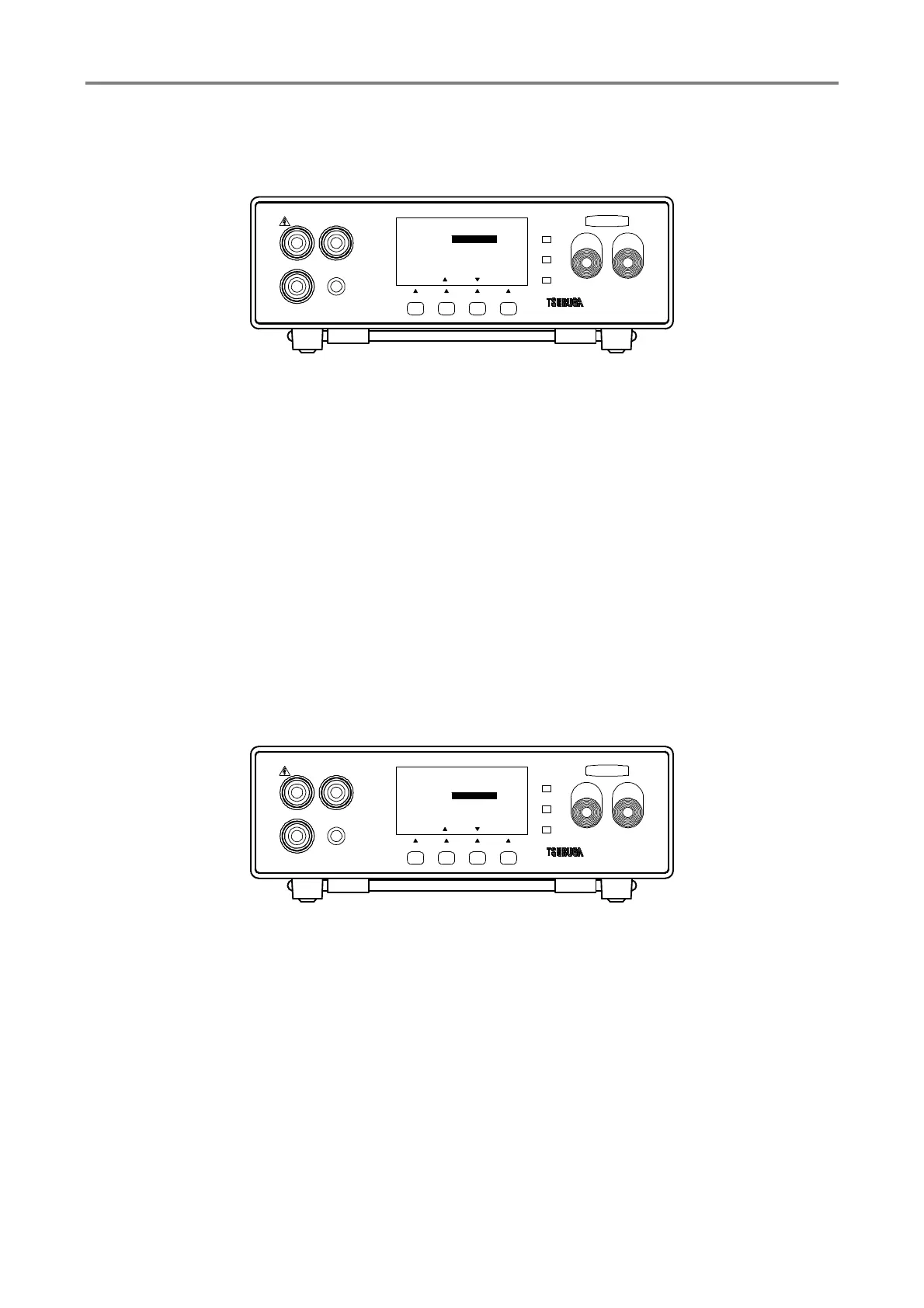
① Press F1 [SEL] key to select GENERAL SET and press F4 [ENT] key to enter it.
Select REMOTE by F1 [SEL] key.
② Press F2 [▲], F3 [▼] key to select MANUAL/ REMOTE 1/ REMOTE 2
MANUAL : Measurement can be started by pressing STRAT key located on front
panel.
REMOTE 1 : Measurement can be started by START input of terminal located on
rear side.
REMOTE 2 : Measurement can be started by the switch of the probe
③ Press F4 [ENT] to memorize the setting and the display returns to measuring mode.
To continue the other setting, select the items that you want to change by pressing F1
[SEL]
3.8.2 Selection of memory setting by back side control
Rear terminal can be set for enable/disable of the memory selection function.
① Press F1 [SEL] key to select GENERAL and press F4 [ENT] key to enter it.
Select EXT.CTRL by F1 [SEL] key.
② Press F2 [▲], F3 [▼] to select ON/OFF
OFF: Memory is selected by operation of the front panel F2 [RCL] key.
ON: Memory is selected by MEM1, MEM2, MEM4, MEM8 of rear terminal.
③ Press F4 [ENT] to memorize the setting and the display returns to measuring mode.
To continue the other setting, select the items that you want to change by pressing F1
[SEL]
HIGH
GOOD
LOW
START STOP
3587MODEL
LOW
REMOTE
GUARD
HIGH
F3F2F1
[ENT]
1/3
[][]
REMOTE
EXT.CTRL
SAMPLING
POWER FRQ
OFF
SLOW
50Hz
MANUAL
GENERAL SET
TEST
[ SEL ]
F4
HIGH
GOOD
LOW
START STOP
3587MODEL
LOW
REMOTE
GUARD
HIGH
F3F2F1
[ENT]
1/3
[][]
REMOTE
EXT.CTRL
SAMPLING
POWER FRQ
SLOW
50Hz
OFF
MANUAL
GENERAL SET
TEST
[ SEL ]
F4



 To Next Page