- 25 - MODEL 3587
3.9 System setting
Setting of automatic discharge function, display contrast are explained here.
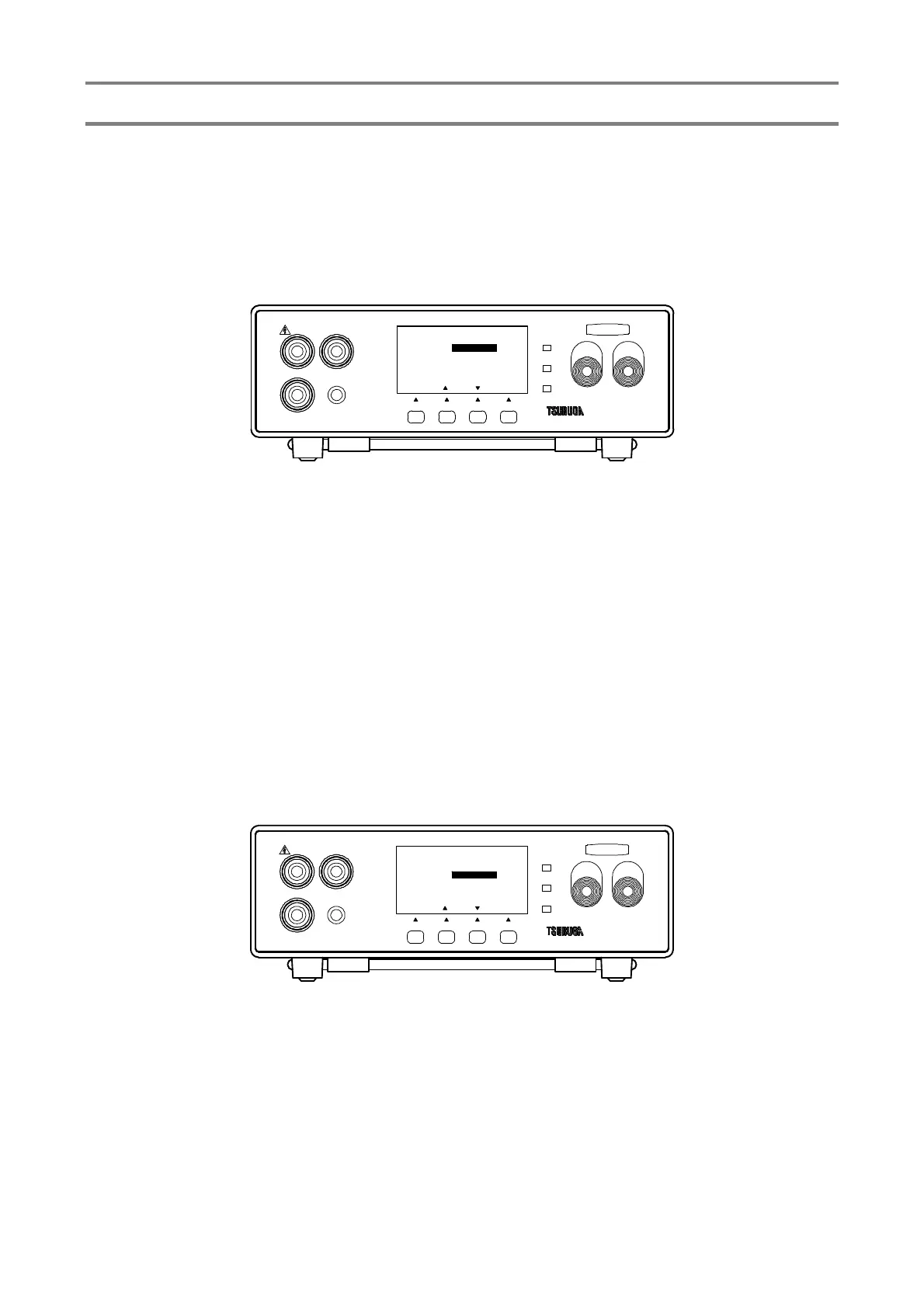
3.9.1 Automatic discharge function setting
Change of validity/invalidity of the measuring terminal can be done by automatic
discharge function.
① Press F1 [SEL] key to select SYSTEM SET and press F4 [ENT] key to enter
SYSTEM SET.
Select DISCHARGE by F1 [SEL] key.
② Press F1 [▲], F3 [▼] key.to select ENABLE/DISABLE
ENABLE : It makes enable automatic discharge function.
During standby state, HIGH measuring terminal is connected to the
build-in discharge resistance.
DISABLE : It makes disable automatic discharge function.
③ Press F4 [ENT] to memorize the setting and the display returns to measuring mode.
To continue the other setting, select the items that you want to change by pressing F1
[SEL].
3.9.2 Contrast setting
Adjustment of the brightness of the display panel is explained here.
① Press F1 [SEL] key to select SYSTEM SET and press F4 [ENT] key to enter into
SYSTEM SET
Press F1 [SEL] key to select the CONTRAST
② Press F2 [▲], F3 [▼] key for setting
Setting range : 1 to 5
③ Press F4 [ENT] to memorize the setting and the display panel returns to measuring
mode.
To continue the other setting, select the items that you want to change by pressing F1
[SEL].
HIGH
GOOD
LOW
START STOP
3587MODEL
LOW
REMOTE
GUARD
HIGH
F3F2F1
[ENT][][]
SYSYTEM SET
DISCHARGE
CONTRAST
ENABLE
3
TEST
[ SEL ]
F4
HIGH
GOOD
LOW
START STOP
3587MODEL
LOW
REMOTE
GUARD
HIGH
F3F2F1
[ENT][][]
TEST
SYSYTEM SET
DISCHARGE
CONTRAST
ENABLE
3
[ SEL ]
F4



 To Next Page