MODEL 3587 - 18 -
3.7.6 Comparator
Digital comparator compares the display value and the upper limit, lower limit values.
Ten pairs of each upper and lower limit values set can be stored in memory
(No. 1 to No. 10).
Comparison condition
Display value ≧Upper limit set value(HIGH) HIGH(HI) output
Upper limit set value(HIGH)>Display value >Lower limit set value(LOW)
GOOD(GO) output
Display value ≦Lower limit set value(LOW) LOW(LO) output
During over display(OVER) HIGH(HI) output
During Under display(UNDER) LOW(LO) output
Comparison output
Output the open collector can be obtained from back side of terminal.
(Refer to section 5.1)
Display HIGH, LOW:Red
GOOD:Green
Setting range
Comparator can be set to 0000 to 9999/OFF.
Comparison operation can’t be performed if it is set to OFF.
Setting method
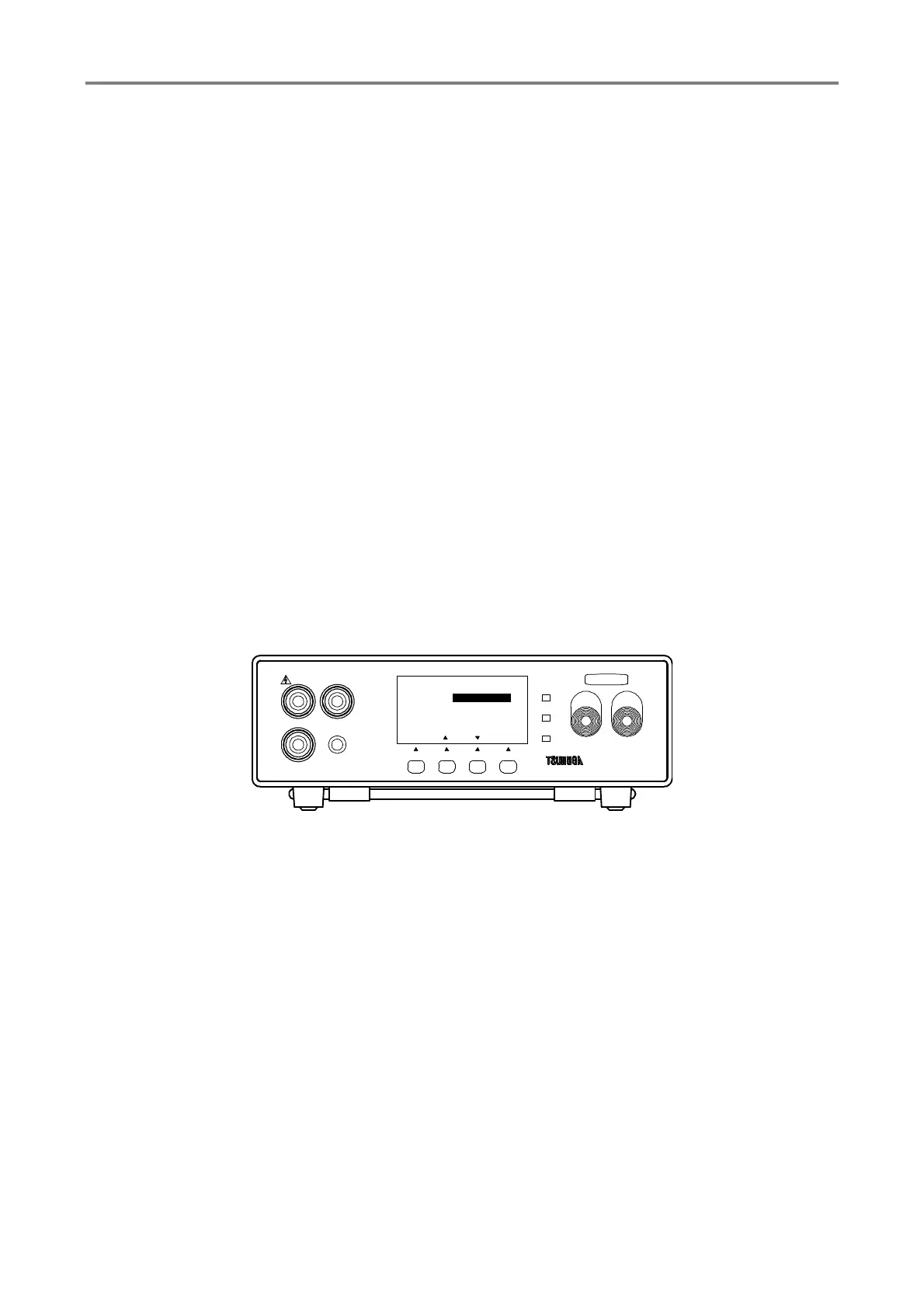
① Press F1 [SEL] key to select MEMORY SET and press F4 [ENT] key to enter it
Select HIGH SET and LOW SET by F1 [SEL] key.
② Press F2 [▲], F3 [▼] key to change the setting values
If the key is pressed continuously, speed can be changed in 3 stages.
Setting range 0000 to 9999/OFF
③ Press F1 [SEL].to select COMP RNG(Comparator setting range )
④ Press F2 [▲], F3 [▼] KEY. to change the setting
⑤ Press F4 [ENT] to memorize the setting and the display returns to measuring mode.
To continue the other setting, select the items that you want to change by pressing F1
[SEL]
HIGH
GOOD
LOW
START STOP
3587MODEL
LOW
REMOTE
GUARD
HIGH
F3F2F1
[ENT]
MEMORY SET
2/3
HIGH SET
LOW SET
COMP RNG 2000MΩ
0020MΩ
[][]
9990MΩ
TEST
[ SEL ]
F4



 To Next Page