- 33 - MODEL 3587
5.1.5 Memory operation
① Set the EXT.CTRL to ON at the panel of GENERAL set.
② Input the memory no. code.
Note: Memory can’t be called except the memory no. code from 1 to 10.
MEM No. MEM1 MEM2 MEM4 MEM8
1 ○ ― ― ―
2 ― ○ ― ―
3 ○ ○ ― ―
4 ― ― ○ ―
5 ○ ― ○ ―
6 ― ○ ○ ―
7 ○ ○ ○ ―
8 ― ― ― ○
9 ○ ― ― ○
10 ― ○ ― ○
Can only operate in above condition.
○ :ON(I-COM and connection)
- :OFF (OPEN)
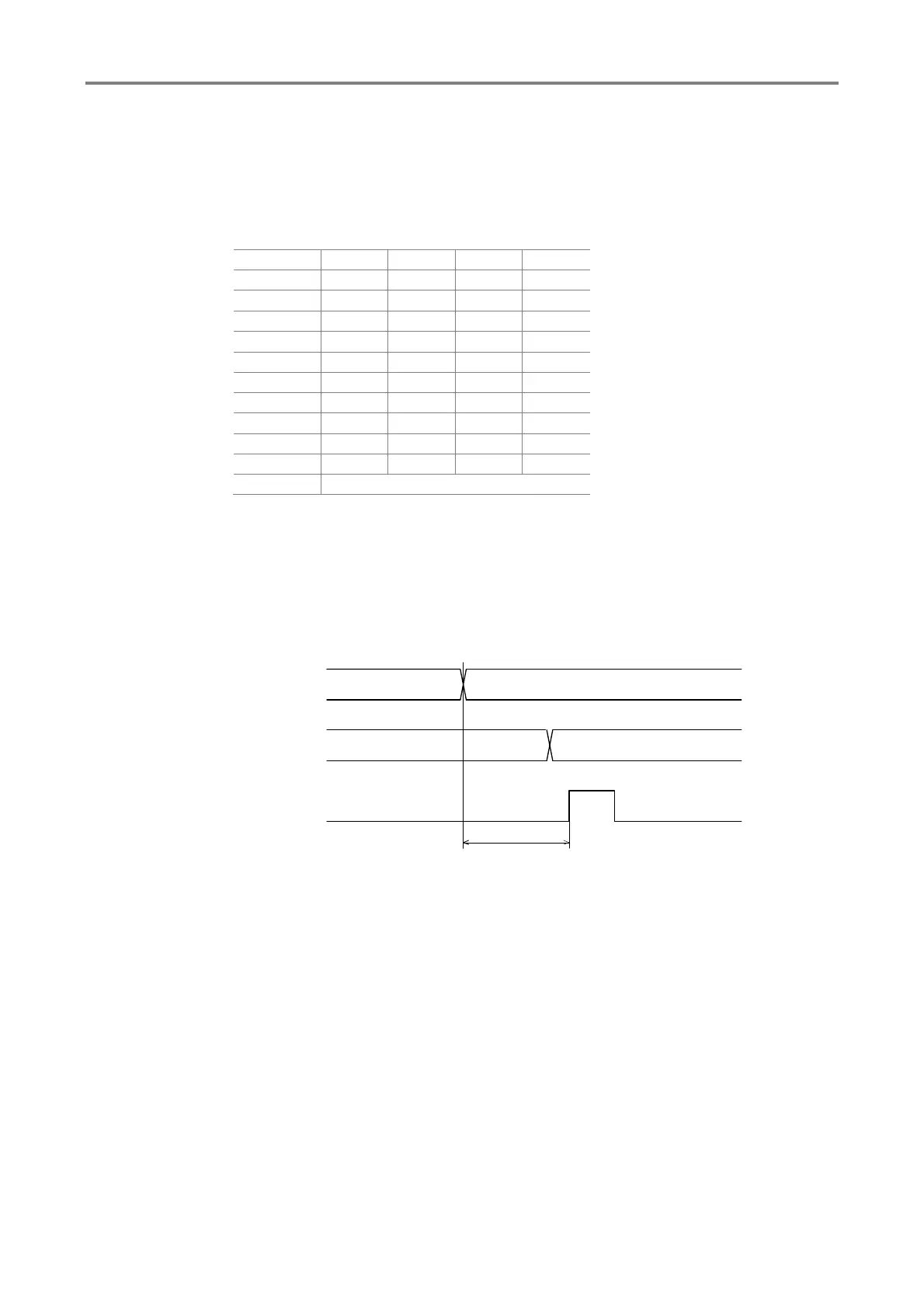
Memory switching timing chart
ON
OFF
MEM1,2,4,8
MIN 100ms
START
12
21Memory switching



 To Next Page