MODEL 3587 - 24 -
3.8.7 Communication setting
RS-232C communication setting is carried out here.
ON/OFF communication function is carried out by ONLINE setting.
Setting of communication speed by the RS BPS and setting of parity bit by RS PARITY
are carried out here.
Communication speed and parity bit should be set according to the setting of higher level
equipment of PC etc.
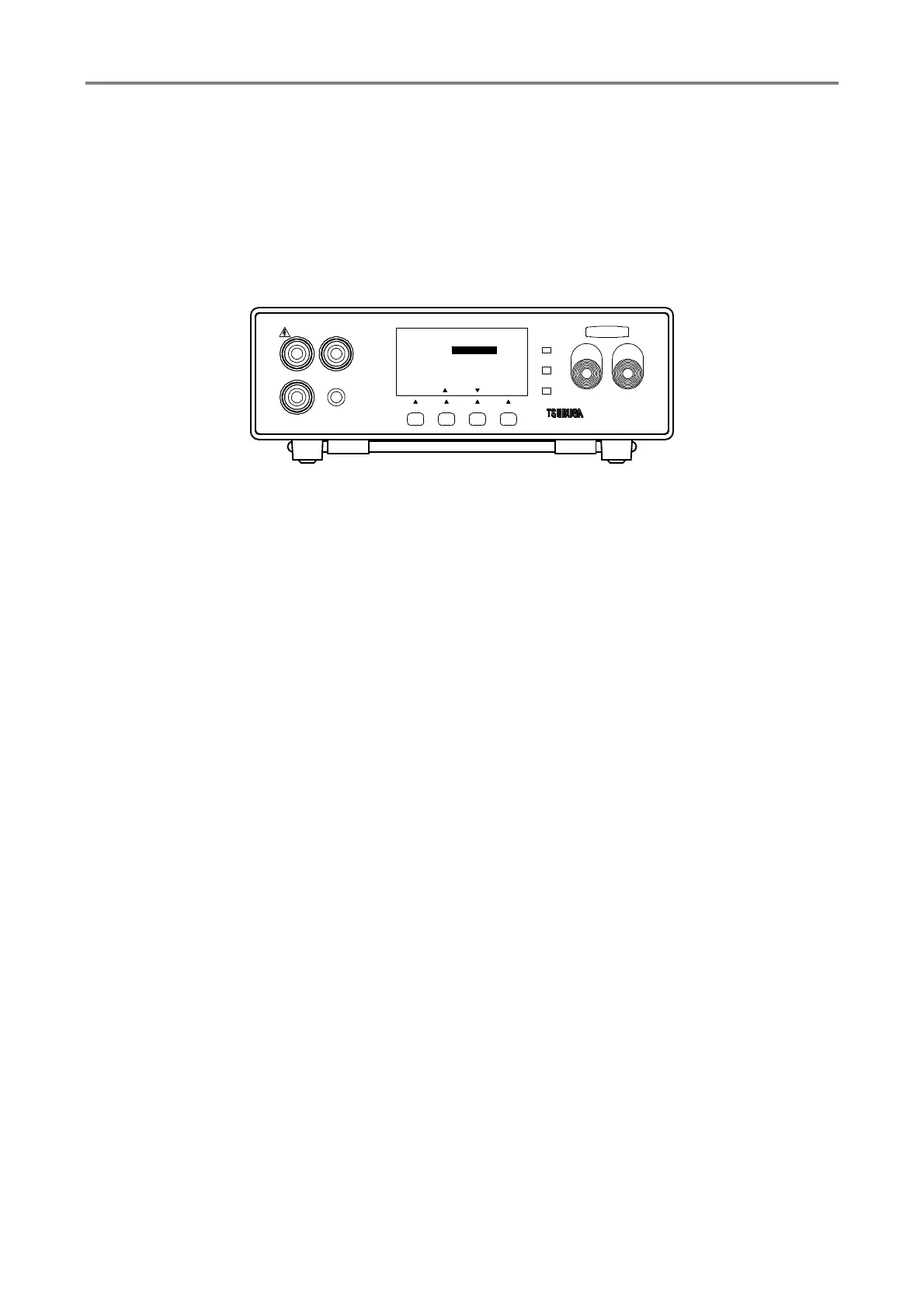
① Press F1 [SEL] key to select GENERAL SET and press F4 [ENT] key to enter into
GENERAL SET
Selection of ONLINE, RS BPS, RS PARITY by F1 [SEL] key
② Press F2 [▲], F3 [▼] key to select setting of ONLINE, RS BPS, RS PARITY as
below.
ONLINE : ON/OFF setting of the communication function
Output of RS-232C communication can be obtained with ON
RS BPS : Setting of communication speed
9600BPS, 19200BPS, 38400BPS
RS PARITY : Setting of parity bit of communication data
NONE
ODD
EVEN
③ Press F4 [ENT] to memorize the setting and display returns to measurement mode.
To continue the other setting, select the items that you want to change by pressing F1
[SEL].
HIGH
GOOD
LOW
START STOP
3587MODEL
LOW
REMOTE
GUARD
HIGH
F3F2F1
[ENT][][]
3/3
ONLINE
RS BPS
RS PARITY NONE
19200BPS
OFF
GENERAL SET
TEST
[ SEL ]
F4



 To Next Page