MODEL 3587 - 16 -
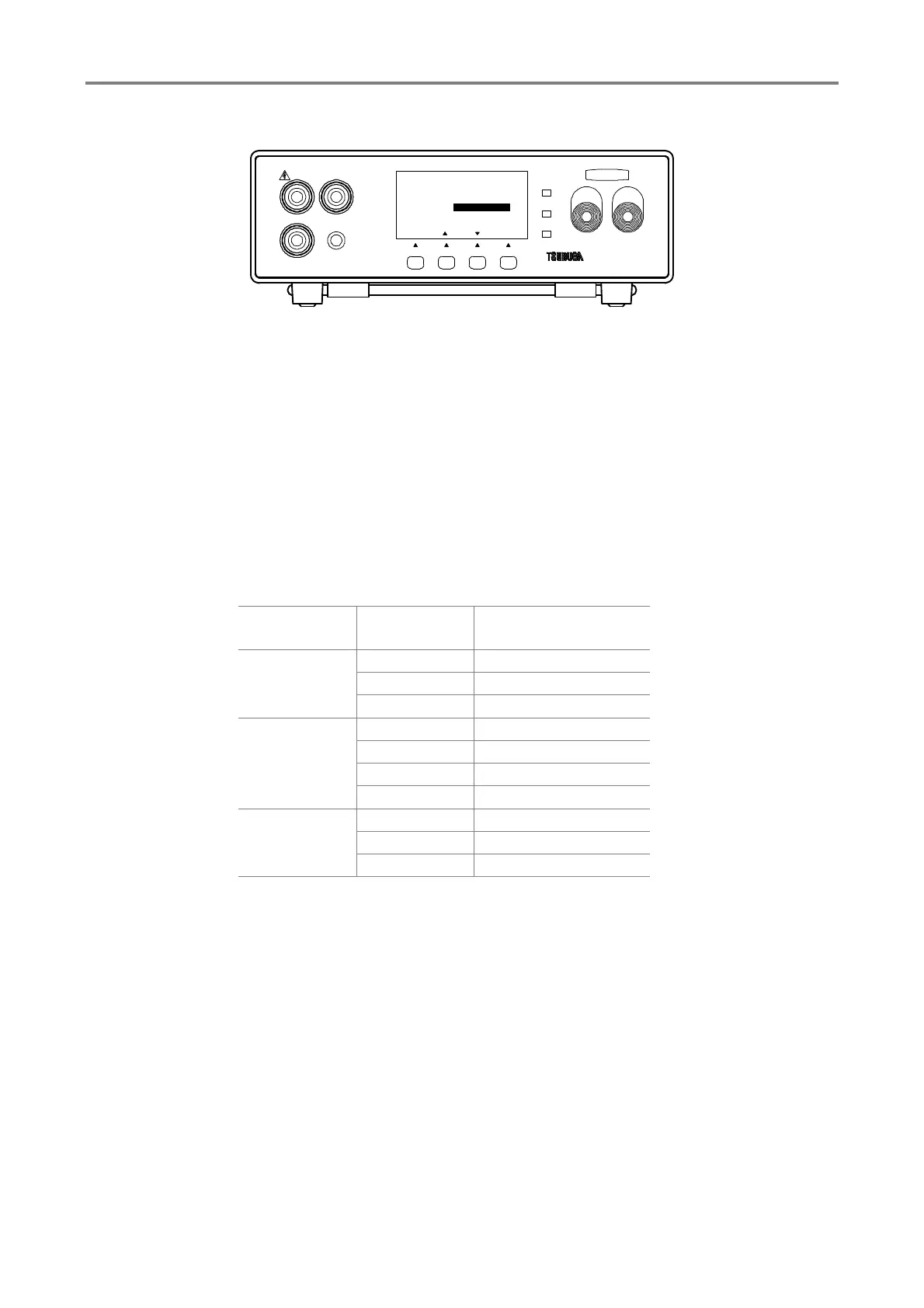
3.7.4 Selection of resistance range
① Press F1 [SEL] key to select MEMEORY SET and press F4 [ENT] key to enter it.
Select RANGE by F1 [SEL] KEY.
② Press F2 [▲], F3 [▼] key to change the setting
③ Press F4 [ENT] to memorize the setting and display returns to measurement standby
state.
When the resistance range is out of range, OUT OF RANGE is displayed for about 1 s
and display returns to setting mode.
Set the measurement voltage or measurement range within the range of table 3.1.
To continue the other setting, select the items that you want to change by pressing F1
[SEL].
Table 3.2 Display range for resistance range
Measurement
voltage
Resistance range Display range
25V to
99V
2.000MΩ 0.000 to 4.990
※ 1
20.00MΩ 1.79 to 49.90 ※ 2
200.0MΩ 17.9 to 999.0 ※ 3
100V to
499V
2.000MΩ 0.000 to 4.990
※ 1
20.00MΩ 1.79 to 49.90 ※ 2
200.0MΩ 17.9 to 499.0 ※ 2
2000MΩ 179 to 9990 ※ 3
500V to
1050V
20.00MΩ 0.00 to 49.90
※ 1
200.0MΩ 17.9 to 499.0 ※ 2
2000MΩ 179 to 9990 ※ 3
※ 1,2 When count is exceeded 4990, OVER is displayed.
※ 2,3 When the count is less than 179, UNDER is displayed.
※ 3 When count is exceeded 9990, OVER is displayed.
HIGH
GOOD
LOW
START STOP
3587MODEL
LOW
REMOTE
GUARD
HIGH
F3F2F1
[ENT]
MEMORY SET
MEMORY No
TEST MODE
VOLTAGE
RANGE
1
AUTO
2000MΩ
1/3
[][]
TEST
1000V
[ SEL ]
F4



 To Next Page